

When printing from inDesign object colour is different
I'm producing a brochure for a client that features their company blue as a main theme throughout.
The document and all of the imported assets are CMYK, and on my display the document looks fine. When I print it however, on one of my printers (a CMYK A4 printer) it prints fine, but on another (a CMYK A3 printer) the blue shifts to a more purple-ish tone.
What's odd however, is that if I print a page featuring elements created in inDesign (a rectangle, ellipse, text etc.) and an imported image, both of the same blue colour, the imported asset prints correctly and it's only the native inDesign elements that have a colour shift.
I've tried printing various pages, have printed directly from inDesign as well as a PDF from Adobe Acrobat, and have checked my settings and there is no issue I can see.
As we're due to have this professionally printed soon (at a run of 3000), I'm keen to get the issue sorted before it needs to be sent.
Any help appreciated.
The below example shows the blue and shifted blue, but this is a 'recreated' example done digitally to signify the colour change.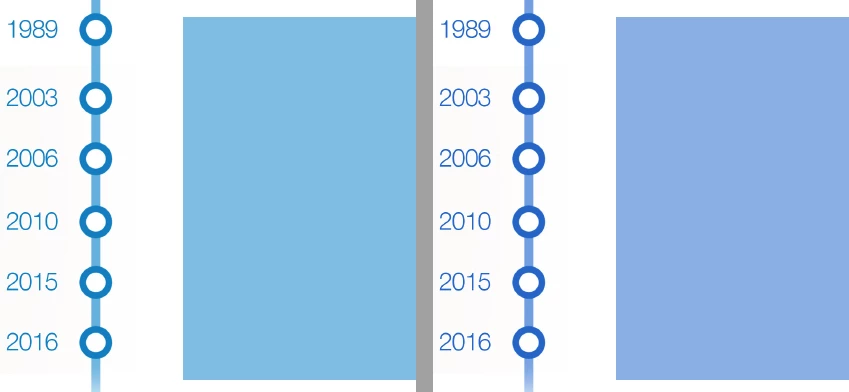
 AdChoices