

P: Mac catalogs exported by Win when source folders have non-ASCII characters
Mac LR gets confused in various ways when opening a smart-previews catalog exported from Windows, when the source folder for a photo contains a non-US-ASCII character such as é. This confusion doesn't occur when the same folder is renamed to include e rather than é.
Tested on LR 13.3.1, Mac OS 14.5 and Windows 11. To reproduce:
1. Download and open this catalog on Mac, which was exported from a Windows 11 catalog with just the option Build / Include Smart Previews:
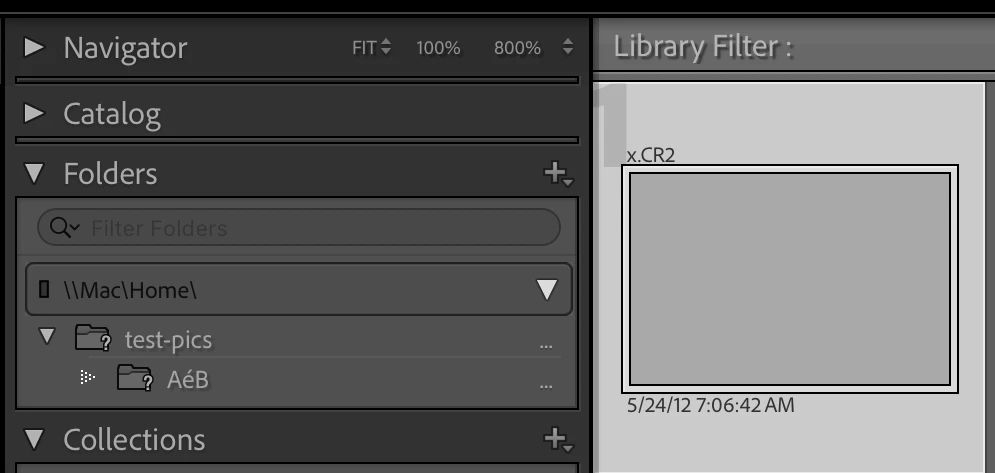
2. Observe the source folder was named AéB and that the preview thumbnail is grey (incorrect) and there is no smart-preview badge (incorrect):
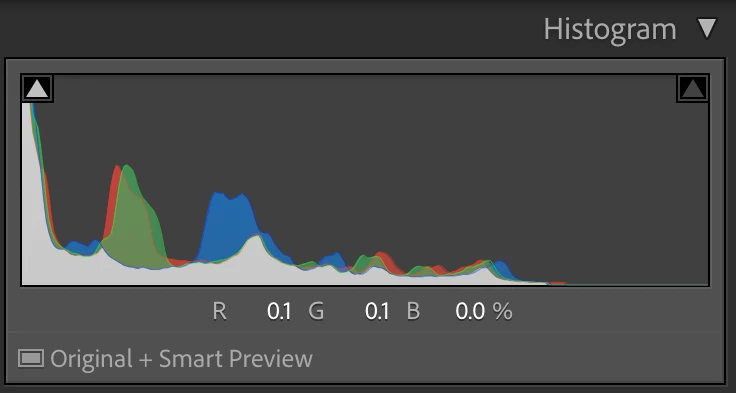
3. Edit the photo in Develop and change Exposure. Observe that the Histogram says "Original + Smart Preview" (incorrect, should be just "Smart Preview"):
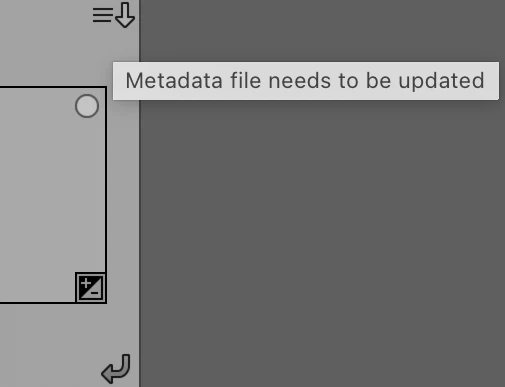
4. Observe that the metadata-status badge indicates "Metadata file needs to be updated" (incorrect, it should show the smart-preview badge):
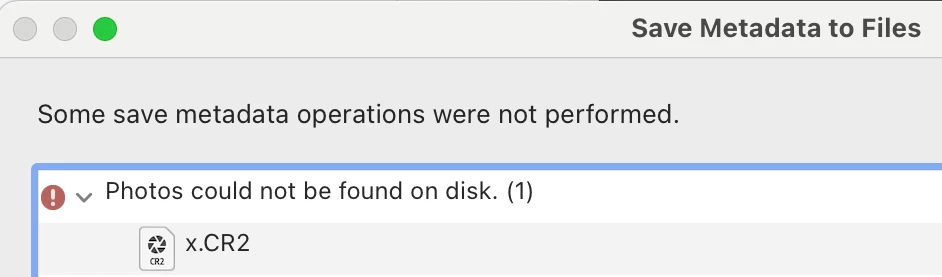
5. Click on the badge and do Save, and observe this error (correct):
6. Observe that the metadata-status badge indicates an unknown error (incorrect):
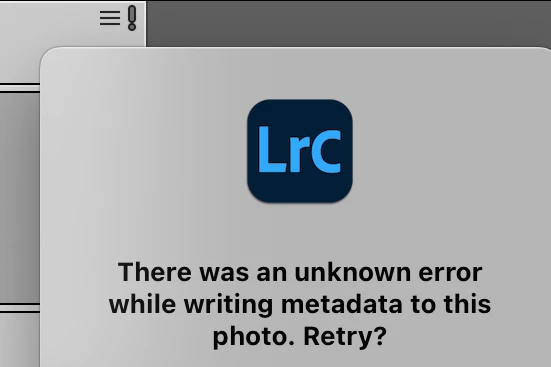
7. Repeat the same steps, opening on Mac a similar Windows 11 catalog where the source photo's folder is named AeB rather than AéB:
8. Observe the thumbnail is displayed (correct) and has the smart-preview badge (correct), unlike the previous catalog:
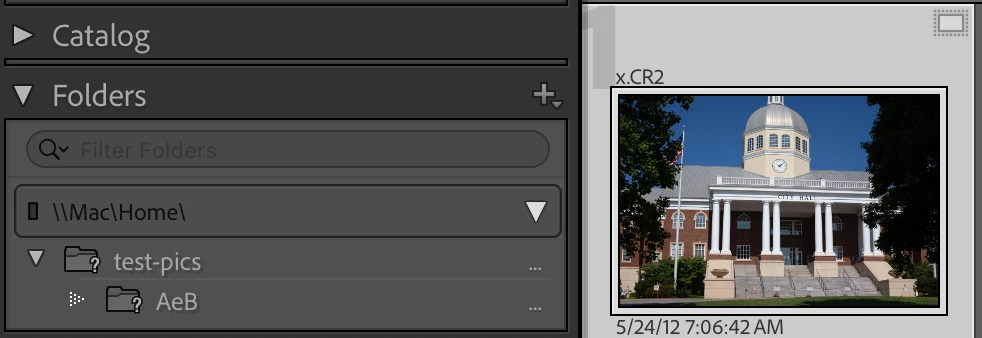
9. Edit the photo in Develop and change Exposure. Observe that the Histogram says just "Smart Preview" (correct):
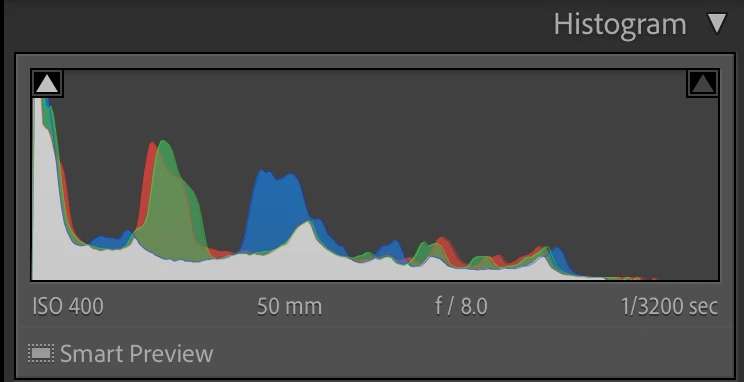
10. Observe the thumbnail still shows the smart-preview badge, not a metadata-status badge (correct):
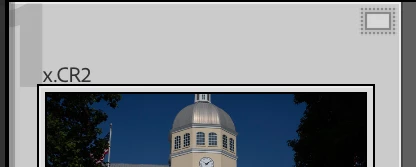
11. Do Metadata > Save Metadata To File and observe this error (correct):
12. Observe the thumbnail still has the smart-preview badge (correct):


 AdChoices