

Rae Bush
Participating Frequently
November 19, 2020
Question

3 possibly seperate but possibly connected issues with opening files in LRC

  • November 19, 2020
  • 2 replies
  • 499 views

Lightroom problems x3!


1.
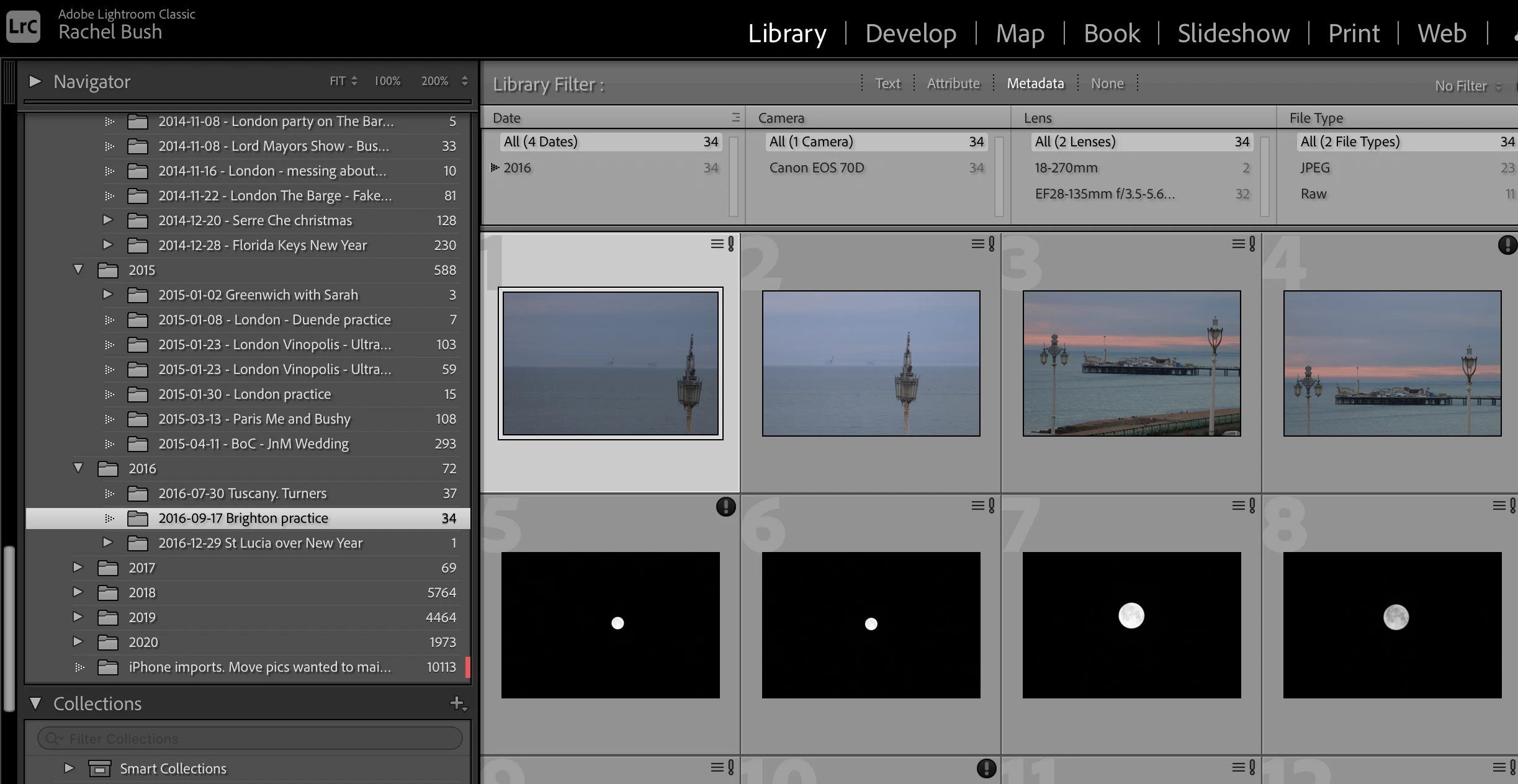
Little exclamation mark with lines in top right corner, opens fine but when you click on this the following error pops up as a dialogue box
- There was an unknown error while writing metadata to this photo. Retry?

Screenshot 1
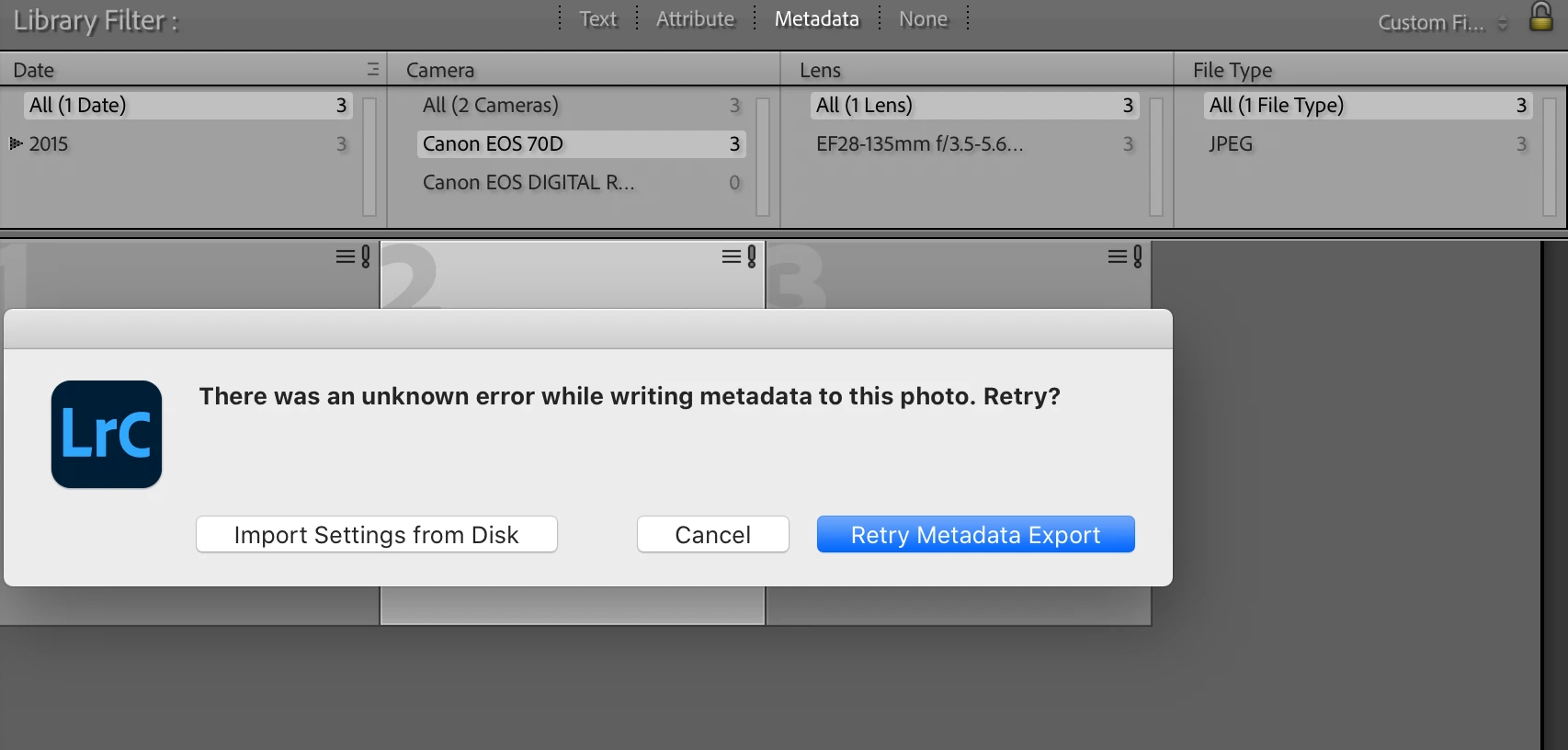


If I hit retry nothing happens
If I hit import settings from disk this happens…

Screenshot 2
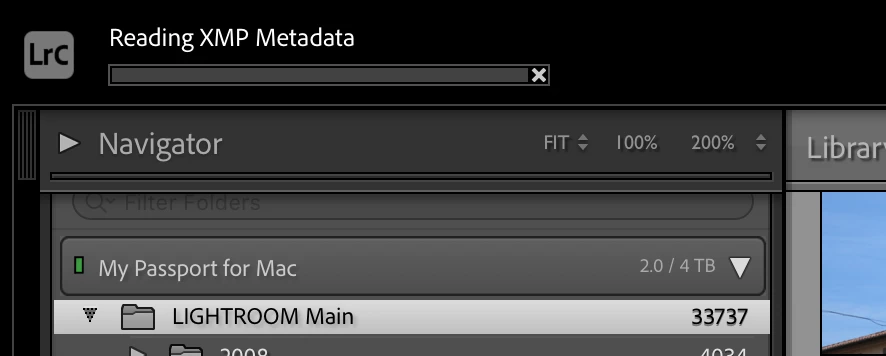


But the bar doesn’t seem to move anywhere.


2.
An exclamation mark in a black circle in top right corner, opens fine but when you click on this the following error pops up in a dialogue box
Lightroom has encountered problems reading this photo. You will not be able to make adjustments to the photo

Screenshot 3
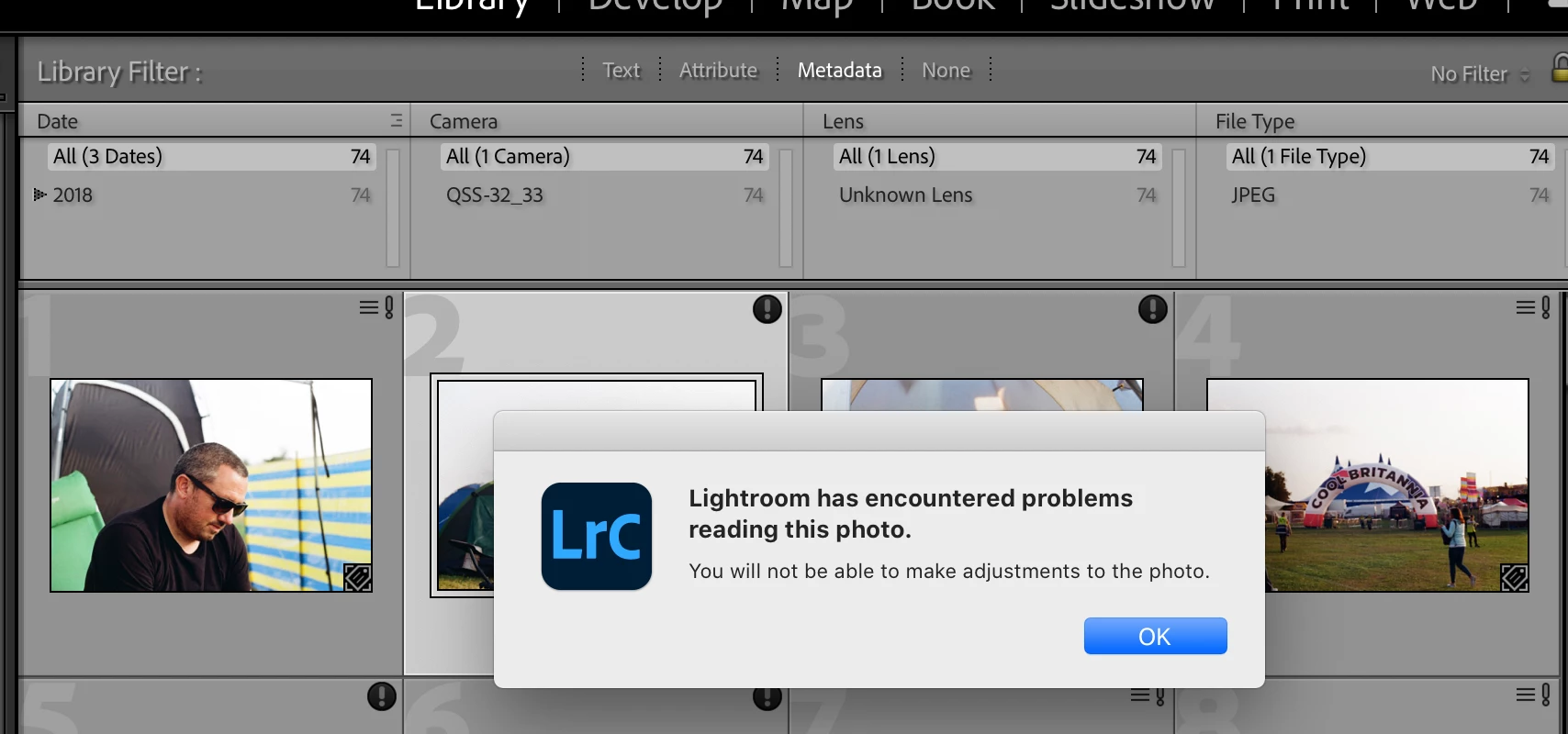


Only option is OK.


And
3.

On some of the ones, but not all, with an exclamation mark in the black circle when I click on the photo and then zoom in on photo the following error occurs on the actual photo.
- the file appears to be unsupported or damaged

Screenshot 4
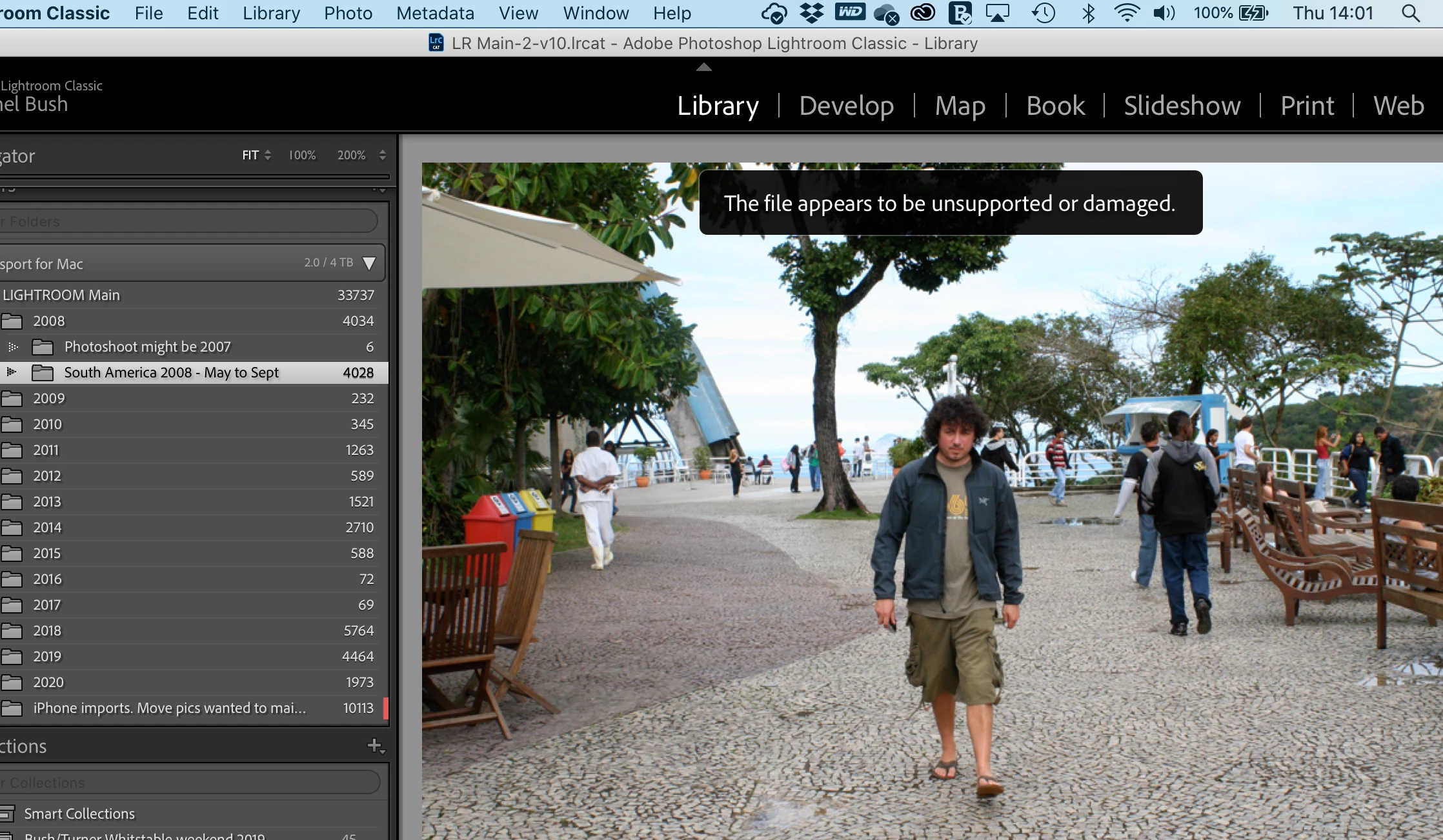
NB. Sometime I will go back to a photo that this happened on originally and it doesn’t happen a 2nd time.


I have no idea if all these issues are related or not but I’m sure you can see why I am confused! 🙂

Any help with any of these would be appreciated.


A bit of extra info.
I run macOS Catalina 10.15.7 on a MacBook Pro (13-inch, 2018, Four Thunderbolt 3 Ports)
Lightroom Classic - 10.0 release Camera Raw 13.0
My catalogue is saved on my Macs hard drive, my photos are all on my portable WD Passport for Mac

As you can possibly tell from the screenshots this seems to be happening across a wide range of file and camera types and on old and new files.


Another screenshot just showing the 2 different exclamation marks…

screenshot 5


This topic has been closed for replies.

2 replies

dj_paige
Legend
November 19, 2020

The black circle with exclamation point icon is a clear indication that the photos are corrupted and can't be used. All the other symptoms indicate the same problem ... something is wrong with the photos on your hard disk, and the most likely explanation is a malfunctioning hard disk.


You need to find the backups of these photos, place them in a new, identically named folder on a different hard disk, and the point Lightroom Classic to these new folders using Update Folder Location (directions, see Part 2 — Updating Folder Location).


If I were you, I'd get a new hard disk.

Rae Bush
Rae BushAuthor
Participating Frequently
November 19, 2020

Hi dj_paige, thanks for the reply... What a nightmare... Do you have any idea how this can happen? in case it was somethign I did I dont want to do it again... Also any hard drive suggestions?


Cheers

dj_paige
Legend
November 19, 2020

There's a zillion possible reasons why hard ware malfunctions, ranging from being bumped accidentally to the Cleveland Browns record being 3 games over 0.500. No one here across the internet can say with any certainty.


I don't have any hard drive suggestions.

Just Shoot Me
Legend
November 19, 2020

I suspect you have a faulty, failing, external drive.

Or whatever version of OS X (or MacOS 11) is somehow restricting access to that external drive.


Please Consider including the following in your question:
Adobe product and version number
Operating system and version number
The full text of any error message (s)
What you were doing when the problem occurred
Screen shots of the problem
Computer hardware, such as CPU; GPU; the amount of RAM; etc

Rae Bush
Rae BushAuthor
Participating Frequently
November 19, 2020

Hi Just Shoot Me,


Thanks for your response. I believe I included all of that info in my original post as well as screenshots describing each point I describe. Maybe it hasnt loaded correctly? I can see it all above your reply


If not I will edit and try again.


I really hope its not a faulty drive I only bought it this year 😞


I dont think I included - Computer hardware, such as CPU; GPU; the amount of RAM; so I will add this in now


Thank you