Participating Frequently
October 24, 2024
Question

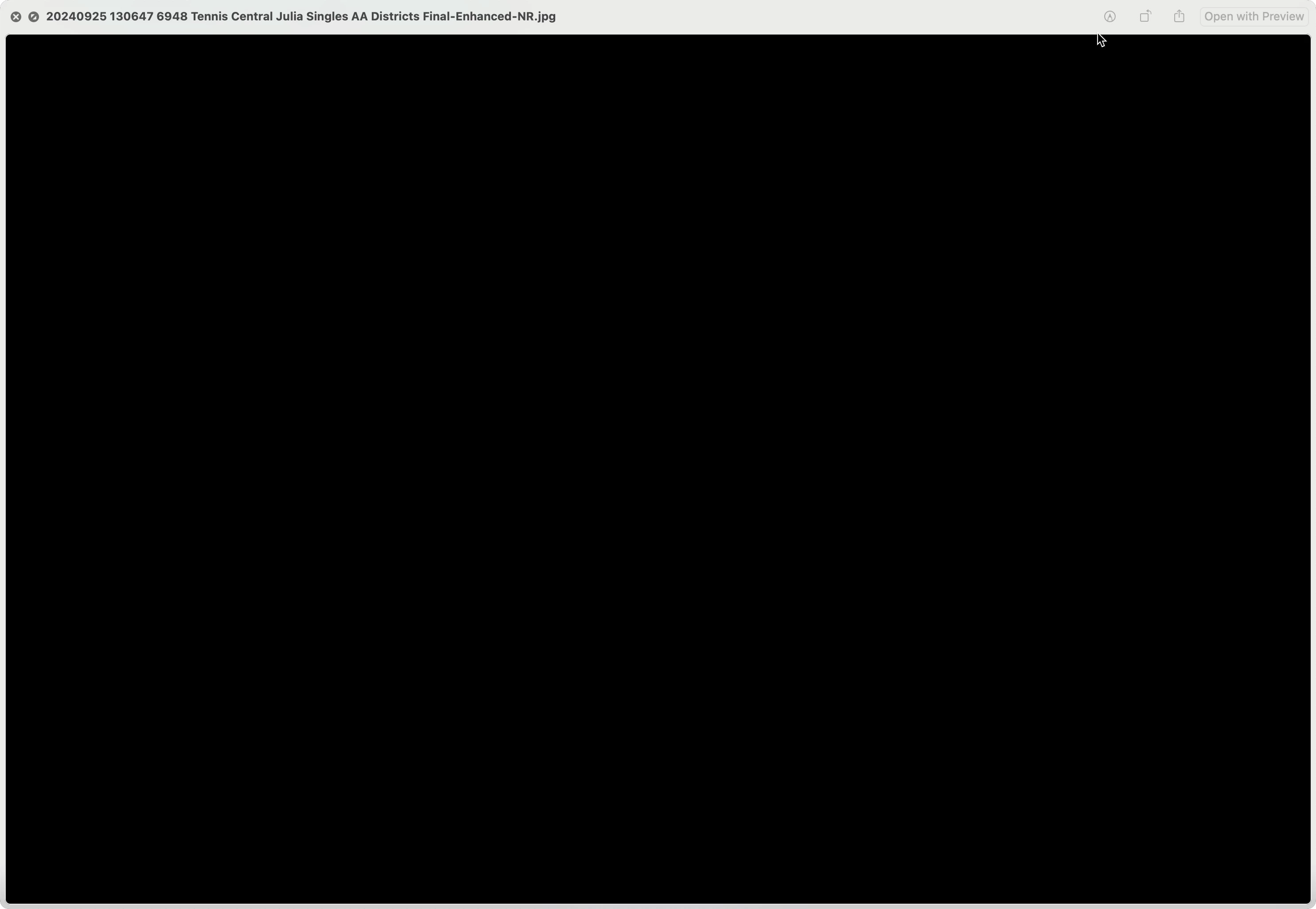
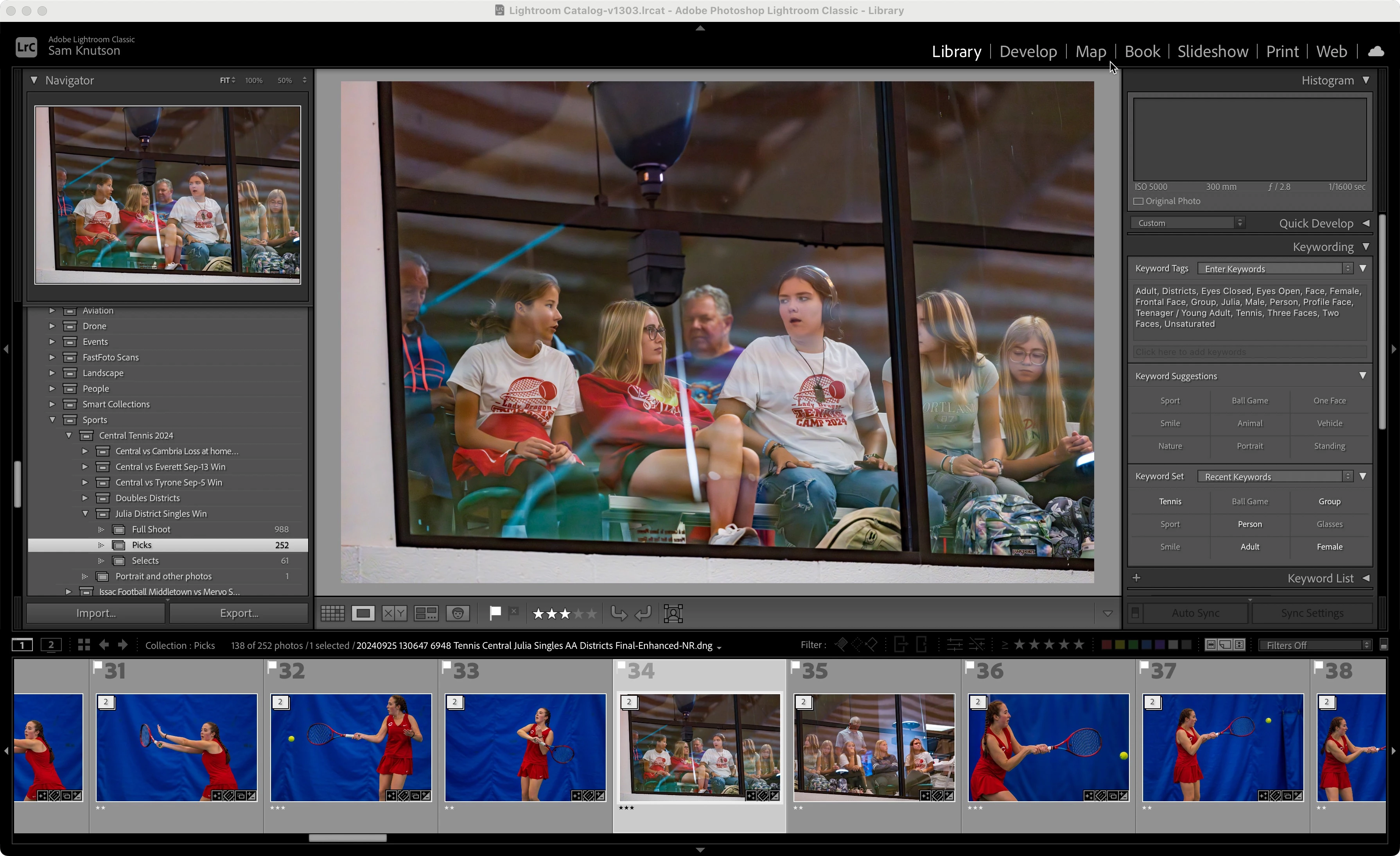
A few images which can be viewed and edited in LrC export incorrectly blacked out

  • October 24, 2024
  • 2 replies
  • 342 views

Still seeing this bug where a few photos and I cannot discern a pattern will not export correctly show up all black.  This persists in Lightroom Classic 14.0.1 on macOS Sequoia 15.0.1    Here are screen captures showing the problem.  This is a Sony RAW which is 60M as .ARW and 127M as a denoised .DNG so I cannot attach those files.   
 

2 replies

AxelMatt
Community Expert
Community Expert
October 31, 2024

I've seen several posts here regards to the same problem. In several cases the resetting of the Lightroom preferences has been helped.

https://www.lightroomqueen.com/how-do-i-reset-lightrooms-preferences/

It's recommended to backup your preferences before you reset the preferences to the default settings:

https://helpx.adobe.com/lightroom-classic/kb/preference-file-and-other-file-locations.html


If this isn't help you should try is to switch off the GPU support from the Lightroom preferences and check if that helps to fix the issue.

Go to Lightroom > Preferences > Performance tab > Uncheck "Use Graphics Processor" > Restart Lightroom.

https://helpx.adobe.com/lightroom-classic/kb/troubleshoot-gpu.html


If this also doesn't help we need more informations about your environment. Please provide also a copy of your 'System Info'. This can be get from the LrC Help > System Info menu item. There's a copy button in the System Info dialog. Press this button and paste the info into your next forum post.


My System: Intel i7-8700K - 64GB RAM - NVidia Geforce RTX 3060 - Windows 11 Pro 25H2 -- LR-Classic 15 - Photoshop 27 - Nik Collection 8 - PureRAW 6 - Topaz Photo AI
Participating Frequently
August 11, 2025

This is resolved for me at the current level 

Adobe Lightroom Classic

14.4 Release Camera Raw 17.4

Build [202506051112-5918896a]


So for anyone else encountering the problem in addition to the post from AxelMatt above I would strongly suggest install the latest updates as your problem may simply be resolved by an updated build released through Adobe's normal process.

dj_paige
Legend
October 24, 2024

Can you share one of these photos that exports black on DropBox or similar? Please provide us with the link.

Participating Frequently
October 24, 2024