Participating Frequently
June 17, 2025
Answered

AI Denoise Missing or Not Working After Latest Lightroom Classic Update

  • June 17, 2025
  • 3 replies
  • 7711 views

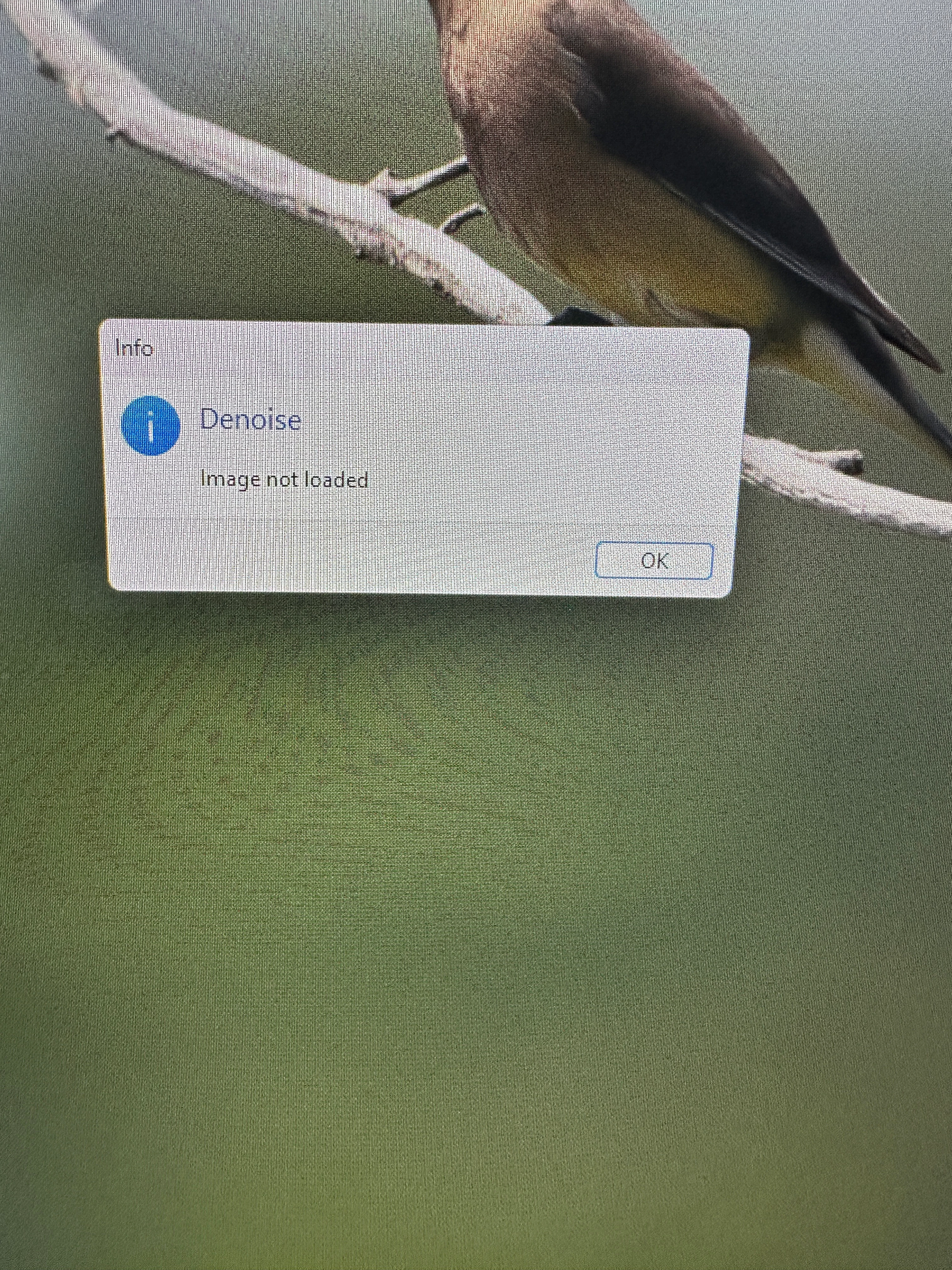
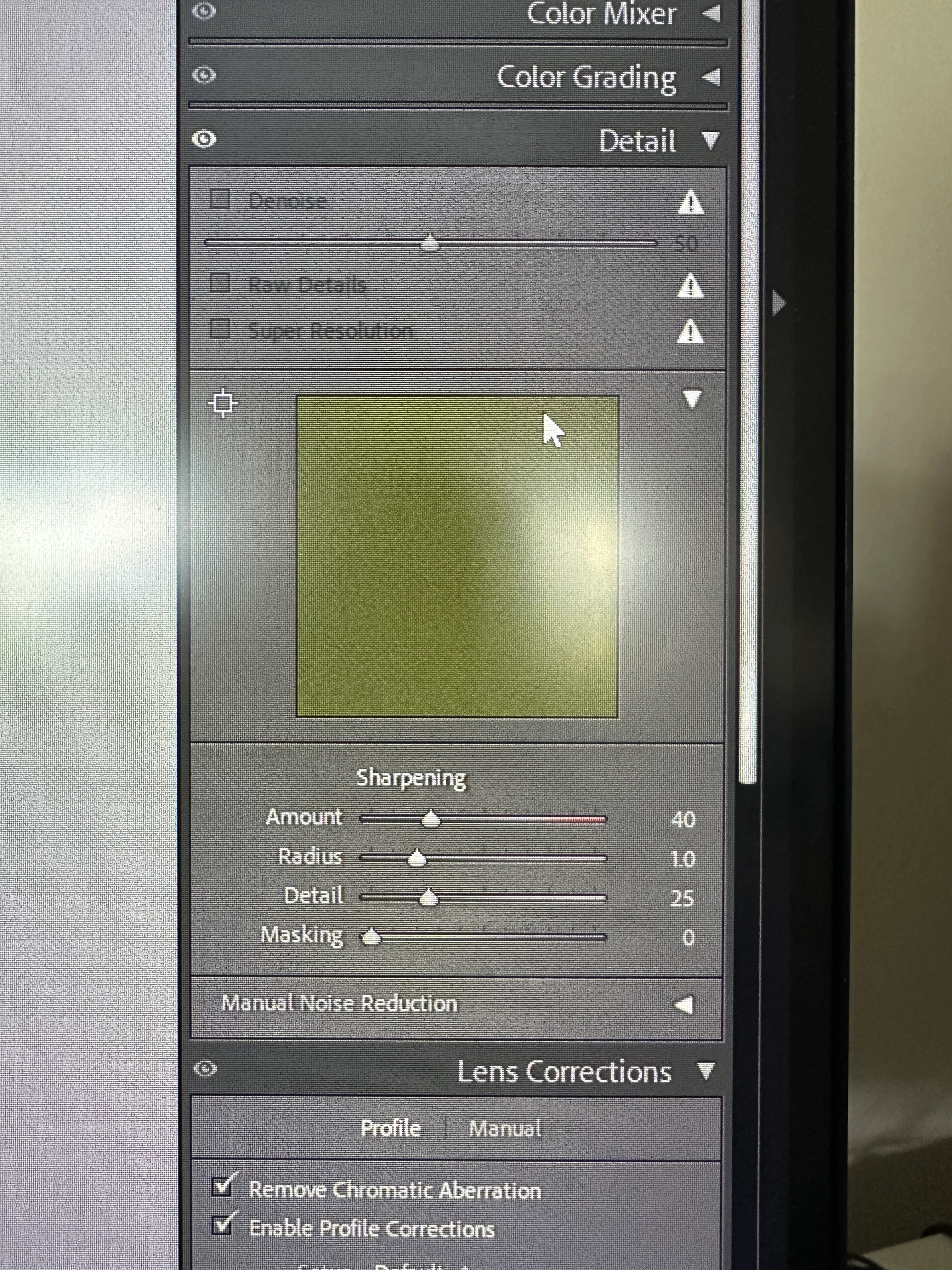
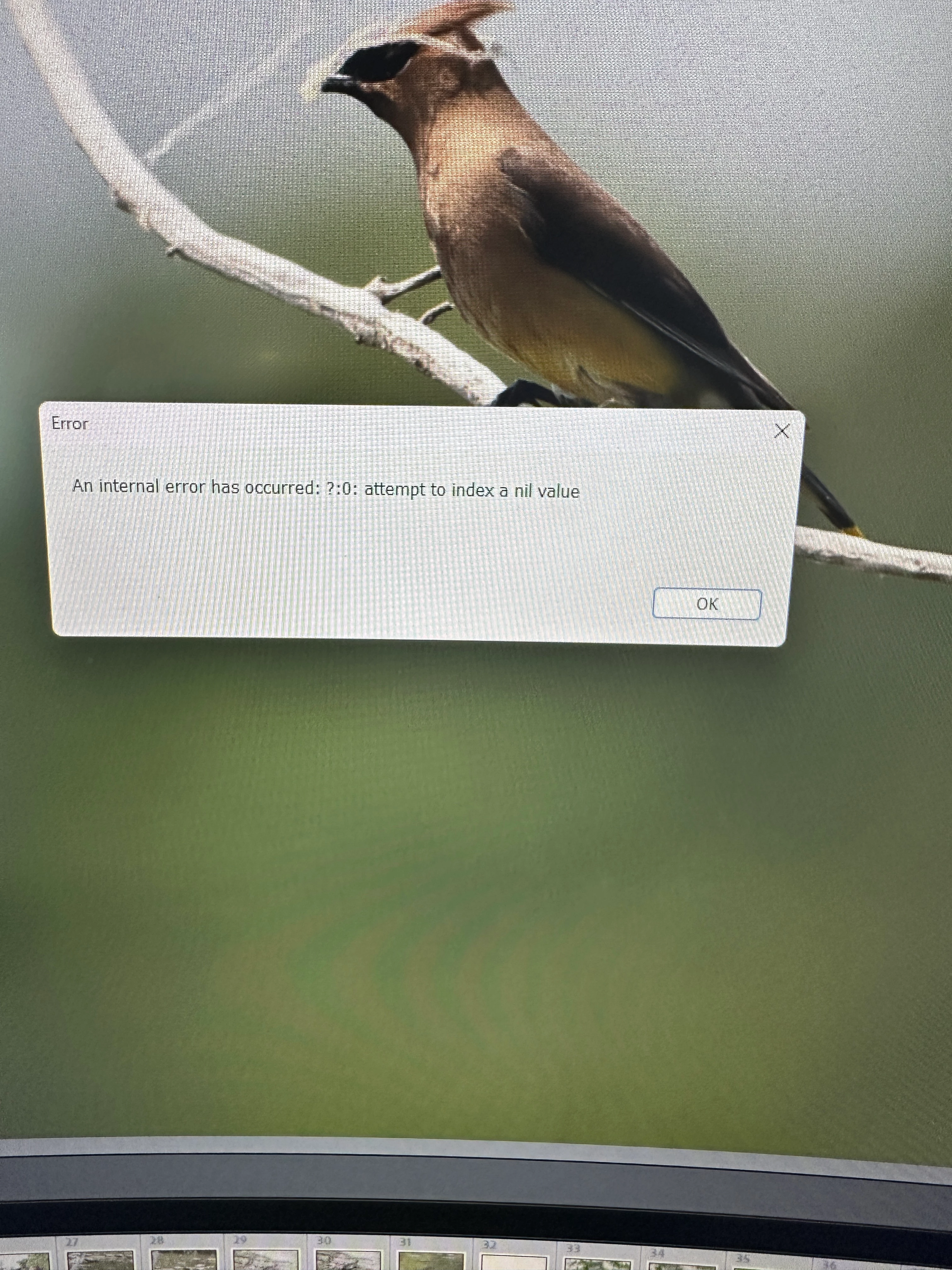
So I just did the most recent update for Lightroom Classic through CC. When I opened it I noticed the AI Denoise option has been replaced. When I selected the denoise option the following errors happened in the pictures attached. Any ideas to fix this?
Correct answer KrishnaMaithreya

@kevinm62798992 Thanks for reaching out to us. We'll investigate why the AI Denoise gets disabled.


Following steps refresh the UI states of the Enhance features ( Denoise, Raw Details & Super Resolution ) . Can you please try them out once:
- Press Alt key

- Observe that visibility icon at the left end of "Detail" panel header is replaced with a switch icon.

- Now click on the switch icon ( with Alt key pressed ).

- Observe that the Enhance features are now in grayed out state.

- Now click on the switch icon again ( with Alt key pressed ). This should enable the features.

3 replies

Participant
July 16, 2025

After the latest Lightroom Classic update, the AI Denoise tool may change or not work right. This can happen if your graphics card is not supported or needs a driver update. Try updating your GPU drivers and restart Lightroom. Make sure your system meets the new update's needs.

Participating Frequently
August 12, 2025

this is rubbish, the previous function was great and now just doesnt work - why did you change it as what was the point and why dont you give users the option. Try doing some proper testing before relaeasing these aweful updates

CMass
Community Manager
Community Manager
June 17, 2025

Hey @kevinm62798992,


Welcome to the Lightroom Classic community! I’d be happy to help troubleshoot the issue and get you back on track. To start, may I ask if the files you’re working with are still properly linked? As a next step, try creating a new catalog and running through the same workflow using the same image. This can help us determine if the issue is catalog-specific. Let me know how it goes!


^CM

Participating Frequently
June 17, 2025
they are properly linked. need a couple hours and i will give the new
catalog a go
Participating Frequently
June 17, 2025

So now when I do the denoise since the AI Denoise is gone I get these errors with my photos, Can I uninstall the update? or how does this get fixed. This has stopped my editing all together 


KrishnaMaithreyaCorrect answer
Adobe Employee
June 18, 2025

@kevinm62798992 Thanks for reaching out to us. We'll investigate why the AI Denoise gets disabled.


Following steps refresh the UI states of the Enhance features ( Denoise, Raw Details & Super Resolution ) . Can you please try them out once:
- Press Alt key

- Observe that visibility icon at the left end of "Detail" panel header is replaced with a switch icon.

- Now click on the switch icon ( with Alt key pressed ).

- Observe that the Enhance features are now in grayed out state.

- Now click on the switch icon again ( with Alt key pressed ). This should enable the features.

Participant
July 29, 2025

Hello it did not work in the swedish version of Lightroom Classic

I have uninstalled the program and I also tried the regular Lightroom and same result!
Please Help!
Best regards Kristoffer from Sweden.