
AI denoise sometimes it does not apply
Version of the app:
LrC 14.5.1
Platform and OS version:
Windows 11 24H2 x64
Basic steps to reproduce the problem:
When using the AI denoise sometimes it does not apply or does not consider the already done desonise.
It got to the point where I was not able to tell if denoise was actually applied without manual one-by-one inspection of each picture. From what I understood it seems to happen if I apply ai denoise on some pictures, then if i synchronize the settings with the ai denoise aswell including both already denoised and non denoised pictures. It already starts wrong since if the selected pictures has a different denoise strenght applied it does recompute the ai denose from scratch instead of just synching the value but it looks like sometimes it does recompute it but also does not apply it even if it looks checked on the develop panel.
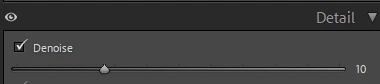
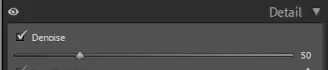
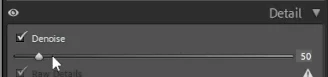
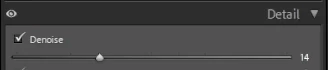
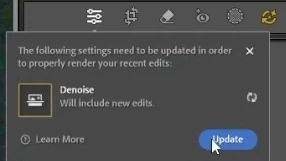
Moving the slider manually or setting the value sometimes fixed it but most of time it didn't and sometimes the slider did not move and when typing in the box it instantly deselected itself. Note that it was not grayed out. Syncing the settings again did not fix the problem. Cleaning both video and camera raw's cache did not fix the problem. Restarting did not fix the problem and updating the ai edit status was also completely useless. The noise was still clearly in the image, both luminance and color noise, and did also show exactly in the same way in the exported jpg files. The only way I could "fix" this was to completely delete the preview folder of the catalog and regenerate the denoise from scratch
Expected result and actual result:
To just generate the denose if it is not already present and just synchronize the strenght and to actually apply the denoise and allow me to change the strenght. Also the AI status update button to be effective.
 AdChoices