
Participant
October 21, 2024
Question

AI does not work in lightroom classic

  • October 21, 2024
  • 1 reply
  • 578 views

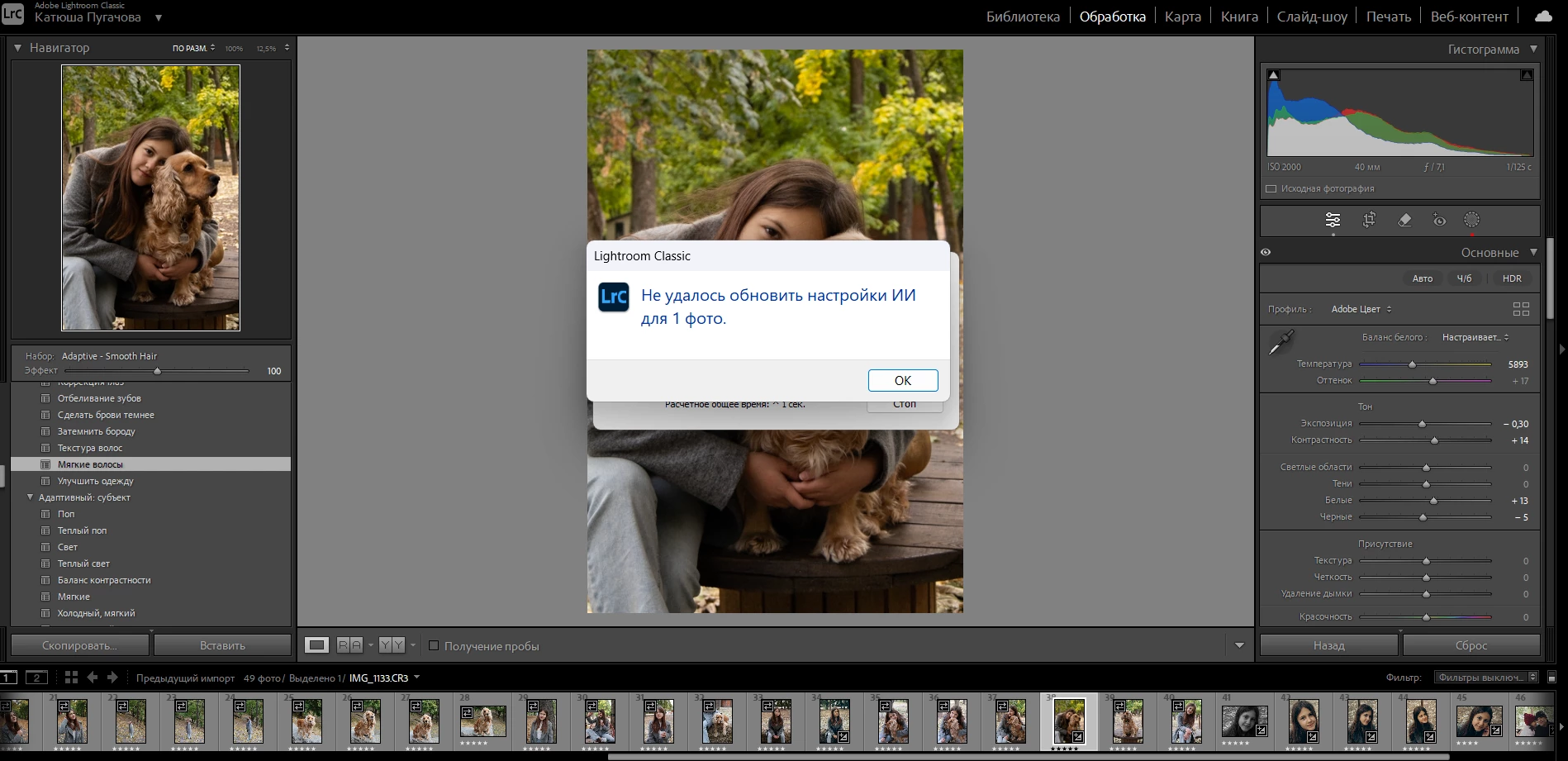
AI functions were still working today, I used features such as background blur, smooth skin, etc. Now, any function related to AI simply doesn’t work, it says that the settings couldn’t be updated for 1 photo. And it happens with any photo. I'm attaching a screenshot of the error, but it’s written in Russian, though it shows the same error I mentioned above
This topic has been closed for replies.

1 reply

GoldingD
Legend
October 22, 2024

Not at all sure what function you are attempting. Was it an update masks? If not try updating those masks (notice the red dot indicating such is needed)


johnrellis
Legend
October 23, 2024

That error comes from Update AI Settings, and LR's English translation  is:

"$$$/CRaw/Masking/BatchUpdate/ErrorSingle=Could not update AI settings for 1 photo."

There have been many recent reports of problems with LR not able to update and retain AI settings. As a first troubleshooting step, please do the LR menu command Help > System Info and copy/paste the entire contents here so we can see exactly which versions of hardware and software LR thinks you're running and important LR options that are set.