
Question
Any way to disable Import Dialog in Lightroom Classic on Windows 10?
Hoping someone is able to help.
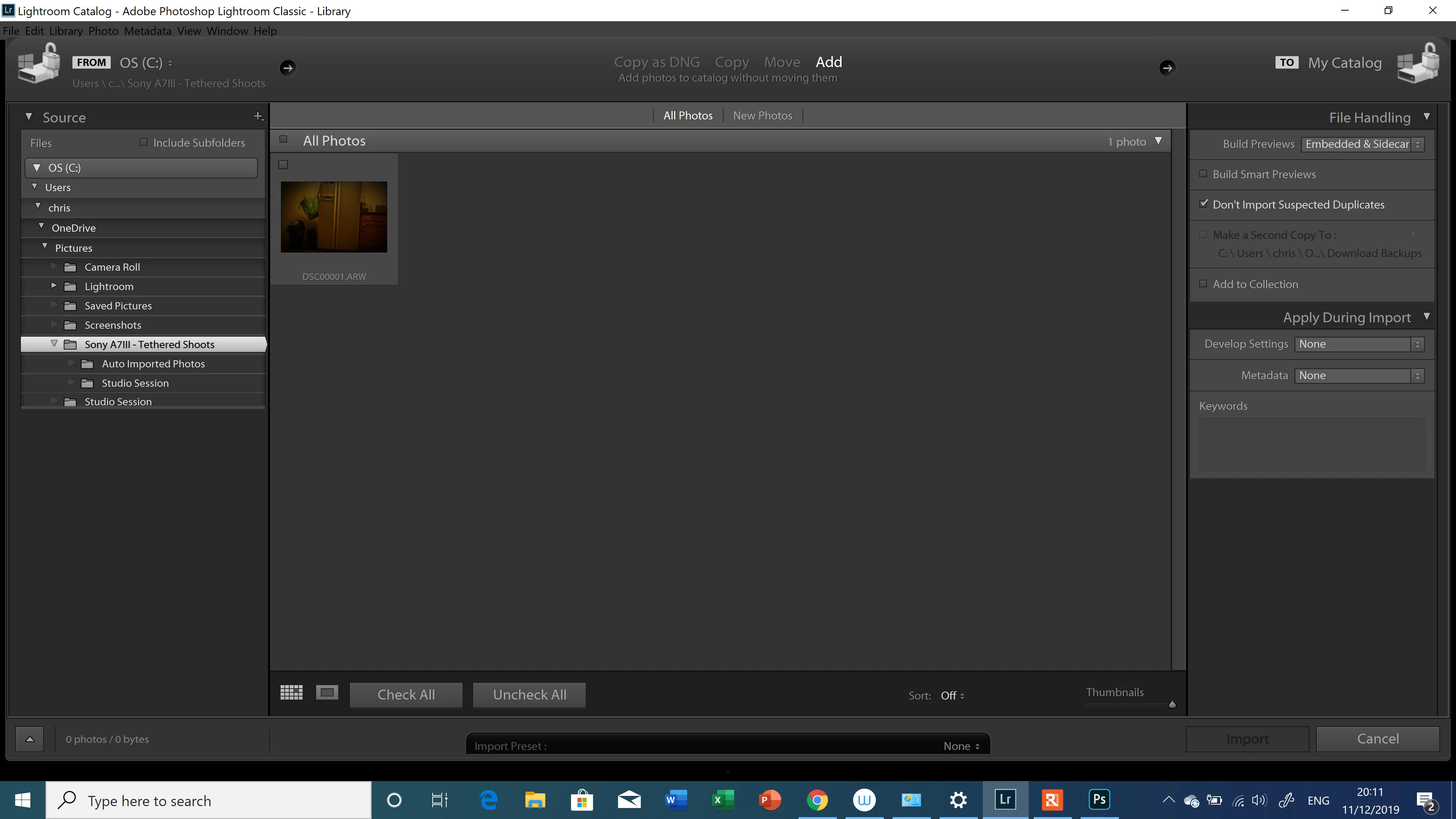
I've recently set up Lightroom to auto-import files saved from a designated folder. It is to my understanding Tethered Capture doesn't work with Sony A7III, so the workaround is to use the Sony Imaging Edge program. Every time I take a photo I notice it is imported into the catalogue on Lightroom, but another window pops up which I believe is the Import Dialog feature. Is it possible to bypass this window from appearing?
Many thanks,
{Thread renamed by moderator}
 AdChoices