svenh11138716
Participant
March 12, 2023
Answered

Artifacts when importing RAW files

  • March 12, 2023
  • 2 replies
  • 959 views

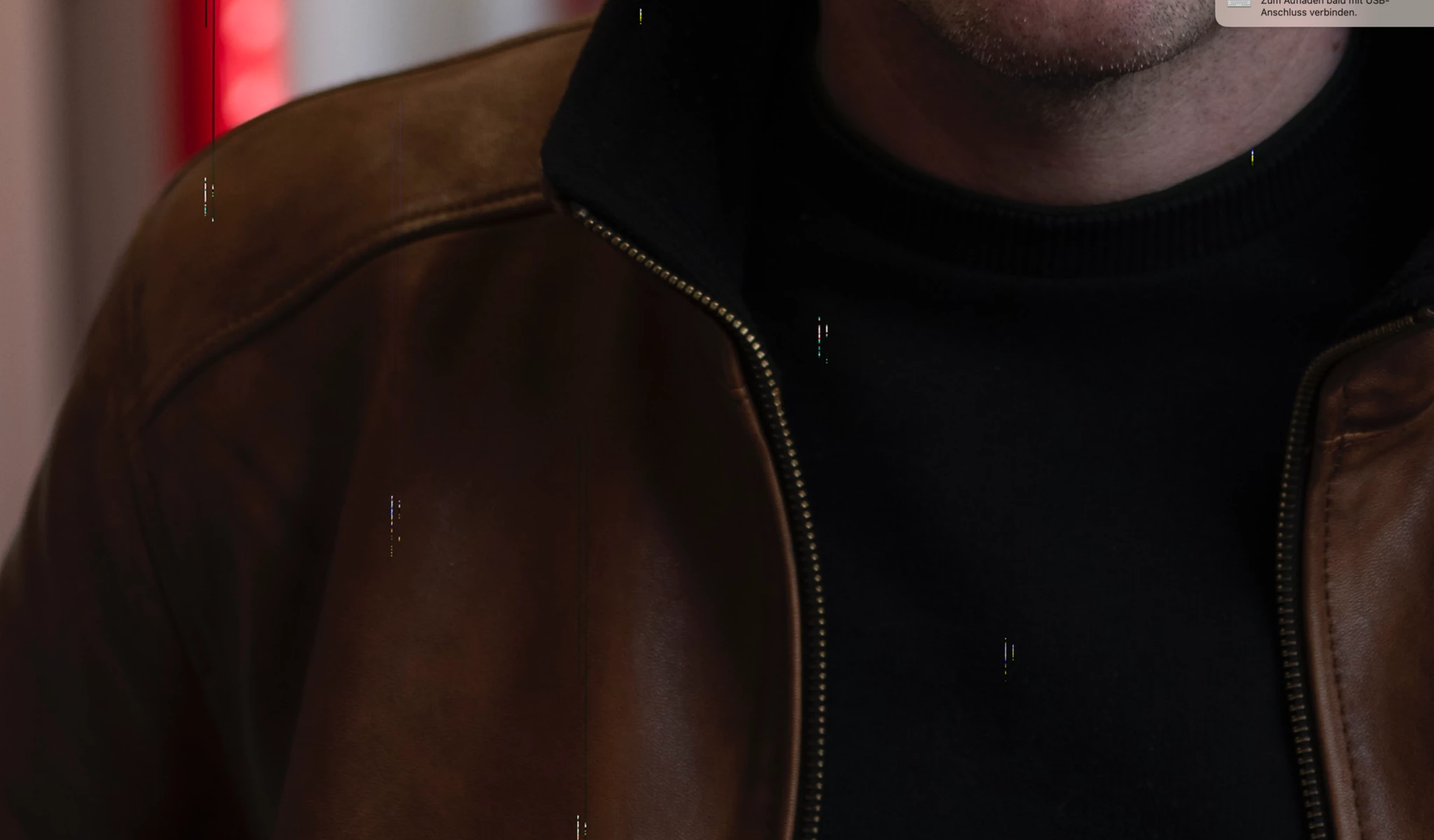
Hello, I have since some time a problem with the import of my RAW files. After the import these small stripes are displayed. On the original RAW file these errors are not visible. I store the files on an external SSD disk.


sven


[moved from bugs to discussions – Mod.]

This topic has been closed for replies.
Correct answer Per Berntsen

This looks like file corruption caused by failing hardware – could be camera card, card reader, hard drive or RAM.

What you refer to as "the original RAW file" is the jpg preview embedded in the raw file, which is usually not affected by corruption.


There is also a slight possibility that is a GPU problem. You can check this by going to Preferences > Performance, and setting Use graphics processor to Off. If this fixes the issue, you will have to work with the GPU off until an OS update installs an updated graphics driver.


2 replies

svenh11138716
Participant
March 12, 2023

Thanks Per, I think it was the hard drive. With another hard drive, the artefacte do not appear

Per Berntsen
Community Expert
Per BerntsenCommunity ExpertCorrect answer
Community Expert
March 12, 2023

This looks like file corruption caused by failing hardware – could be camera card, card reader, hard drive or RAM.

What you refer to as "the original RAW file" is the jpg preview embedded in the raw file, which is usually not affected by corruption.


There is also a slight possibility that is a GPU problem. You can check this by going to Preferences > Performance, and setting Use graphics processor to Off. If this fixes the issue, you will have to work with the GPU off until an OS update installs an updated graphics driver.
