
Automatically crop images to “cut out” a person
Hey,
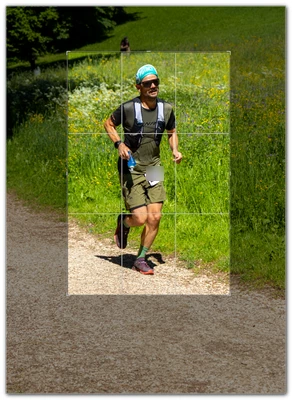
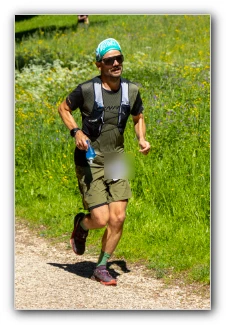
I have several hundred RAW shots, each with a person in a landscape. This person is sometimes more, sometimes less far away. So sometimes more, sometimes less large in the shots. To ensure that there is not too much landscape and that the person is in the foreground, I always manually crop the image so that only the person is shown (with space on all sides, of course).
Of course, this is a laborious task, picture by picture.
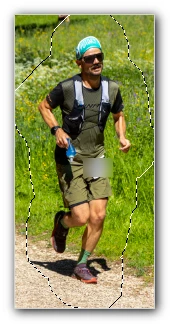
Is there therefore an automated option? For example, Lightroom can mask subjects or mask the background:
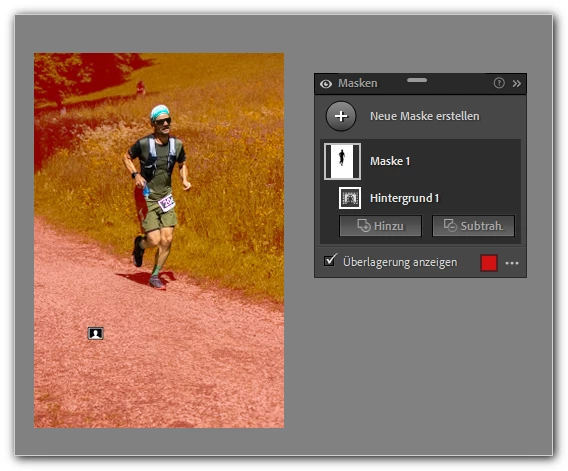
If I could reverse the masking, expand the area and then crop - all automatically instead of manually - that would be a great help.
Any tips or tricks or plugins or anything like that?
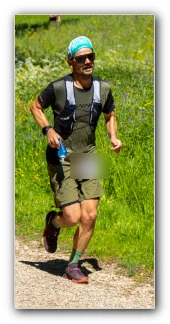
The final result should look like this:
Have a nice Sunday!
mycc
 AdChoices