
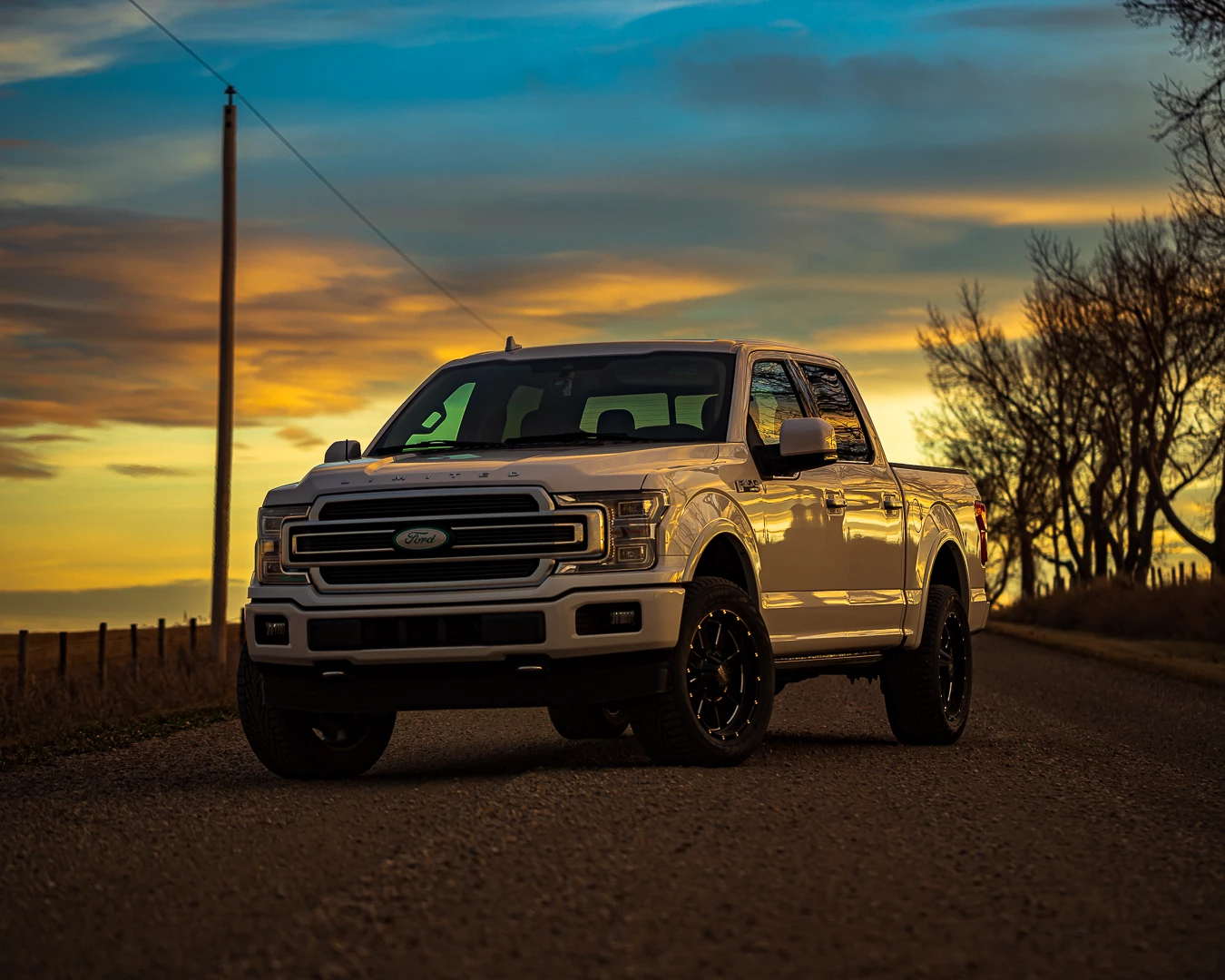
Blurry photos during zoom after edit...
Hello Community!
I come to you today in search for an answer! I am a car photographer and utilize Instagram as a source for some of my work. My friends and I like to share photos and ideas within groups and such.
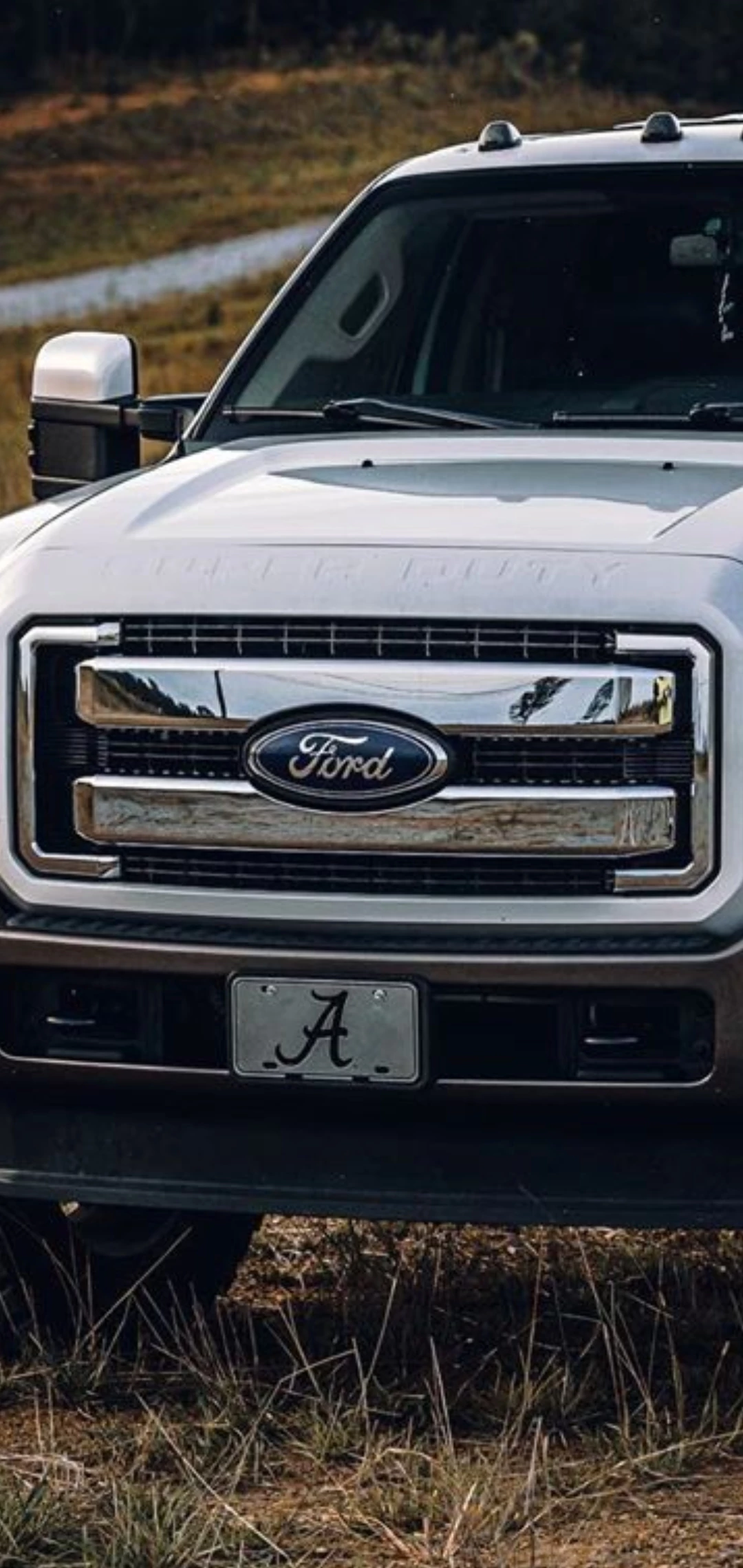
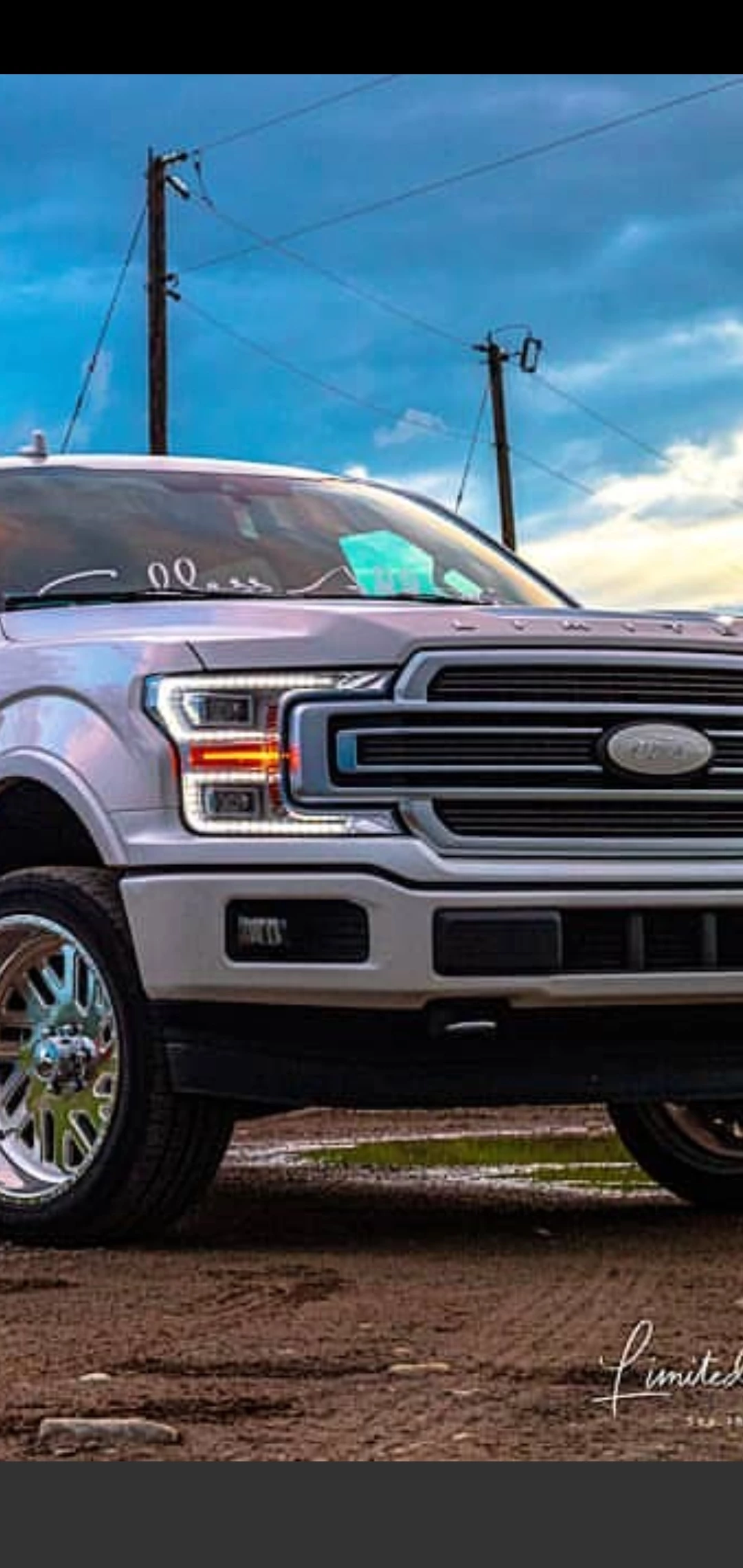
The reason im coming to you today is this, when I attempt to upload photos to my profile they look amazing at first glance. If you zoom into the photos they dont look so good... The two photos I have posted are a Ford Super duty (photo 1) and an F150 (photo 2) The first one is zoomed into from instagram and so is the second. The clarity on the first is almost perfect! No blur or bad coloring...The second on the other hand, looks like it came from a Nokia back in 1998!
I use Lightroom classic on all my photos and have done the following to almost EVERY single photo I have posted with multiple different combinations and i cannot figure out why they are blurry everytime:
- Export as Jpeg & sRGB
- Quality ranging from 40-100 (usually using 80)
- Resize to fit: Width & Height, Long Edge, Short edge, Dimensions
- Pixels: Ranging anywhere from 50-4000 (usually using 72 as well)
- Resolution: Anwhere from 50-2000ppi (usally on 75)
- Output sharpening - Screen/High
I have tried cropping to 1.91, 4:5 and 1:1 and still all with very bad results. I dont know what im doing wrong...We have been trying to figure out for months what is causing this blur? They are crisp clear coming from dropbox to my phone or via email to my phone. As soon as they go over to Instagram, they get pulled down, which i already knew. But how come his photos are SUPREME quality when zoomed in and mine are very, "Nokia-ish)
 AdChoices