This a different issue than the one that has to do with the Camera Profiles.
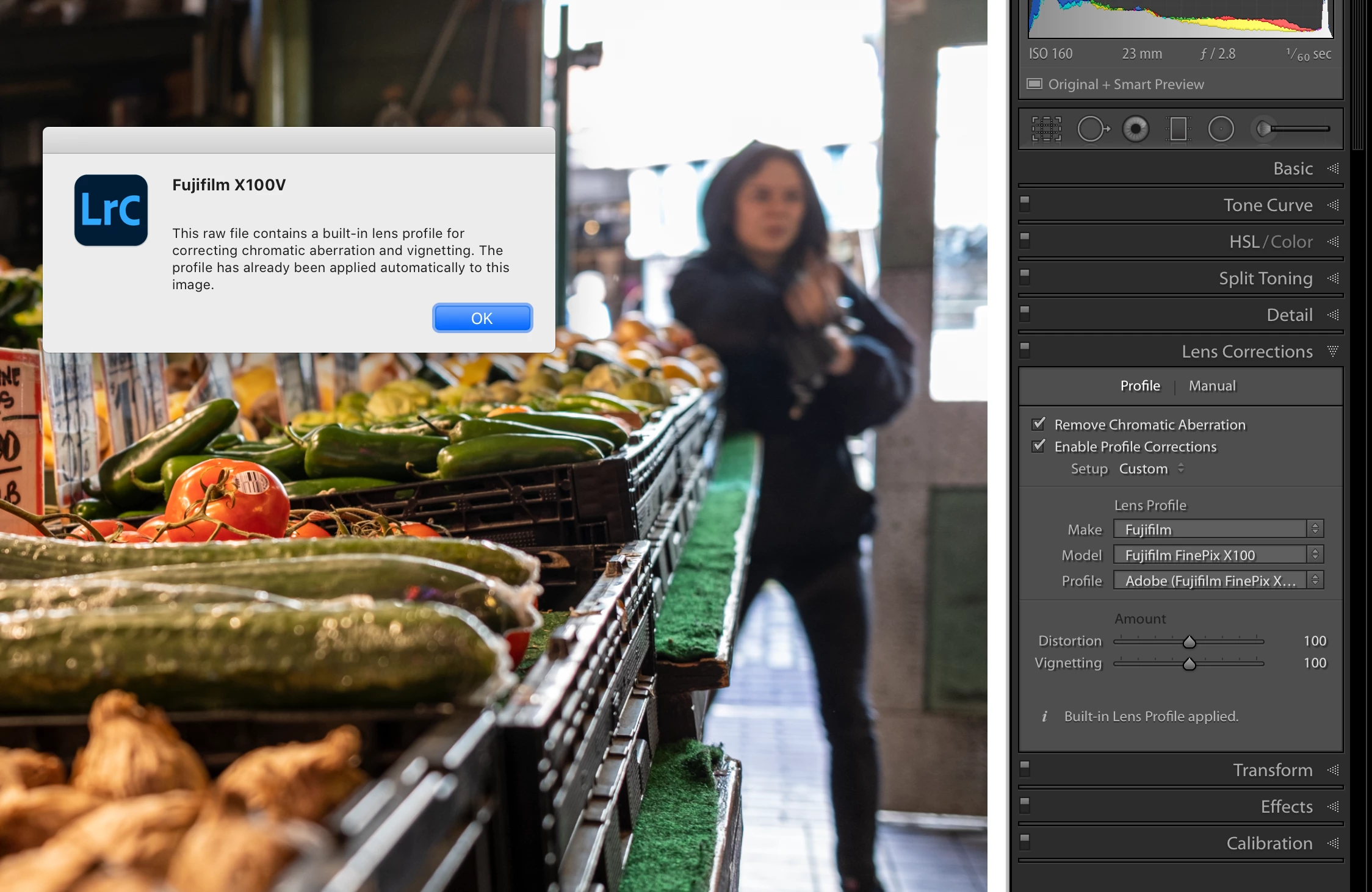
This is about a lens profile, Fuji has supplied a lens profile which has been placed in the RAW file header specific to the Lens that was used to capture the image. That profile has already been applied by Lightroom and is not something you can turn on or off. If you click on the "i" to the left of the message you will be provided with more information.
Lightroom is functioning as expected. See the clip from your screen capture in your post above.
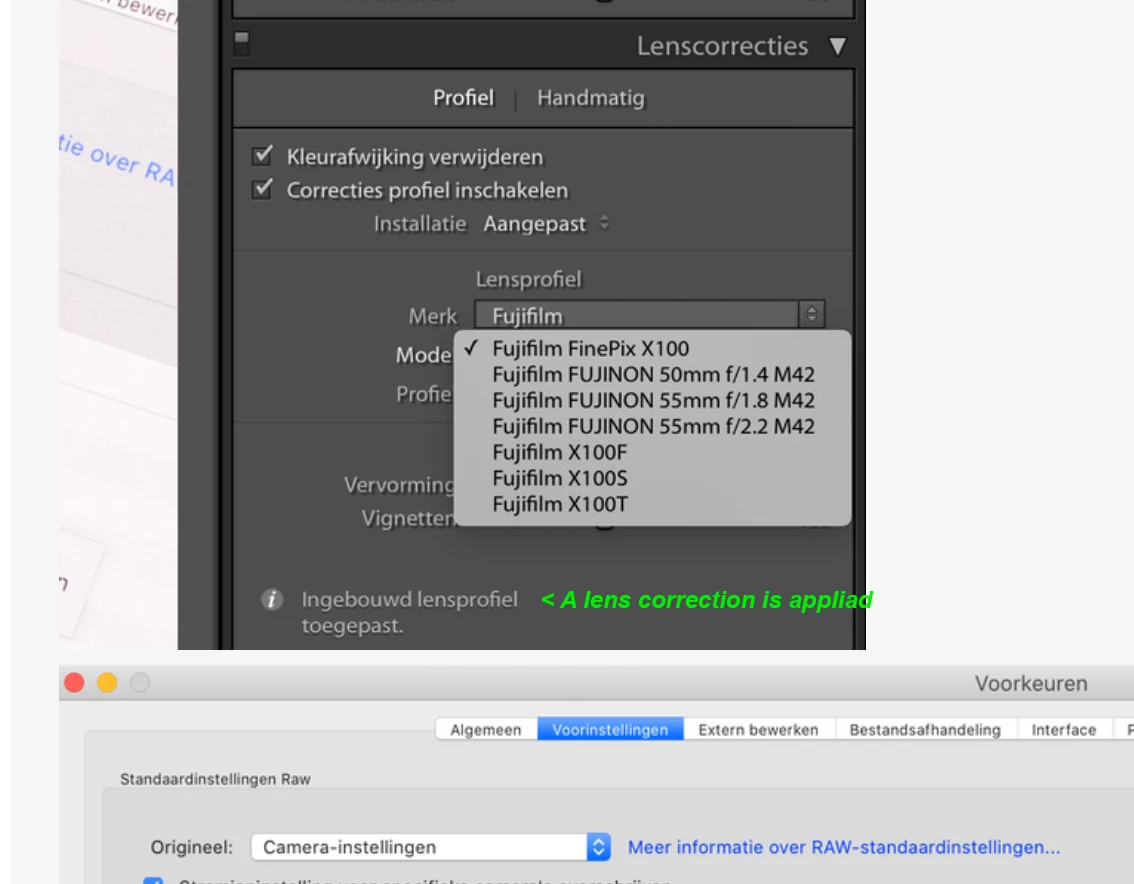
I have the same experience with the file that I downloaded, see the screen capture with the information message displayed.
Enabling the lens correction activates an Adobe created Lens distortion correction to the image in addition to the one automatically applied.
Its a lens distortion correction that probably created with the Camera model displayed, but Lightroom is definitely recognising your camera model.

 AdChoices