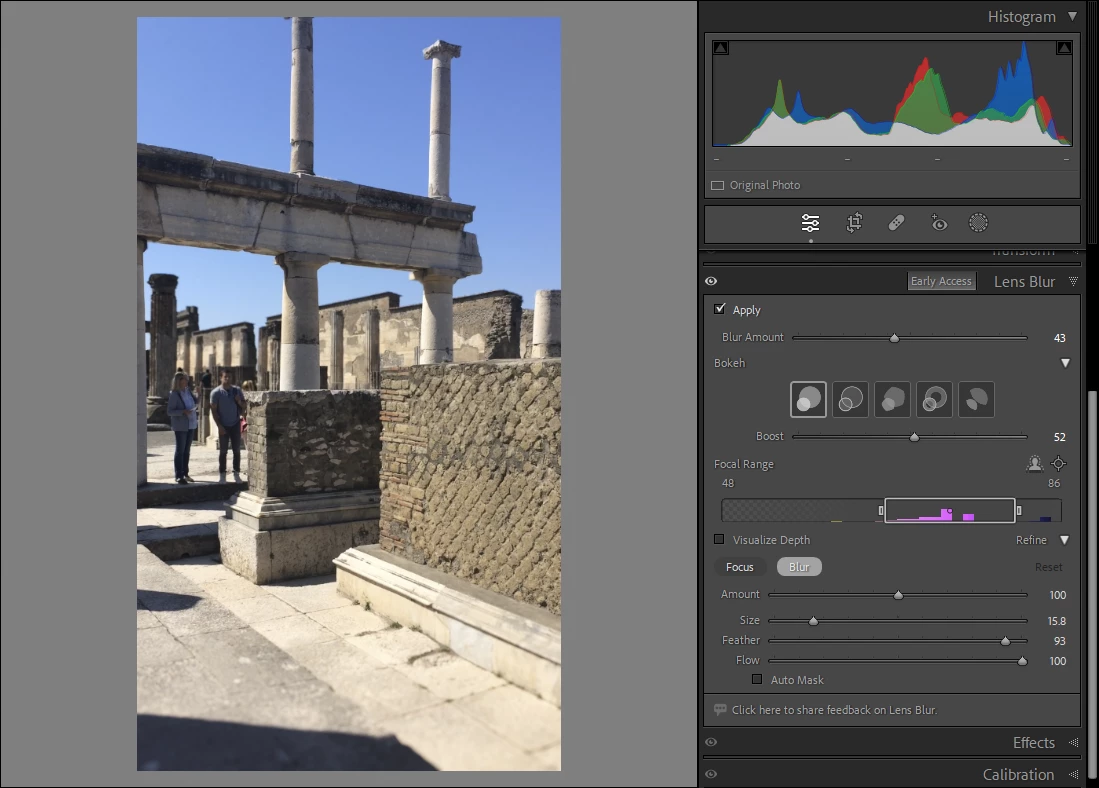
There is a quite effective Lens Blur feature, which gives a gradiented effect (different kinds of simulated bokeh can be selected) and which can use any depth mask present in the image or otherwise smart-generate its own, plus this depth mask can be manually tweaked by painting in areas of focus / areas of blur.
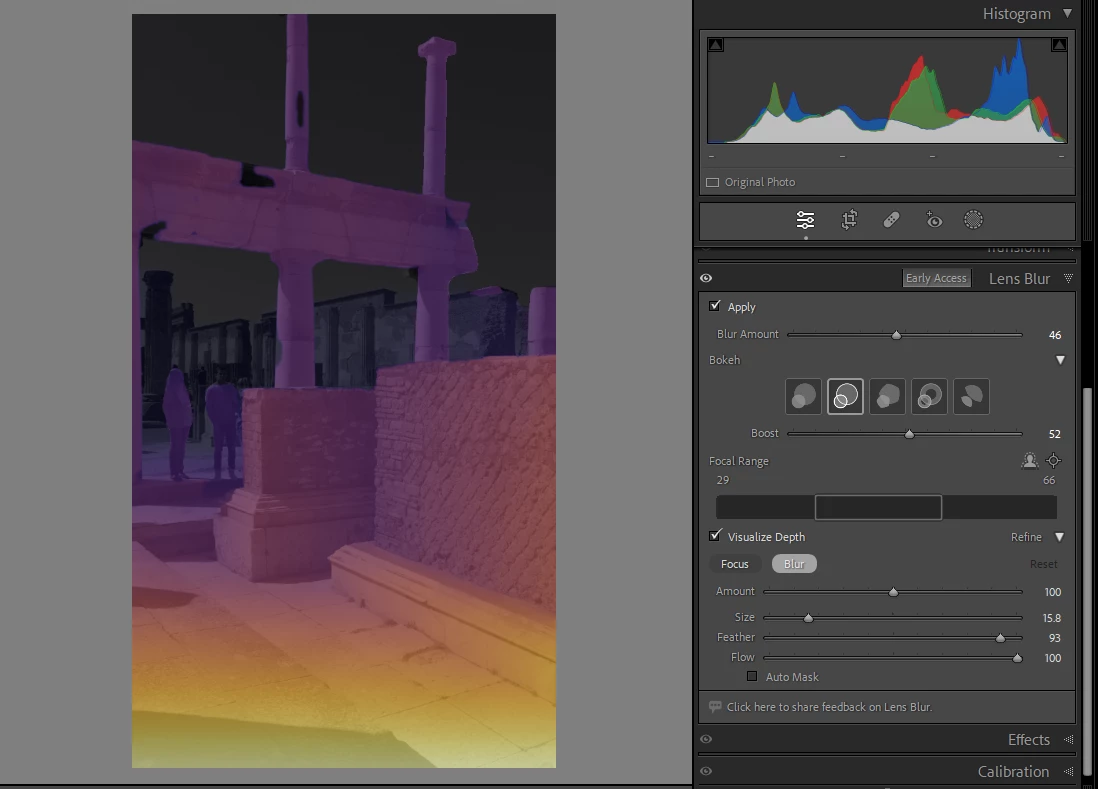
and then the lens blur can be manipulated as to where its plane of simulated focus should sit within this virtual depth range
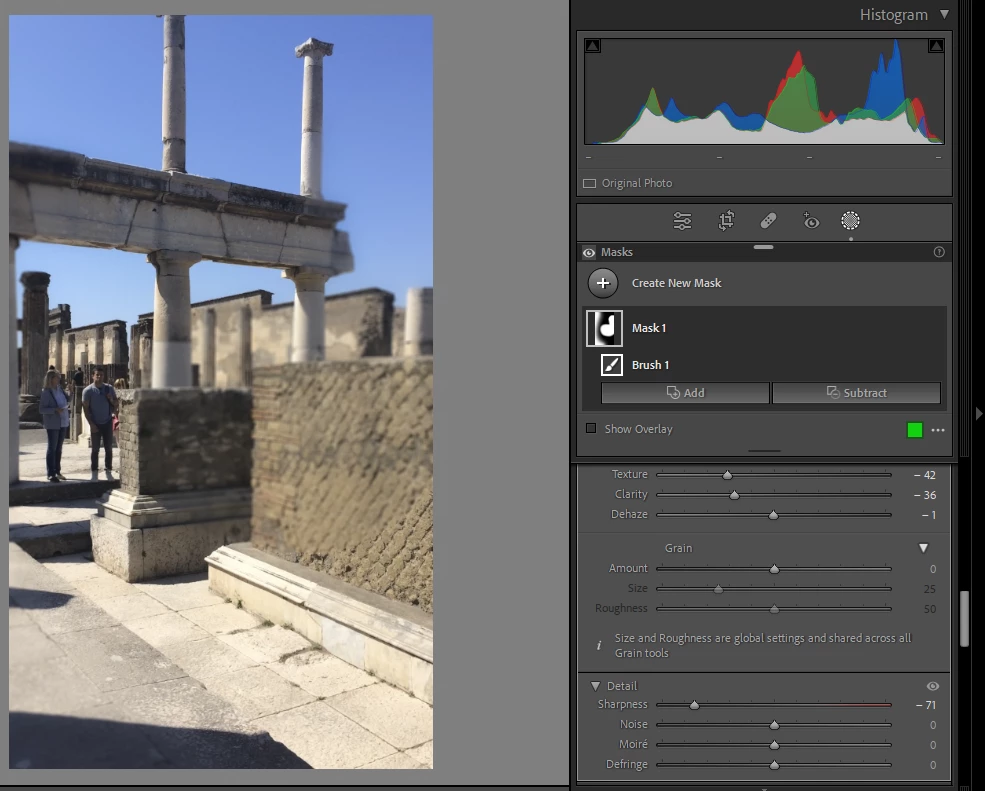
Alternatively you can locally mask (with varied density across the image), a local adjustment whuch applies a blurring effect. This may include for example Clarity and Texture (as negative values) found in the Effect subsection of the local adjustments panel, or reducing the Sharpness parameter found in the Detail subsection of the same panel.


 AdChoices