Inspiring
October 15, 2023
Question

Can't choose edit in the latest Ps version from Lr 13.0.1

  • October 15, 2023
  • 2 replies
  • 586 views

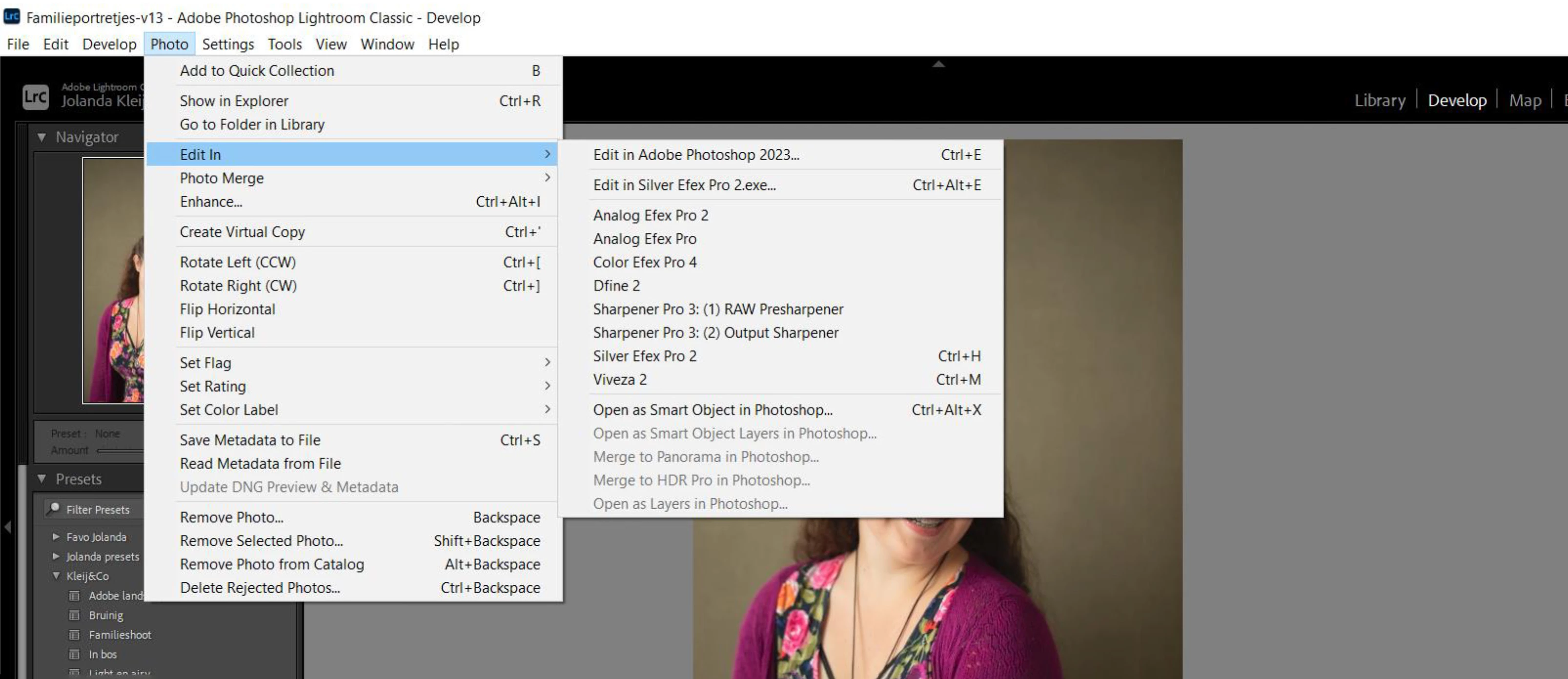
Working in the latest version of Lr it's not possible to edit in Ps 25.0.
In Lr/edit/preferences is Ps 2023 the only version to choose.

Why isn't that possible?
This topic has been closed for replies.

2 replies

GoldingD
Legend
October 15, 2023

Typically indicates you need to uninstall PS, and perhaps LrC, (in bad cases) then re-install PS (and if required LrC)


If you also uninstall LrC, make sure to re-install PS first before re-installing LrC.

JohanElzenga
Community Expert
Community Expert
October 15, 2023

Photoshop 2024 is a new install, not an update. When you install it, you will get the question if you want to uninstall the previous version. Apparently you chose not to. That means you now have two versions of Photoshop installed, and as @DClark064  showed, you can select which one you want to use in the preferences. If that is not possible, then somehow Photoshop 2024 did not get installed properly. In that case try reinstalling it.


-- Johan W. Elzenga
JolandaMCAuthor
Inspiring
October 15, 2023

Dank Johan,

Ik heb alles via Creative Cloud geüpdated, dan zou je toch verwachten dat dat automatisch goed gaat?
Maar ik zal jouw aanbevelingen uitvoeren, ik hoop dat dat alles oplost.

Zoals ik liet zien in mijn screenshot kan ik bij Preferences alleen kiezen voor de getoonde versie van Ps, meer smaken biedt íe niet.

DClark064
Inspiring
October 15, 2023

Try selecting Photoshop 2024 in the Preferences.


JolandaMCAuthor
Inspiring
October 15, 2023

In Lr/edit/preferences is Ps 2023 the only version to choose.
