
Can't sync photos completely
I have problem for getting my collections to synchronize into cloud for a long time.
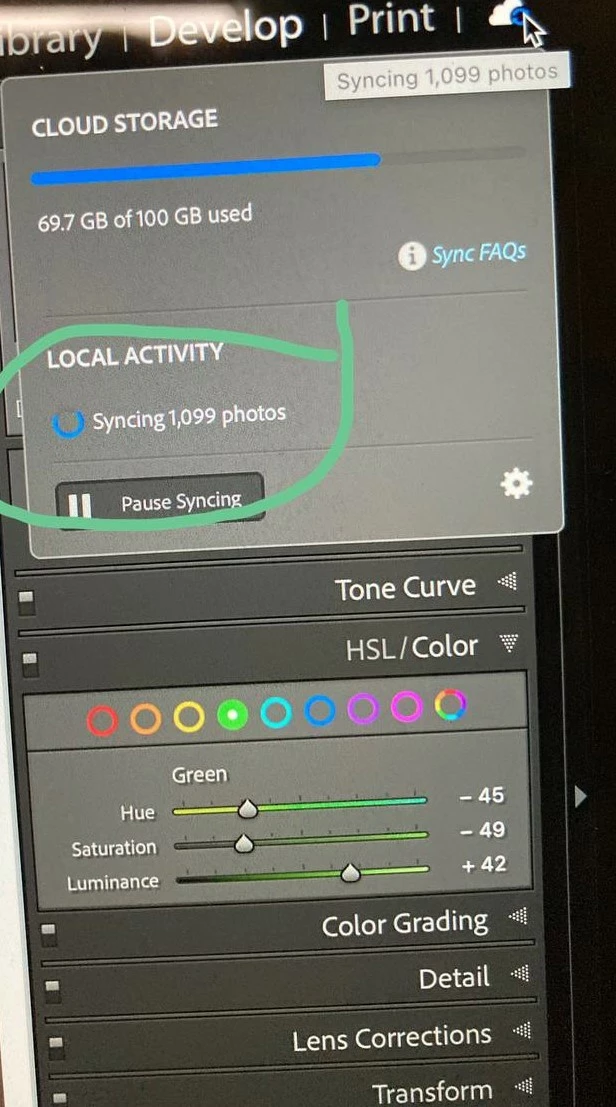
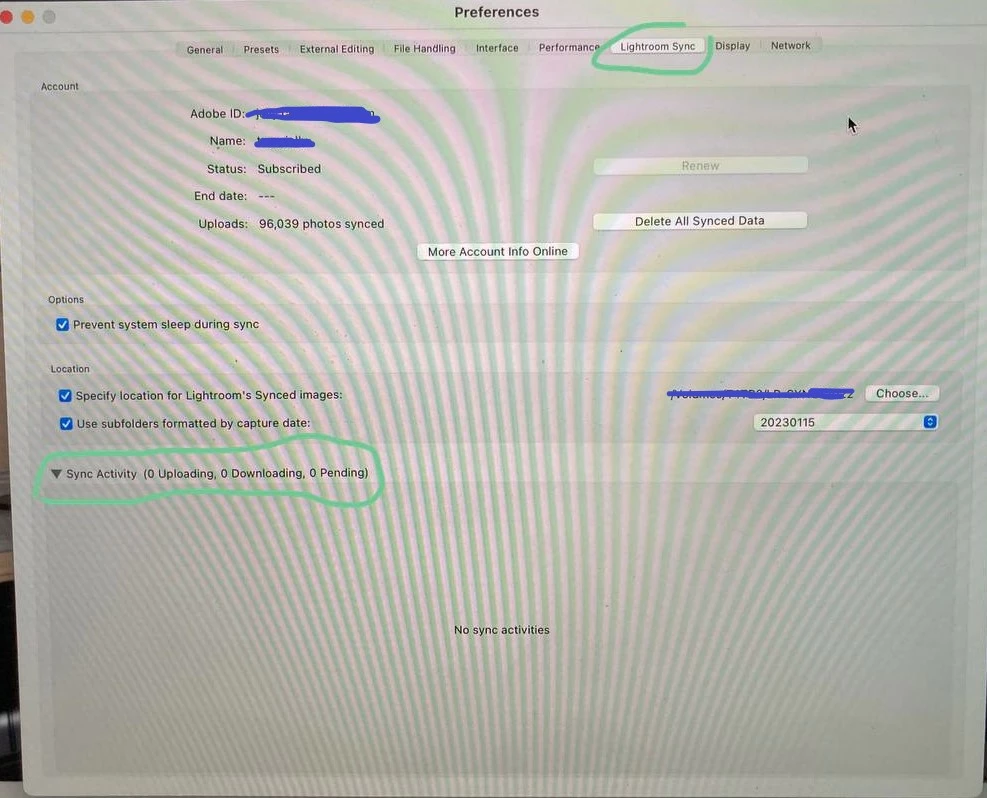
When I tried syncing about a batch of photos from my harddisk into cloud, LrC just got stuck with 1,099 photos(figure1) remaining in unsync state. I dont know which photos got stuck because there is no error log found in "sync activity" (figure2). I have tried to wait a whole night for getting some information in sync activity block but it does not show any error.
My step for syncing photos to cloud:
1. open lightroom classic and press "import"
2. select import folder, tick checkbox of "add to collection"
3. click "+" button to create a new collection, naming it to "testing", tick checkbox of "sync with lightroom" and press "create" button.
4. select the new collection folder named "testing" and press "import" button.
The above steps i expected it would display in my iPad because I suppose that those photos were synchronized into cloud. I cannot see "testing" collection shown in LR and also it still stucks with 1,099 photos in syncing stage.
What i have tried before:
* Delete collection, and recreate a new collection for syncing, but no luck.
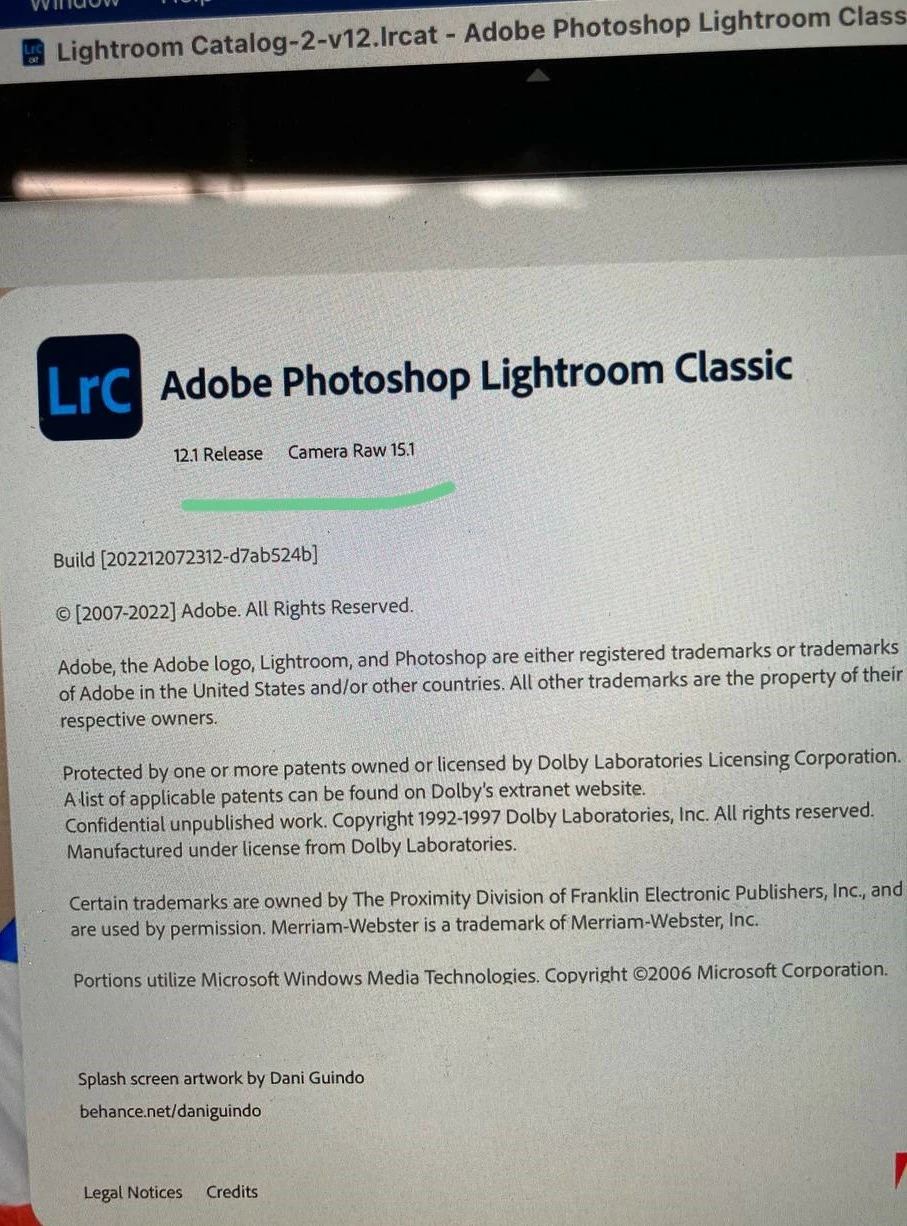
* update lightroom classic version to 12.1 Release
I already exported diagnostic report. Please someone help to follow up.
Please find the attached images for tracing the issue. Thank you.
Macbook spec
* MacBook Pro (15-inch, 2018)
* macOS Sur 11.5.2
Lightroom Classic spec
* 12.1 Release Camera Raw 15.1
 AdChoices