
Cannot uninstall Lightroom Classic 12.2.1 from Windows 10
My Lightroom Classic is working fine, but I've been unable to update to 12.3 on Windows 10 22H2. Whenever I try the update from the Creative Cloud App it fails and gives error 403. I have restarted the computer. The other Adobe app updates worked just fine. I am logged in as an Administrator. I have tried running the Creative Cloud Desktop App as Administrator.
Now I want to uninstall and reinstall the latest version, but there is NO UNISTALL option for Lightroom Classic.
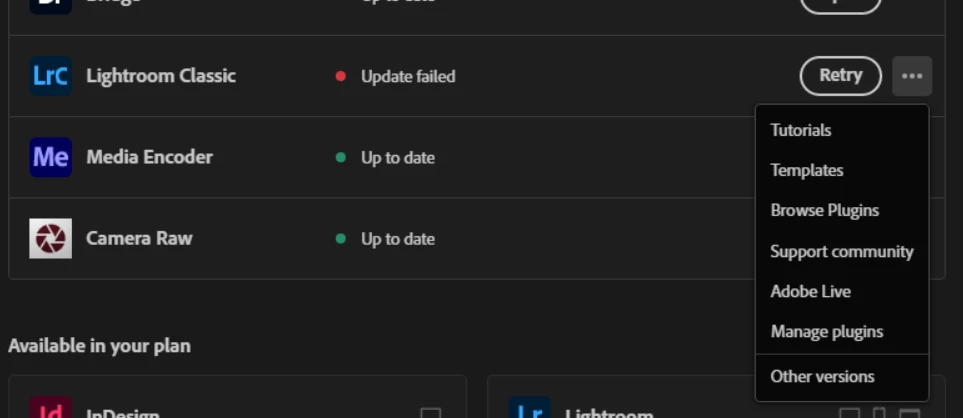
Also, when I went to Windows Apps and Features to manually uninstall it, that uninstall command launches the Creative Cloud Desktop App.
How do I get more details on what is happening, log file, or otherwise to fix the update or how do I remove uninstall Lightroom Classic?
 AdChoices