Participant
January 19, 2024
Question

Catalog images not loading

  • January 19, 2024
  • 5 replies
  • 322 views

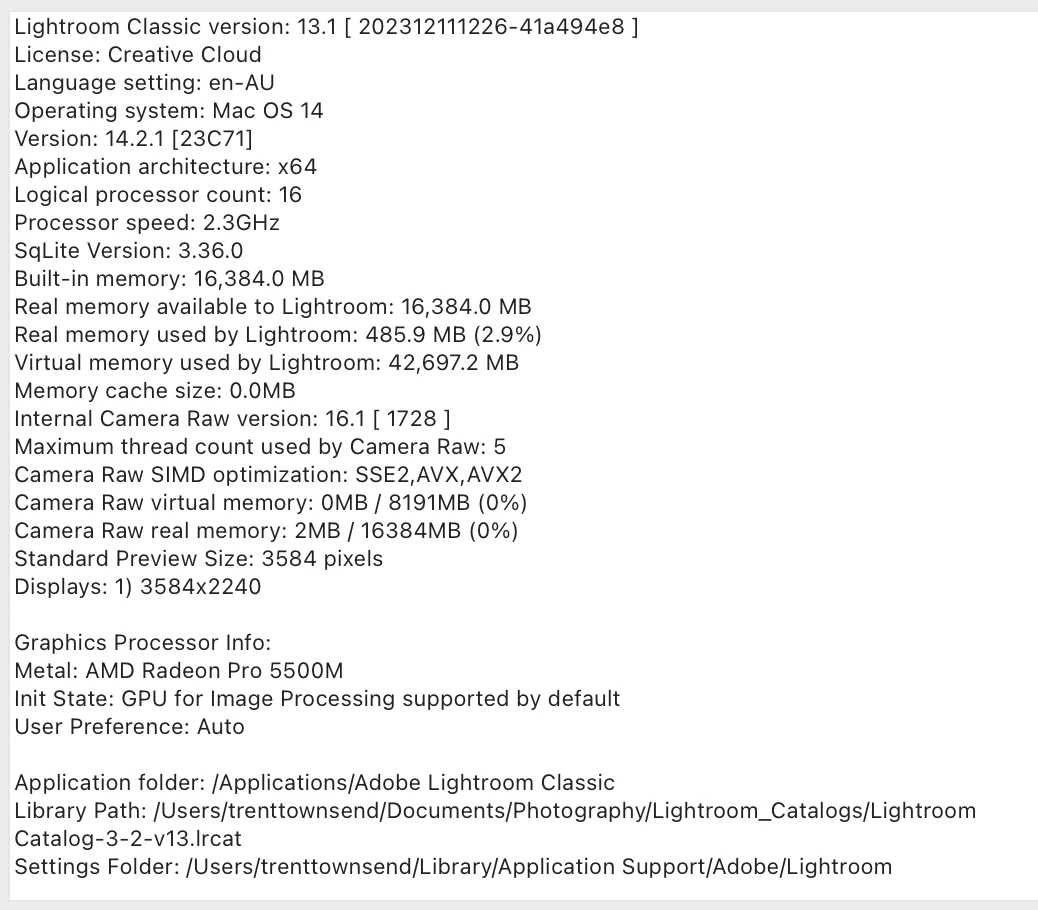
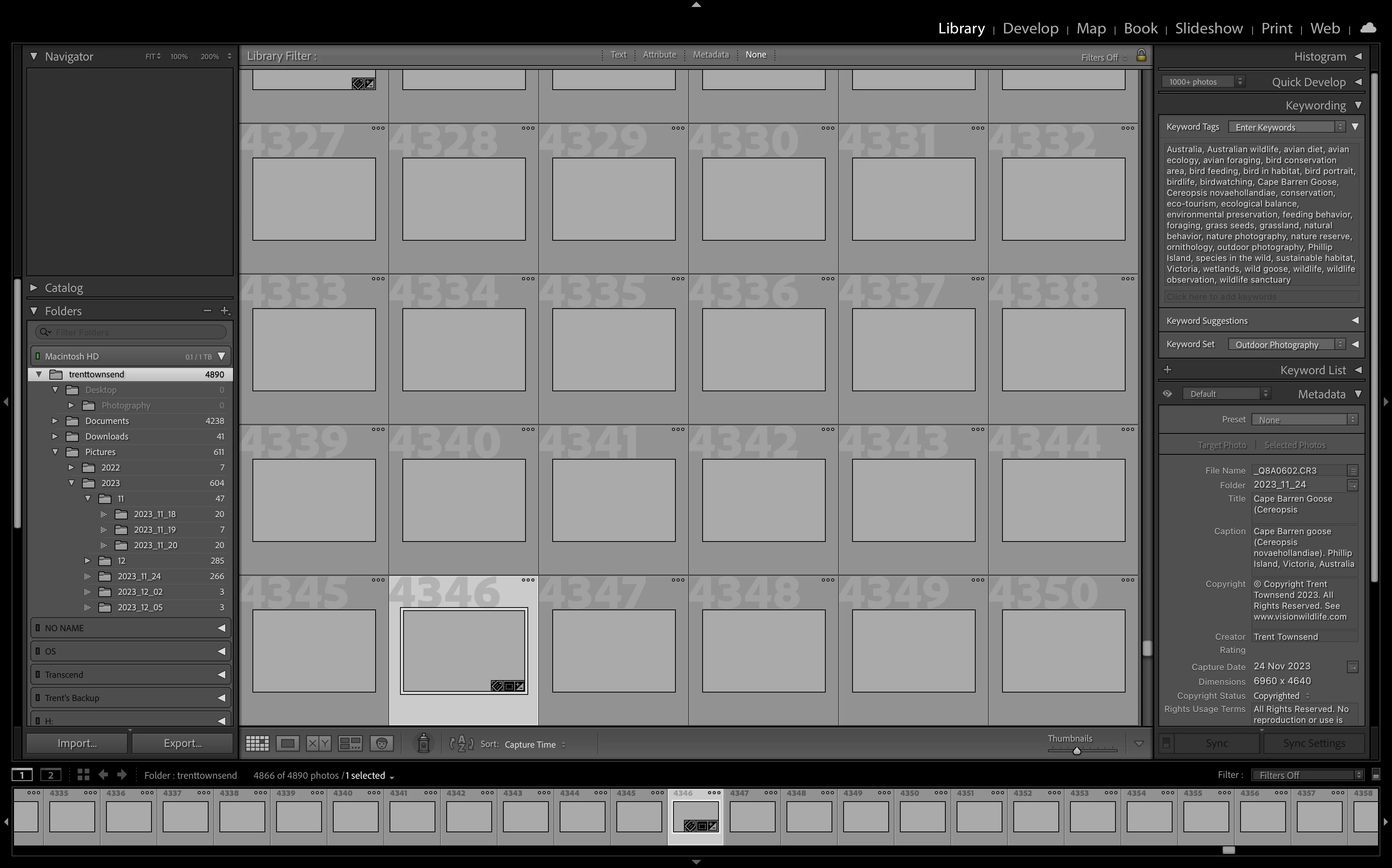
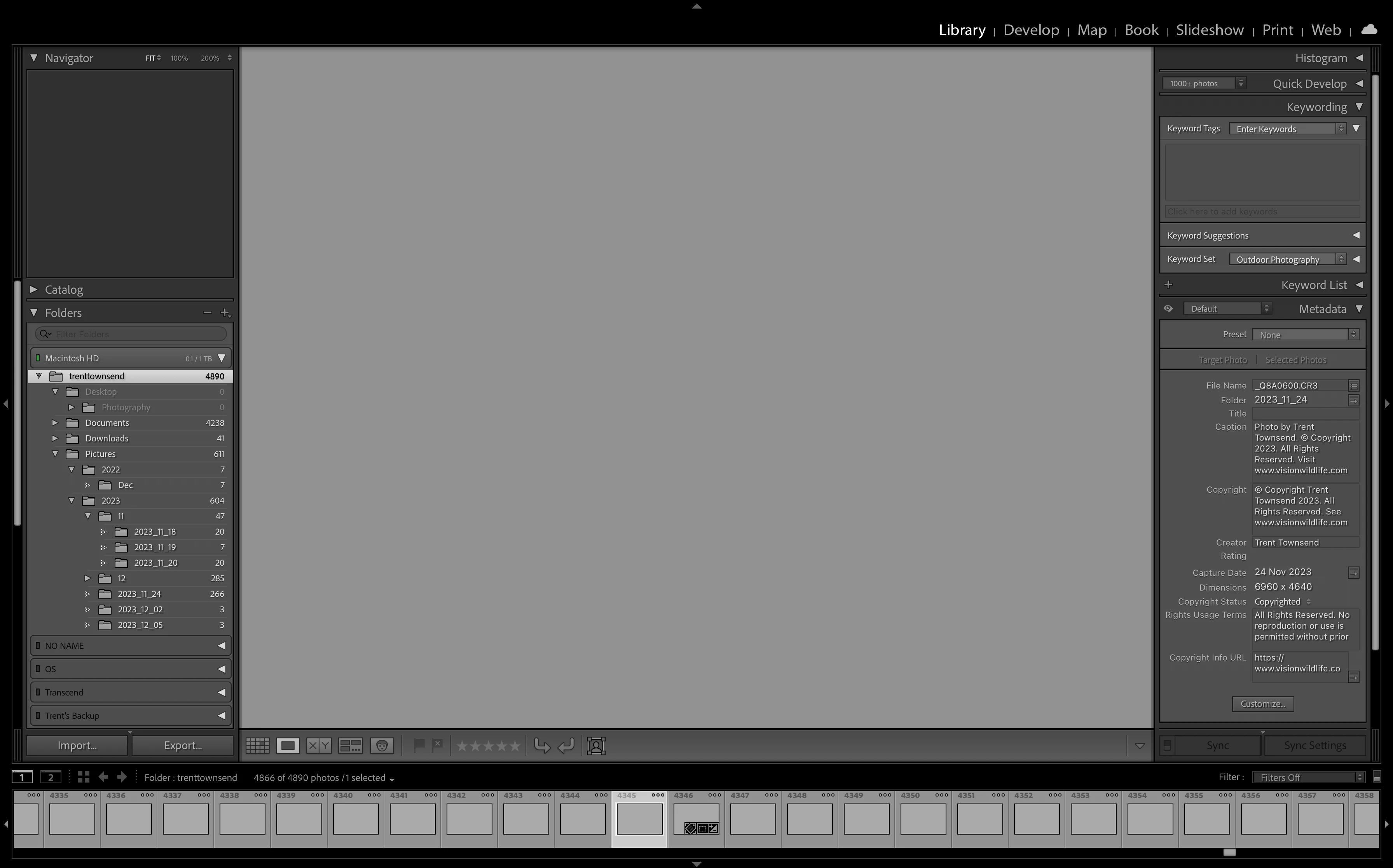
Recently on opening Lightroom Classic none of my images are visible as shown below. I am not receiving an exclamation indicating the files cannot be found and when I look on my hard drive all RAW files are where they are suppose to be. 


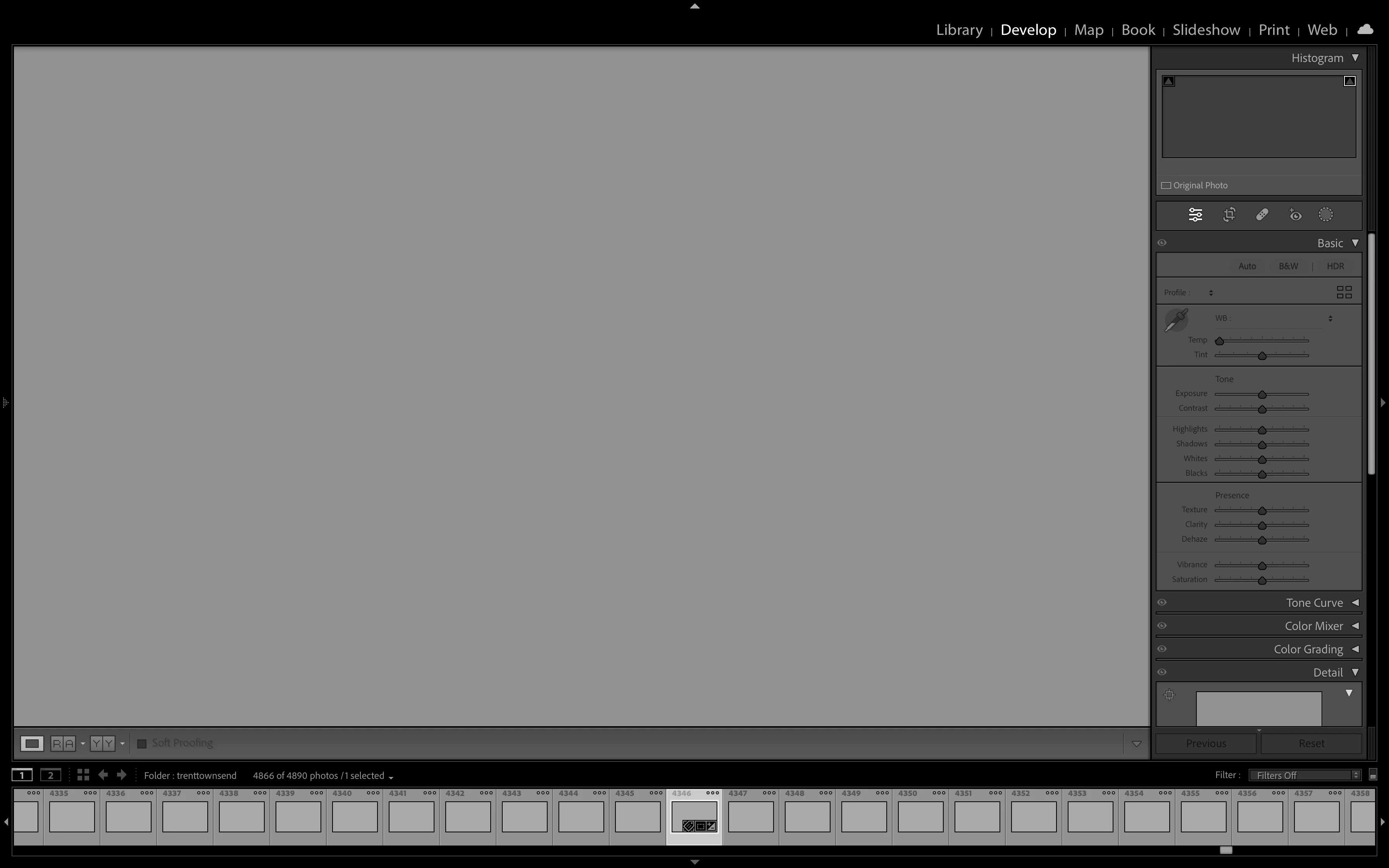
In the Library tab I am able to edit meta data, however when I open the Development tab all the edit options are greyed out. 


I have also noticed that Lightroom keeps crashing on me. I haven't had any issues such as this before in many years of using the program. Has become unusable.
 

This topic has been closed for replies.

5 replies

GoldingD
Legend
January 22, 2024
Thanks everyone who took time to read this but appears to have spontaneously resolved. Still unsure what was happenin

Not a MACOS user any longer, so a bit out of the loop. And I am very sure this reply would be different for Windows OS.


When you are done for the day, do you leave your MAC on, or perhaps turn it off? And if you turn it off, do you perhaps unplug it (laptop for example)


If I understand it correctly, a Restart on a MAC will not clear out everything that may be going wrong (opposite of Windows)

If I understand it correctly, Shutting Down a MAC may clear out everything, but also unplugging it as to eliminate power will defiantly flush out everything that may be going wrong (in memory, in CACHE, etc)


So was the resolution perhaps due to a change in end of the day treatment of the MAC?


Can another member more savvy with MACOS provide insight?


Note, on Windows OS, unless you change a default setting for Fast Startup, a Shutdown leaves info for the Kernel in play, etc. while a Reset flushes it  all out, so trying to fix issues via a Shutdown may not work but a Restart may (if yo get a Kernel Panic, try that)

Participant
January 22, 2024

I have also had the same problem. Looking for a solution.

Participant
January 19, 2024

Lightroom also becomes non-responsive and crashes whenever I view "Catalog Settings" or attempt to switch to a previous catalog version.

Participant
January 22, 2024

Thanks everyone who took time to read this but appears to have spontaneously resolved. Still unsure what was happening.

Participant
January 19, 2024

Unfortunately that hasn't resolved the issue. 

GoldingD
Legend
January 19, 2024

Have you considered resetting the preferences file. Carefully read:


https://www.lightroomqueen.com/how-do-i-reset-lightrooms-preferences/


Your screen captures just scream loudly corrupt preferences file.