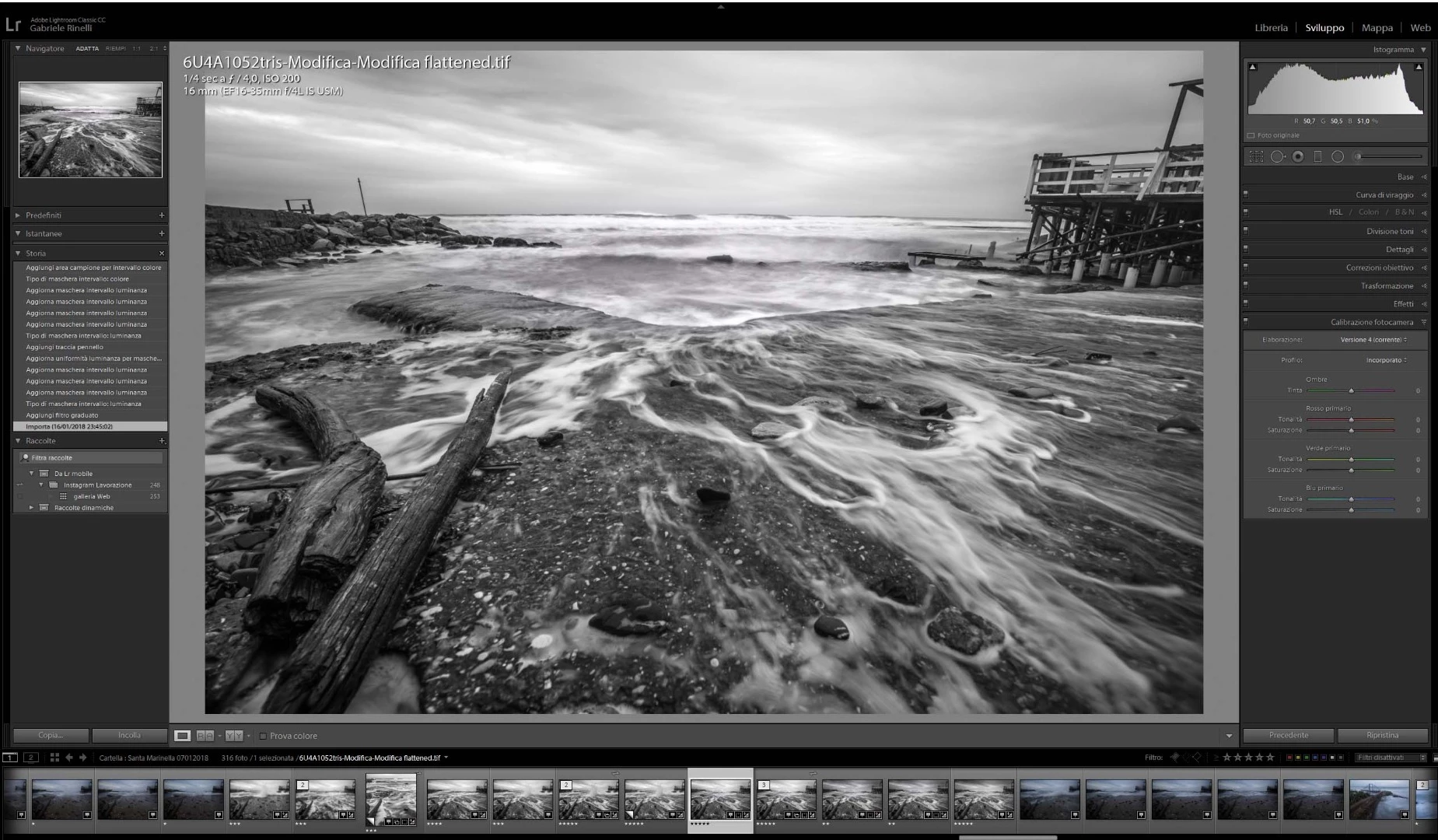
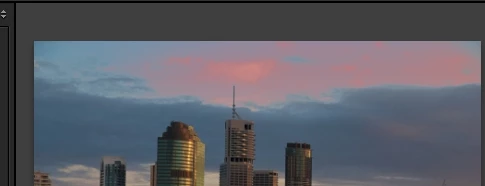
This is the base
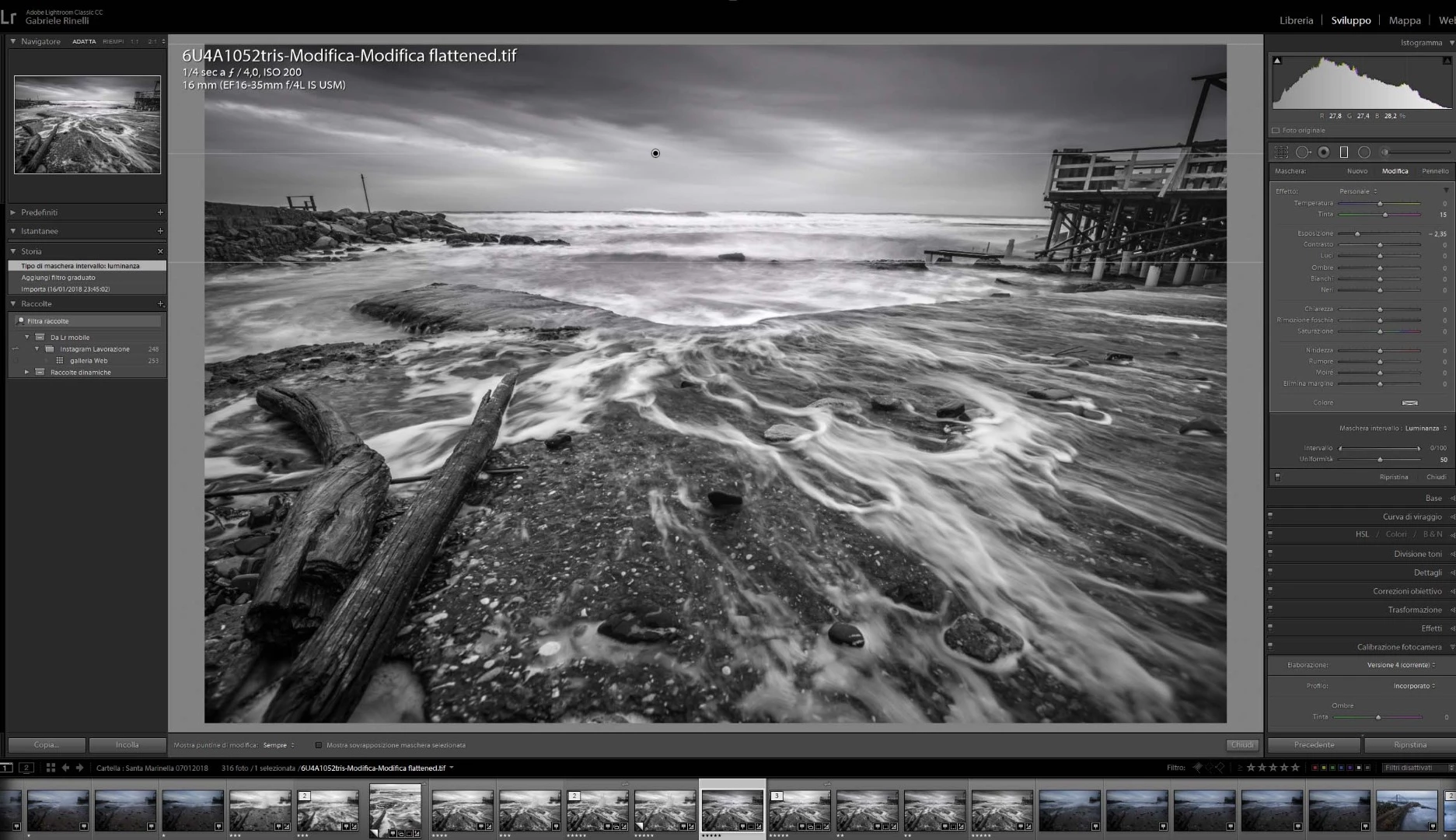
Gradient applied
Luminosity range mask applied and id doesn't produce any changes
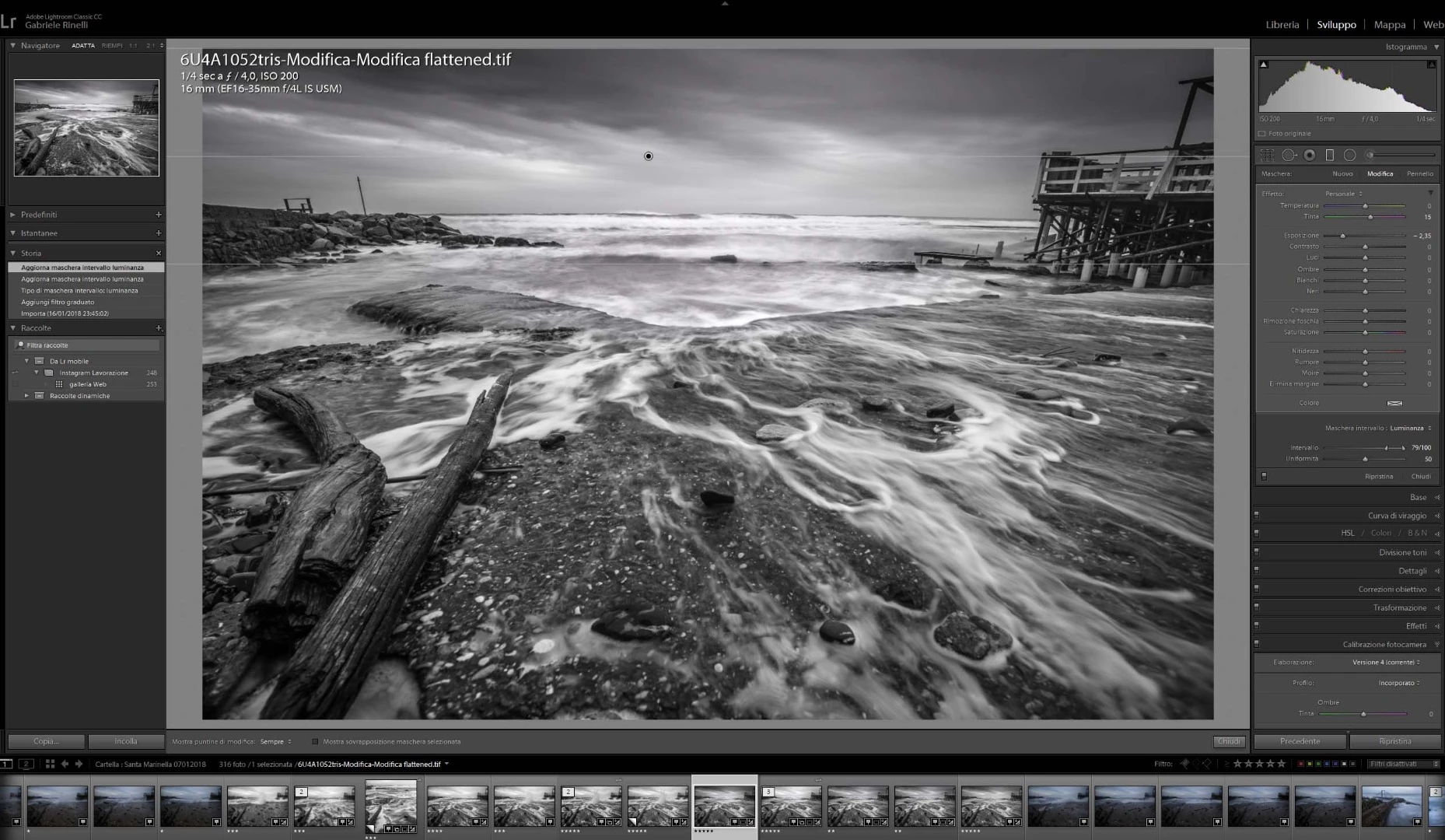
Looking at the image in your screen-clips, I think you need to be more extreme with the Mask sliders-
The 'Luminance' Range slider is set wide enough to include most of the tones in the sky so you will not see much of a change from the overall Gradient -Exposure adjustment.
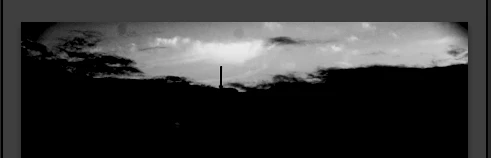
The 'Smoothness' slider at the center also may not be limiting the tones you want to adjust with the mask. Hold down the [ALT] key as you move the slider to the extremes.
Also press 'O' to turn on the Overlay for another visual guide to the areas that will be affected by the gradient+Luminance mask.
Screen-clips:
A darkening gradient from the top-
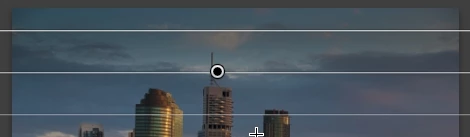
Luminance 'Range' sliders set very close together-
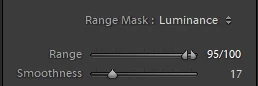
The 'Smoothness' slider with the [ALT] key held down-
Showing the Gradient with Red Overlay-

 AdChoices