



Copy paste changes color LR 11
- 6 replies
- 2874 views
- Translate
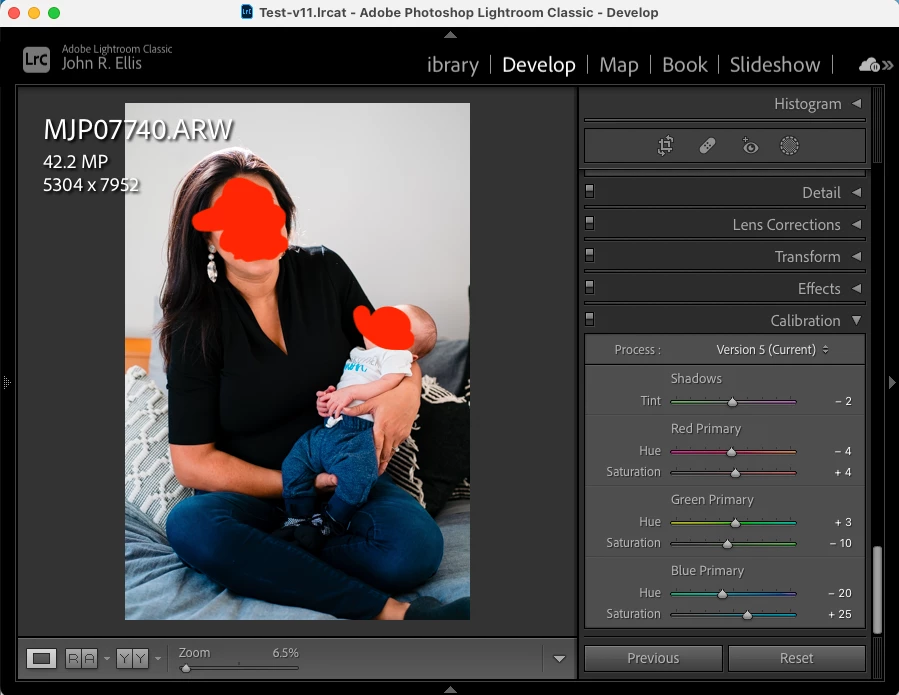
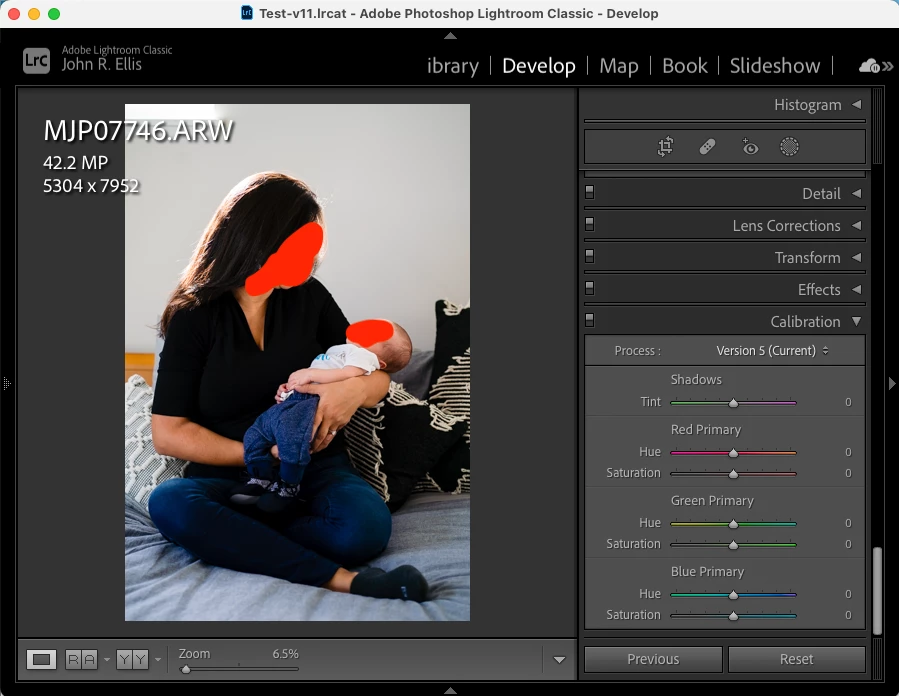
Ever since the new Lightroom version 11 just released last month, the strangest thing is happening when I copy/paste settings between one photo to the next. The settings do paste to the next photo - like when I look at all the levels of the slider bars and everything, it matches. But visually, the colors in the photo are so different. Like the blues and yellows look so off from the one I'm copying, so I have to then go in and manually compensate for whatever happened. It's like it's copying all the right numbers but then it doesn't actually look anything like it. And this is between two photos that were from the same exact camera, same lens, everything. I've attached two photos. You can see the color bars are literally matching, but the clothing and skin are so different. Has this happened to anyone? Help!

 AdChoices