
Participating Frequently
October 19, 2022
Question

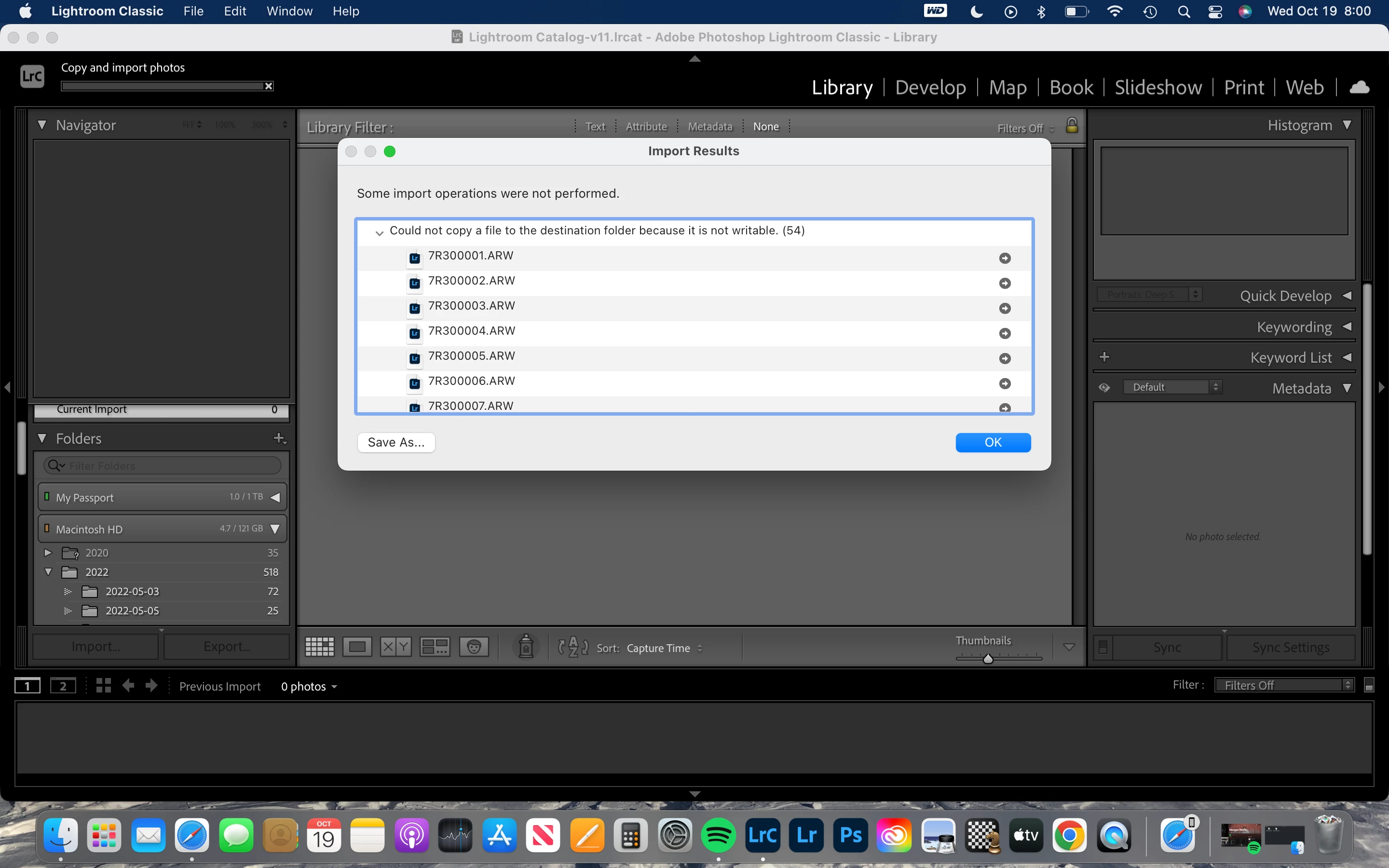
Could not copy a file to the destination folder because it is not writable. (54)

  • October 19, 2022
  • 2 replies
  • 609 views

I'v been struggling with this issue for some time now. Anythime I import photos directly to my computer no issue but trying to import them to my external hard-drive, it gives me the same message every time.


Lightroom is fully updated on my computer 

I'v tried uninstalling and reinstalling 

I tried a brand new external hard drive that didn't make a difference

I'v been using different work arounds and i'm sick of it and just want to how how to fix the issue 


This topic has been closed for replies.

2 replies

Community Expert
October 19, 2022
Participating Frequently
October 20, 2022

I'v done this still no change

Community Expert
October 20, 2022

How is the external drive formatted? If it is NTFS (like most external hard drives come out of the box) than this is to be expected. Mac OS X can read NTFS but not write to it. Most external hard drives need to be reformatted first to use them with mac os X. There are commercially available drivers that allow mac os X to write to NTFS disks but they tend to break every time you update mac OS X so it is safer to just first reformat the disk.

Participating Frequently
October 19, 2022

I never had this issue when I had my canon 7d

After I switched to my sony a7riii is when the issue began

dj_paige
Legend
October 19, 2022

So you go into the Import dialog box, you determine the EXACT Destination folder selected, and you change the permissions on this EXACT folder so that you have write permission.

Participating Frequently
October 20, 2022

I tried what you said and nothig changed its continuing to give me the same message