Answered
DeNoise Batching
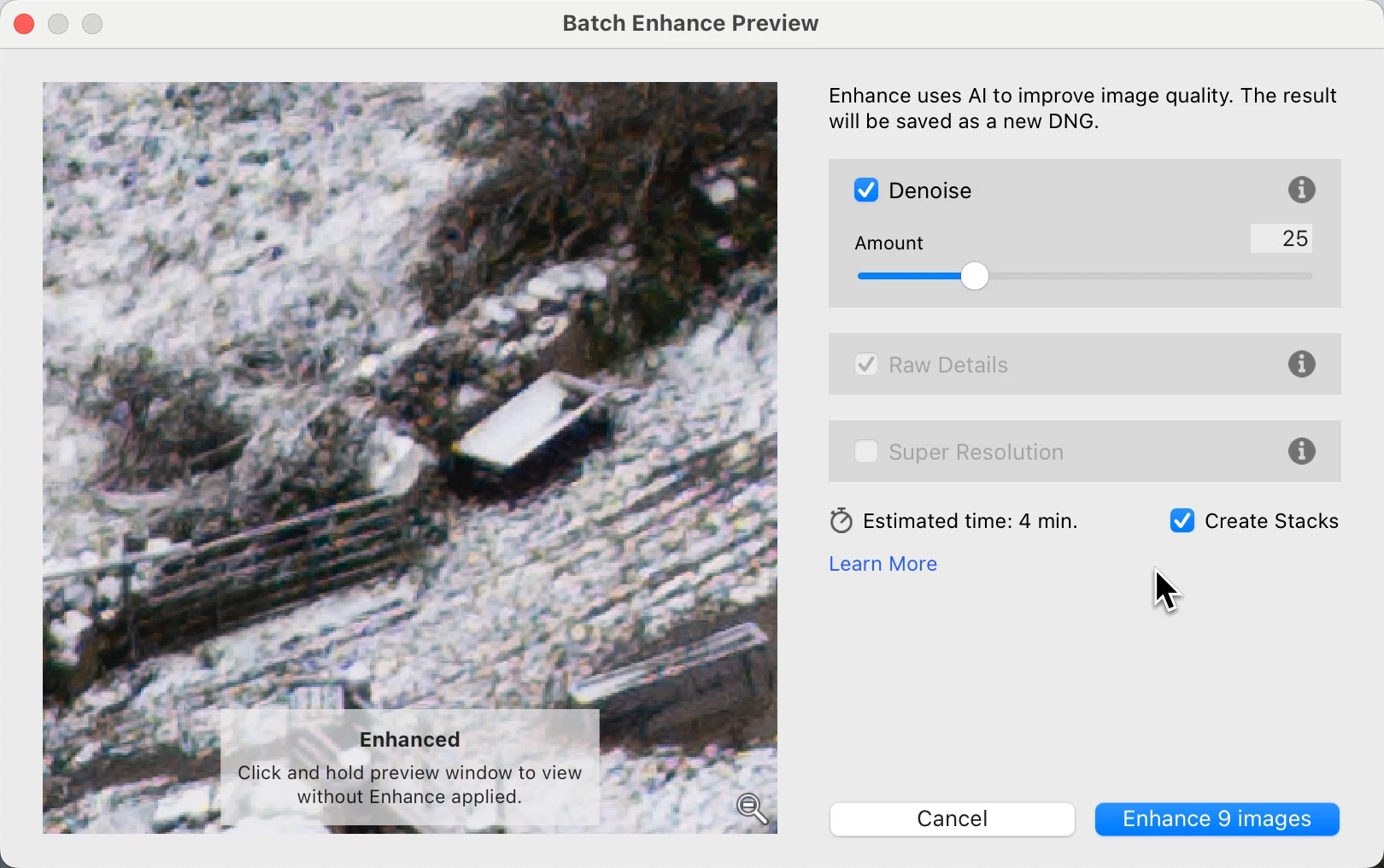
Imagine. You have multiple images you want to apply DeNoise to. Highlight all (or several), set your settings, apply, grab a cup of coffee, boom... all done.

Imagine. You have multiple images you want to apply DeNoise to. Highlight all (or several), set your settings, apply, grab a cup of coffee, boom... all done.
I thought enhance was an auto settings option and not denoise specifically. I will try this. Thanks!
You don't even need to be in Library. Once the images are selected in advance, the DeNoise dialog show Batch Enhance Preview, and the action button displays the number of photos in the batch.
Already have an account? Login
Enter your E-mail address. We'll send you an e-mail with instructions to reset your password.
 AdChoices