
Answered
Develop mode is showing files black and white and much darker
After upgrading to v 12.4 I experience this:
Developing a file turns it in showing it first and short in bright light green and then in black and white and very dark.
Reverting to v 12.3 delivers the same as described.
Re-exporting an already ready file does not change colours, exposure etc. It is displaying the same as the older file.
The image shows the issue. In the left uppercorner shows how it supposed to look like. The develops screen shows how it actually looking. No further changes made with exposure, colours etc. (Windows 10)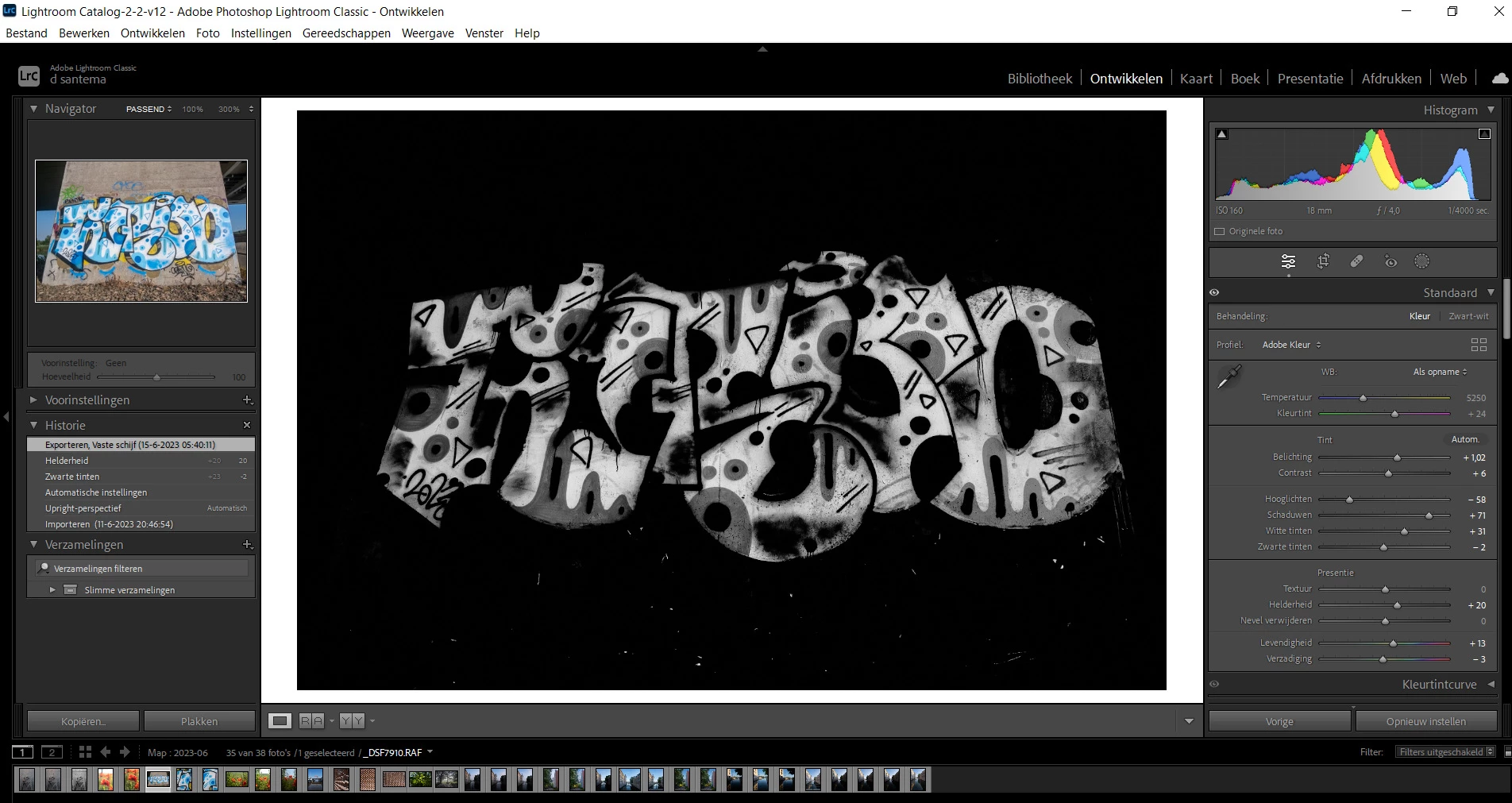
 AdChoices