JAG44314
Known Participant
March 8, 2020
Question

Develop Module Problems

  • March 8, 2020
  • 3 replies
  • 337 views

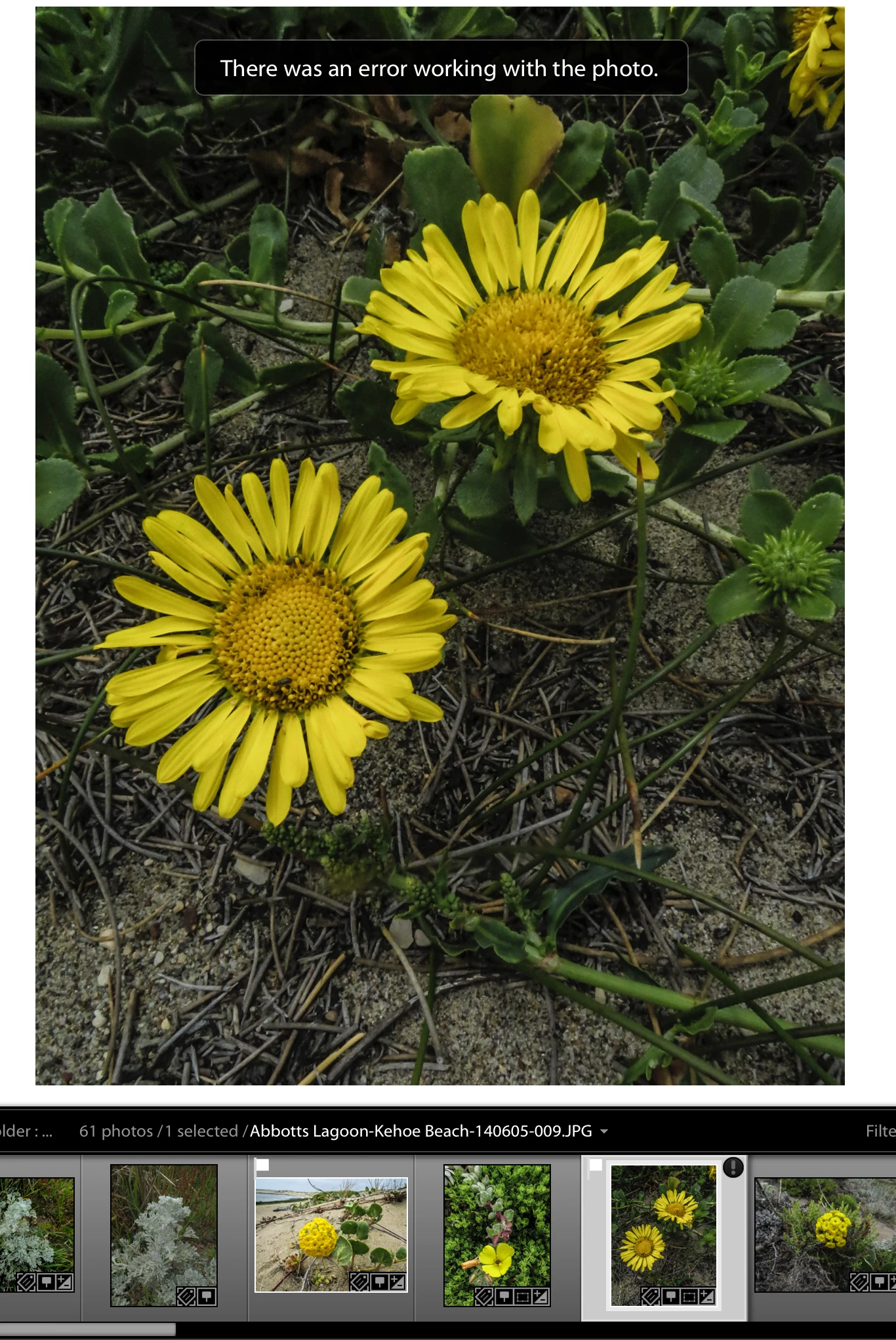
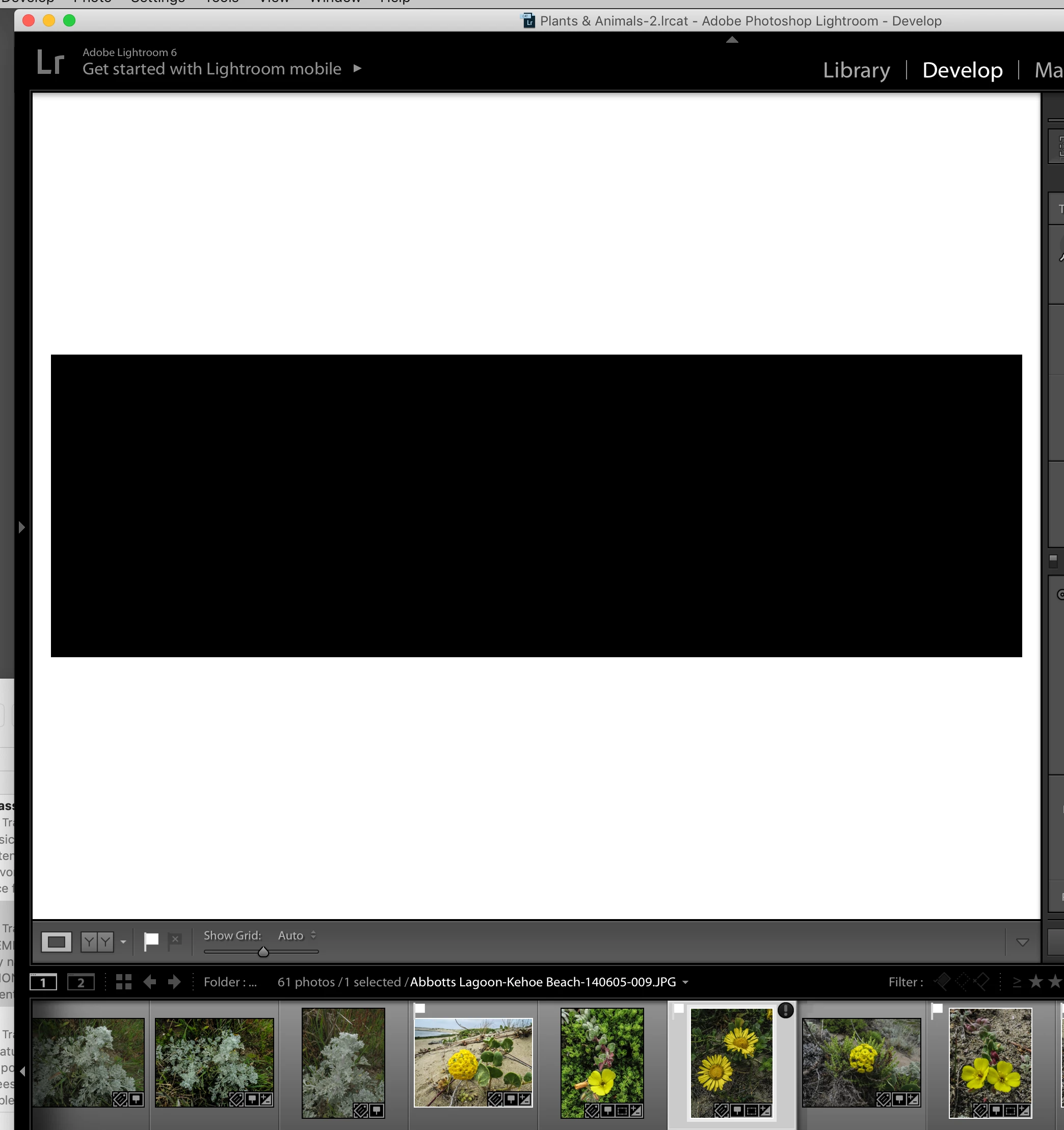
In the past few days I have lost the ability to develop two images and instead have black or blue screens.  I have disabled the Graphics processor in Preferences and restarted but that does not make a diference.  Attached images may help.



    This topic has been closed for replies.

    3 replies

    Rob_Cullen
    Community Expert
    Community Expert
    March 9, 2020

    Is there another solution?

    Ideally- No. (If Time Machine does not have it)

    You need to restore the PHOTO file (thanks Paige)  from a backup location that exists.


    You could try going, outside of Lightroom, to the file in Finder and then trying to open it with Photoshop, or other photo editor.

    If it opens this way you may be able to save a copy that becomes accessible in Lightroom.


    If it was a valuable photo- you might recover a small version by extracting from the Lr previews with a plugin-

    Extract Cached Image Previews Lightroom Plugin


    Regards. My System: Windows-11, Lightroom-Classic 15.3, Photoshop 27.5, ACR 18.3, Lightroom 9.3, Lr-iOS 10.4.0, Bridge 16.0.3 .
    JAG44314
    JAG44314Author
    Known Participant
    March 10, 2020

    I do not have any other apps capable of photo editing but just for the fun of it I tried the following.  Using Preview, I opened the image from the Lightroom catalog and then saved the image to my Desktop. I import from there back to Lightroom but that would not work.  I think that I will move on and hope that this does not happen again.  Thanks for you efforts and advice.


    Jim

    Rob_Cullen
    Community Expert
    Community Expert
    March 8, 2020

    As stated by Paige- "corrupted"

    This icon of an exclamation mark in a dark circle is an indicator of file corruption.

    Regards. My System: Windows-11, Lightroom-Classic 15.3, Photoshop 27.5, ACR 18.3, Lightroom 9.3, Lr-iOS 10.4.0, Bridge 16.0.3 .
    dj_paige
    Legend
    March 8, 2020

    This is caused by a corrupted photo. You need to find this photo in your backups, and restore a copy of the backup.

    JAG44314
    JAG44314Author
    Known Participant
    March 9, 2020
    Thanks. Although I have backed up my catalog for many years, my backups, as of today, go back a little more than 2 years. I am using Time Machine. Is there another solution?

    Jim
    dj_paige
    Legend
    March 9, 2020

    You need to find a backup of these 2 PHOTOS, not backup of the catalog.