

different import behaviour
Hi!
Didn't find a solution to this since it should do the exact same thing. Lightroom 6, updated, Win 10, no problems with nothing until now. (sry for some bad englisch)
My usual workflow on import window for years:
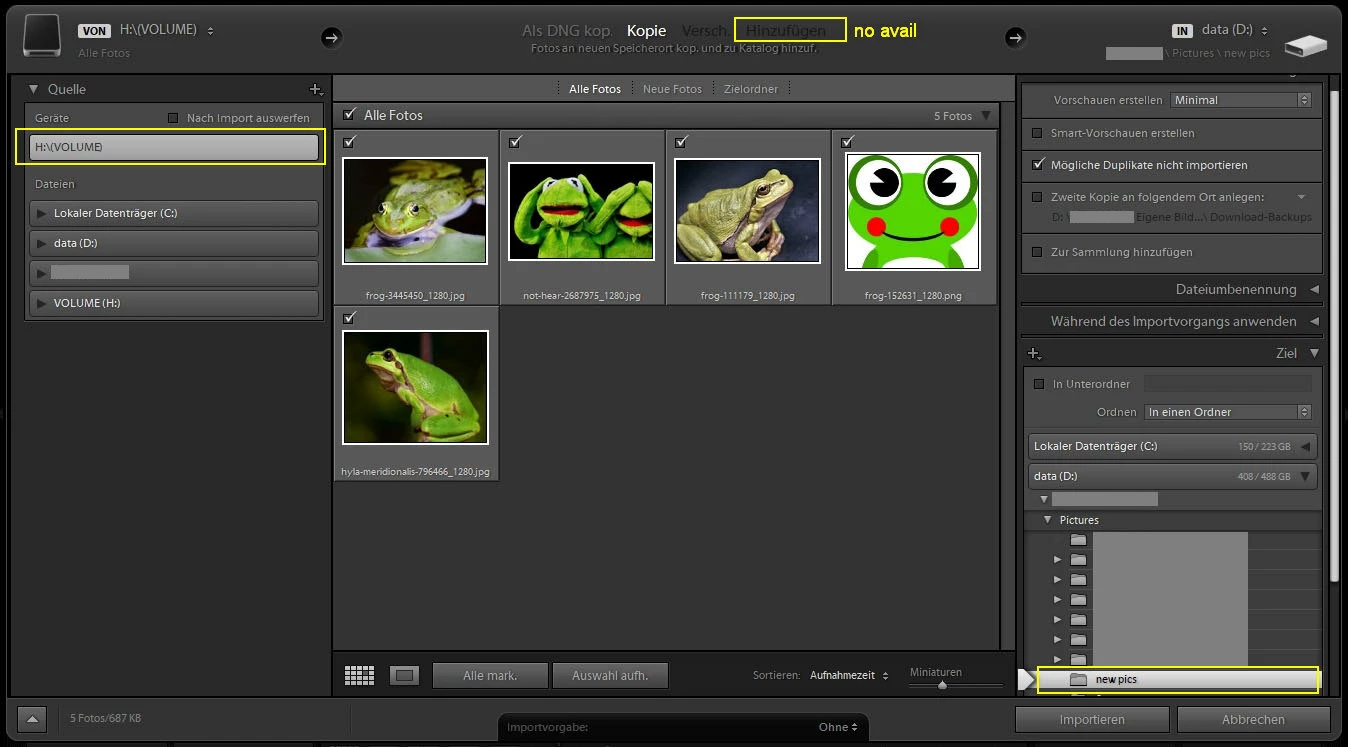
- left, select source (a folder on the desktop with 10 new pics), LR shows me correctly 10 new pics, checked for import.
- top: copy or move (makes no difference here)
- right: select target (an existing folder with 20 pics, like \pics\cats )
- hit import
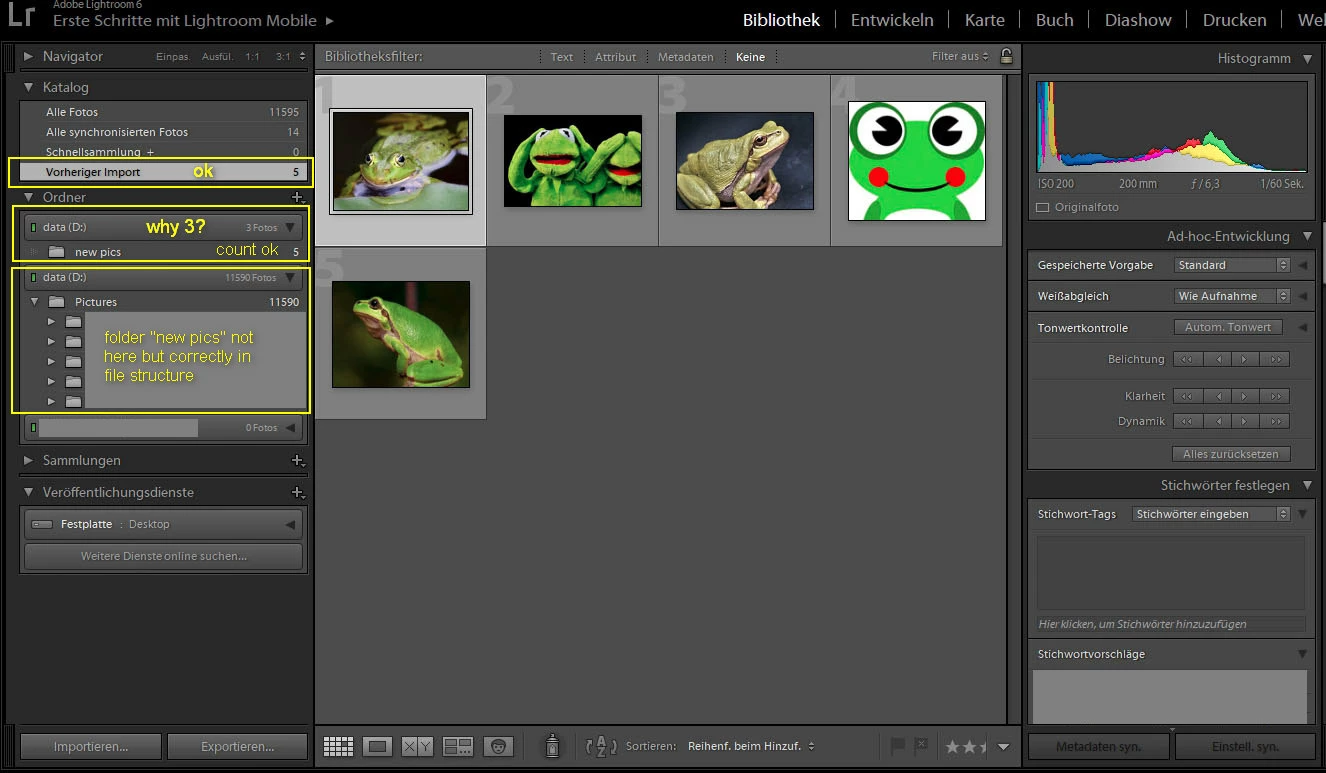
- LR jumps to the main window and highlights "last imports". Correctly showing 10 pics imported.
Simpe as that, i used to find 30 pics in the \pics\cats folder, thumbnails there.
It does not do so now. Checking \pics\cats in windows explorer shows correctly 30 files...
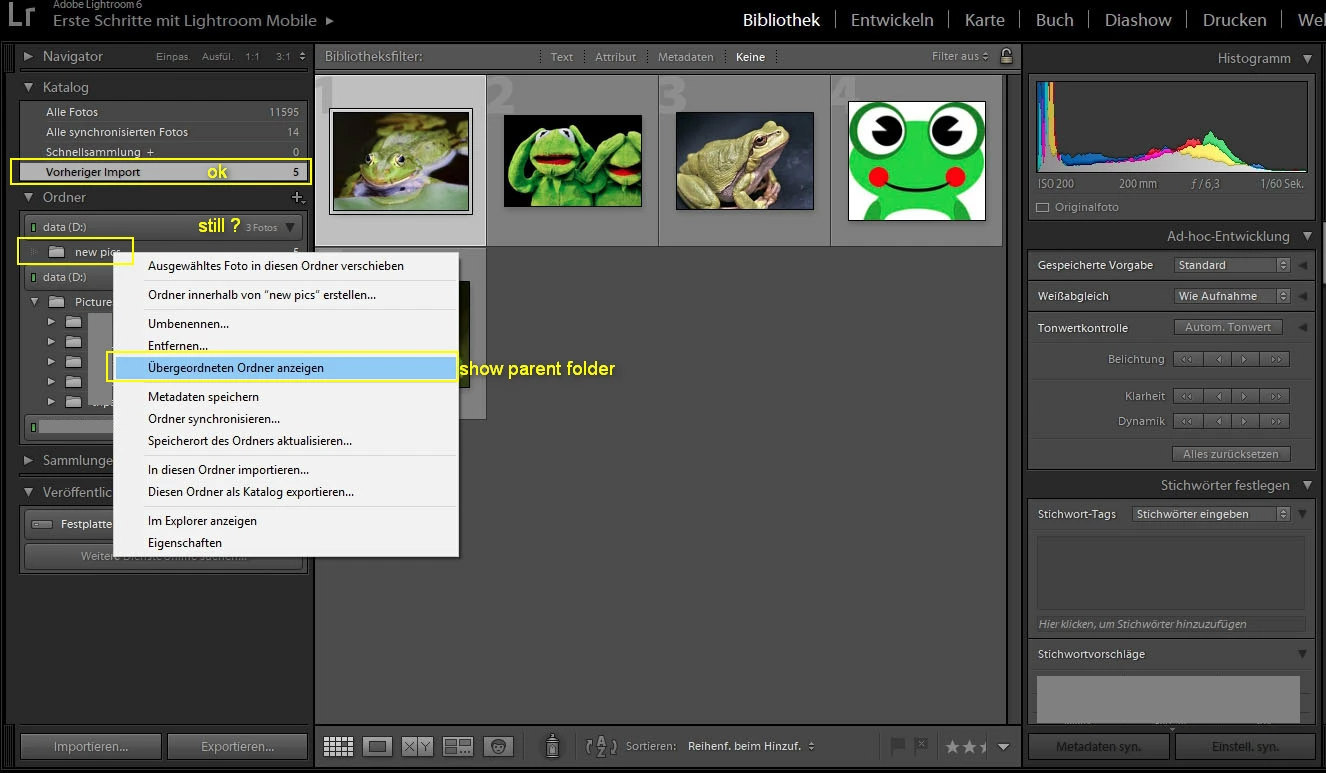
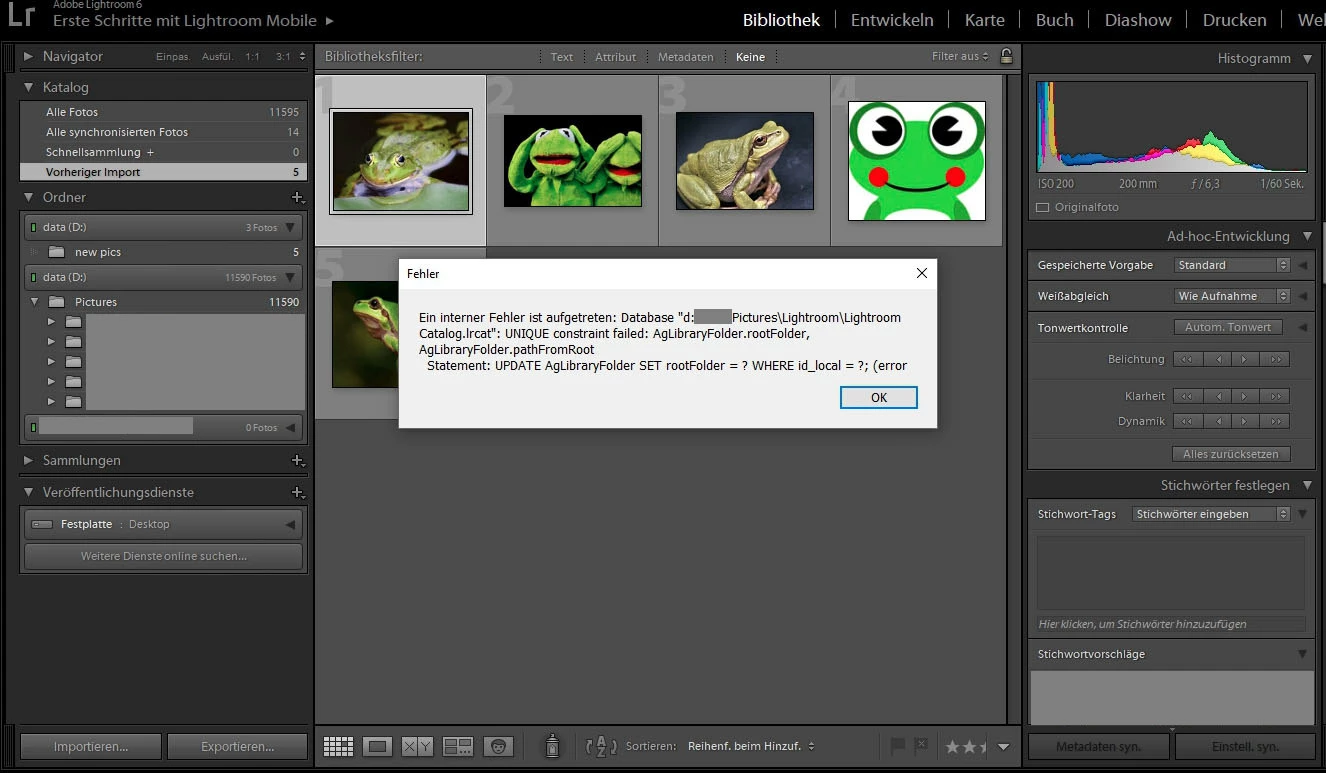
But: In LR main windows folder panel \pics\cats still shows only 20 pics. "show in explorer" jumps to the correct folder with 30 pics.
So: The new 10 pics are not shown in library when selecting \pics\cats , but LR knows of them as imported.
And: I figured out this works flawlessly when right-clicking on \pics\cats in LR main windows left folder pane, selecting "import to this folder".
The destination on the right side of the import-window is pre-selected (as i did before manually), no other options. I select the same desktop folder on the left side with 10 new pics as before.
After importing with the same settings, the LR main windows folder panel shows correctly 30 pics.
Thx for any hint to this.
chris

 AdChoices