

Answered
Doesn't show any photos in my Catalog
I updated Lightroom Classic, on launch it asked to "upgrade my catalog". I upgraded. Now I cannot see any of my photos even though they are fully connected and Lighroom knows where they are – can locate to exact location on external drives where I store them. Which means they are connected. Problem is – it doesn't show them, I can't work with them.
Another part of the issue, is whenever I go to Catalog Settings it freezes the app completely so I can only force quit it. I tried reinstalling the app – didn't change anything.
I am on MacOS Sequoia 15.0.1.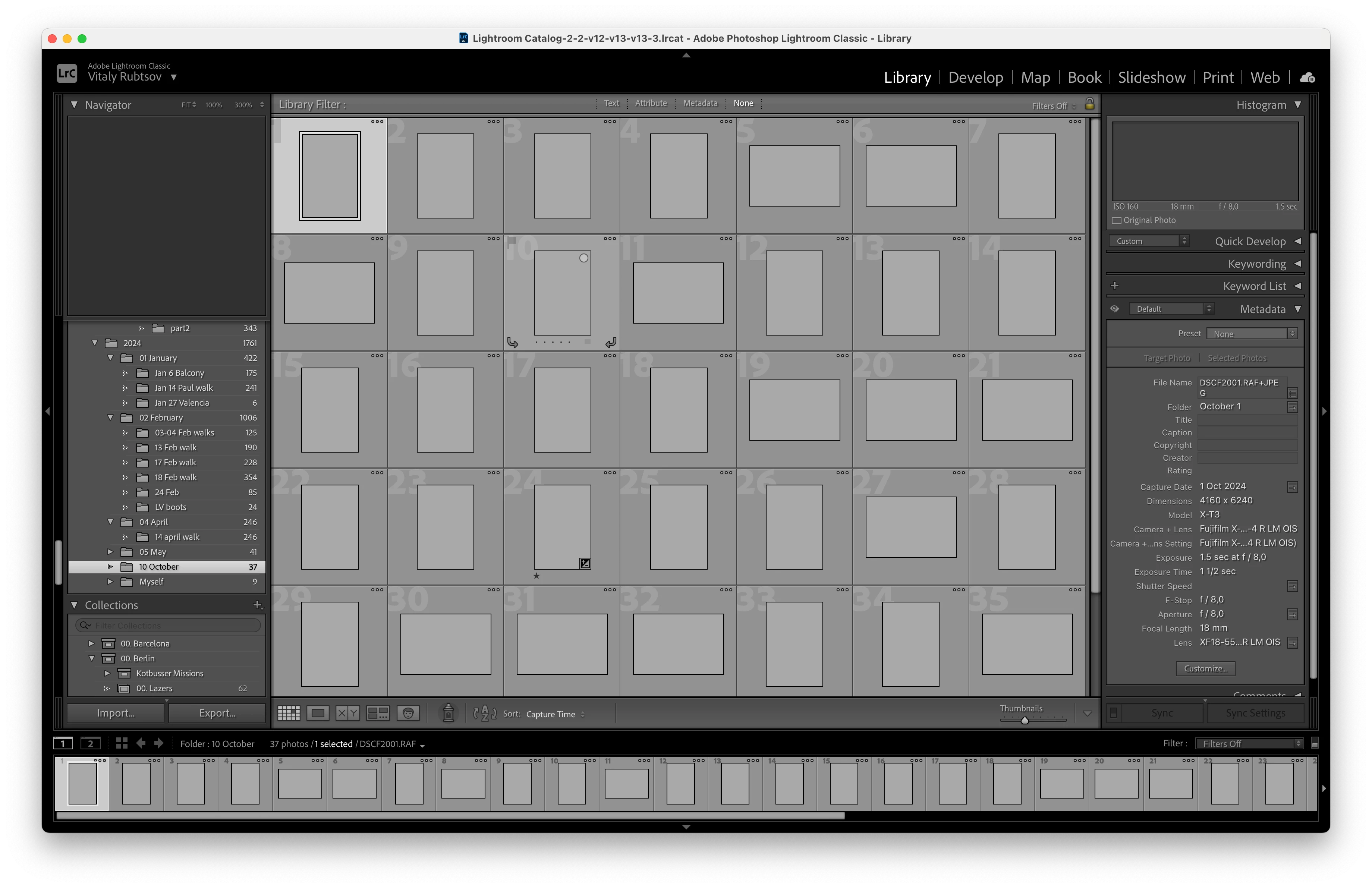
[moved from bugs to discussions according to the community rules - Mod.]
 AdChoices