kentmcpherson
Inspiring
September 23, 2017
Answered

Duplicate Photo - Not a Virtual Copy

  • September 23, 2017
  • 2 replies
  • 35005 views

If I want 2 copies of a photo in my library with 2 different names, how do I create the 2nd independent photo?  I don't want a virtual copy because if I rename one, the virtual copy gets renamed as well.  I don't see a Duplicate function anywhere.   Thanks.
This topic has been closed for replies.
Correct answer Abambo

Lr does everything to avoid duplicates. And you do not need it. As simple as that:

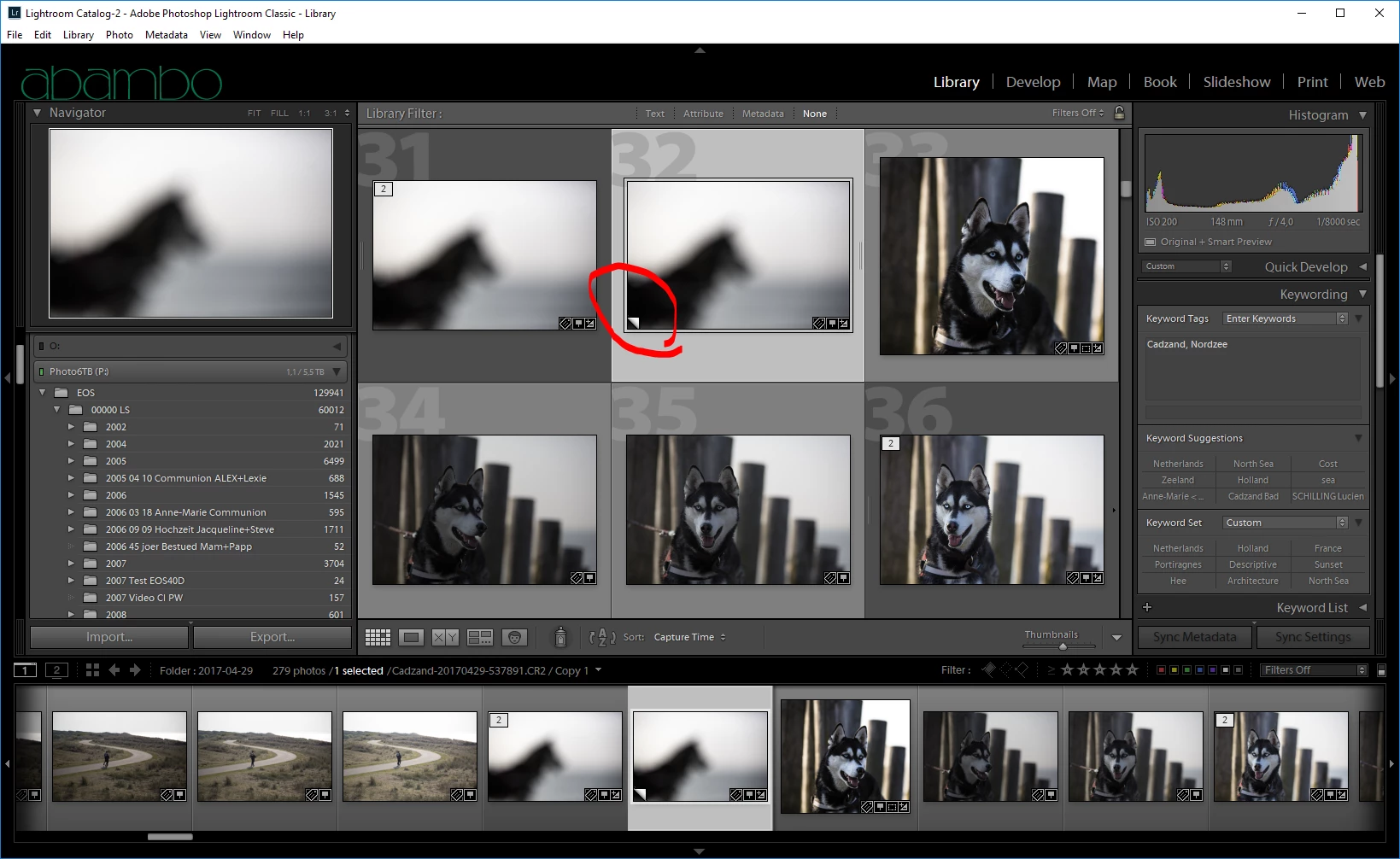
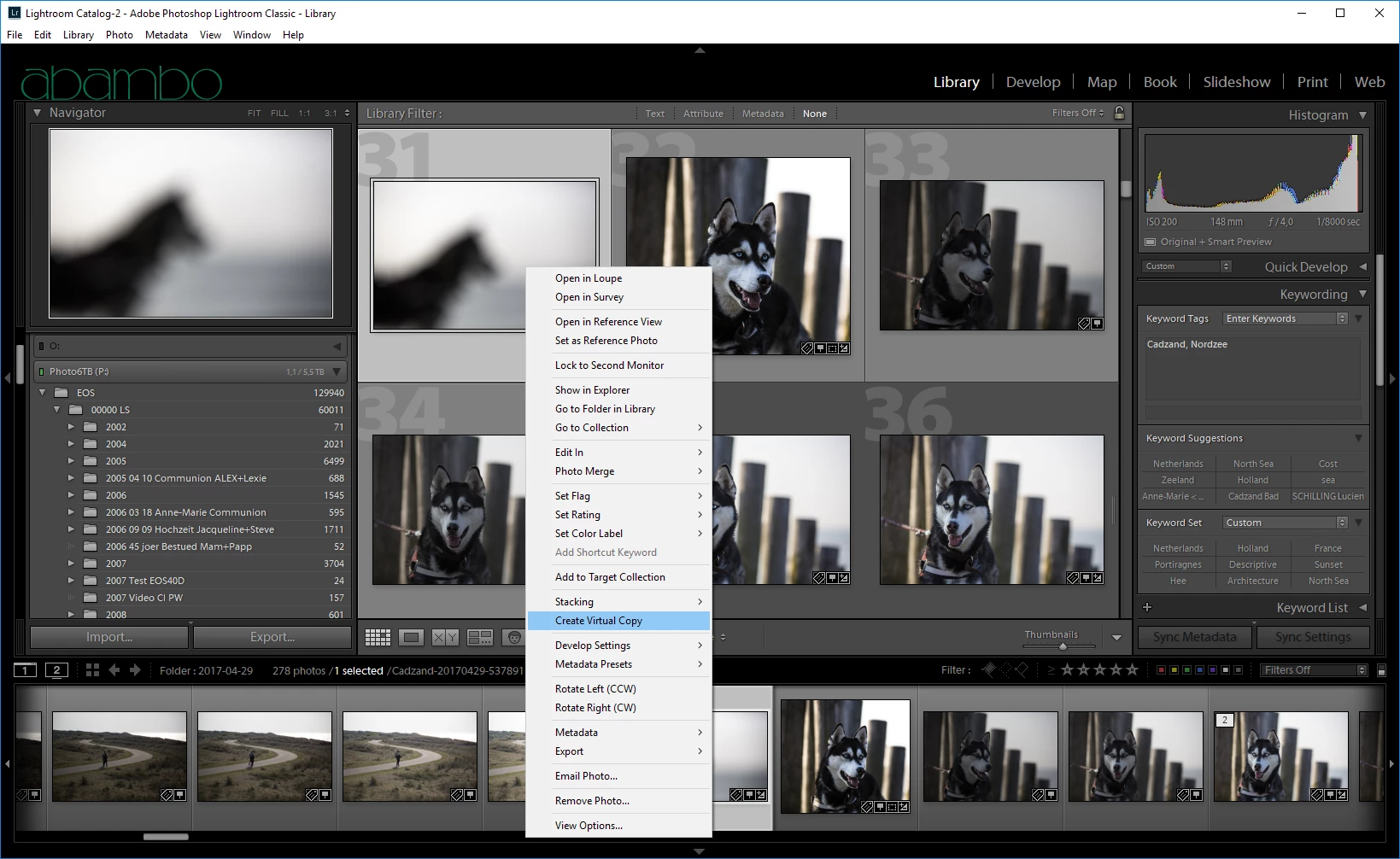
  1. Select your file, RMB, Virtual Copy
  2. Virtual Copy done:
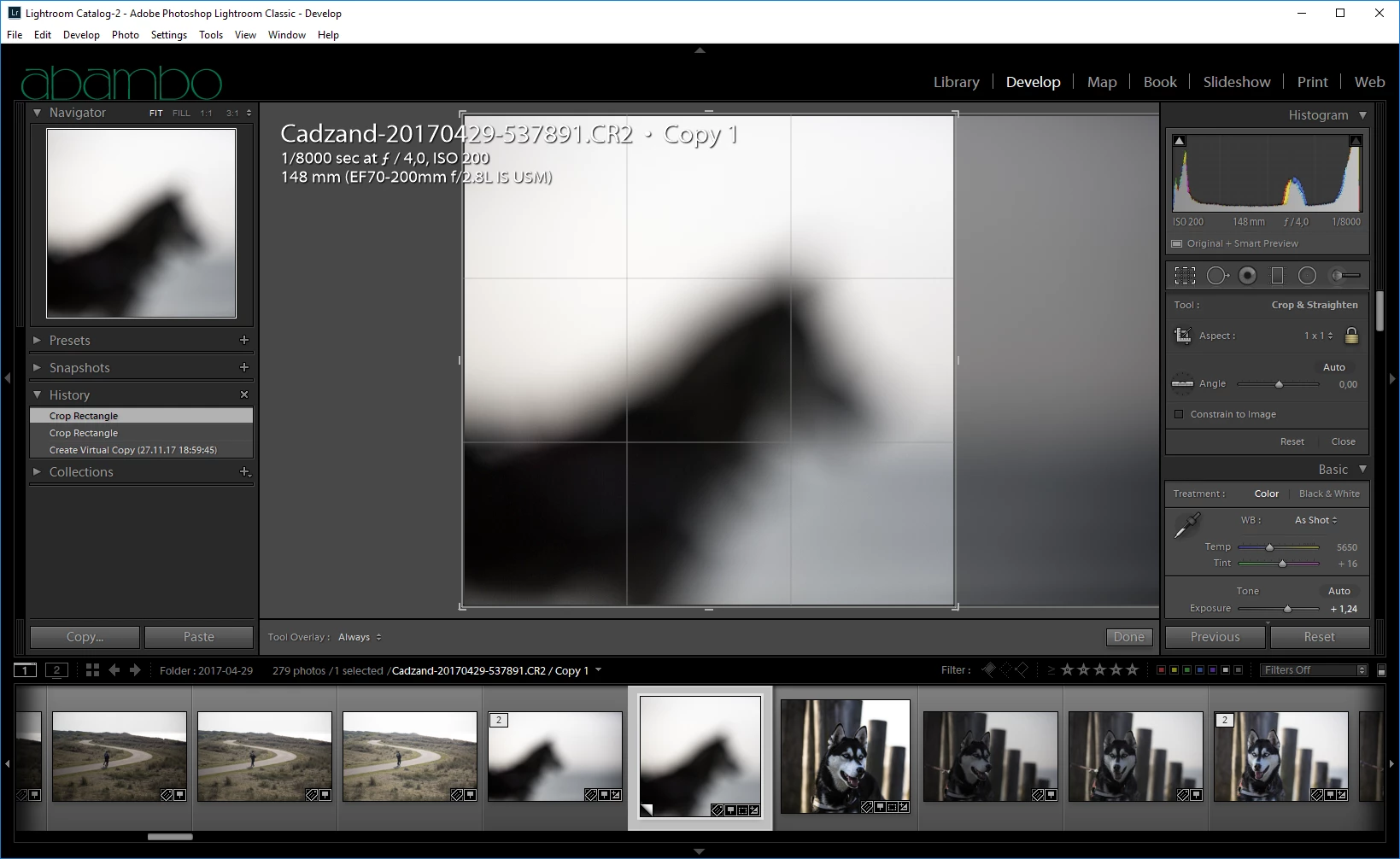
  3. Do your square crop (or what ever you want doing):
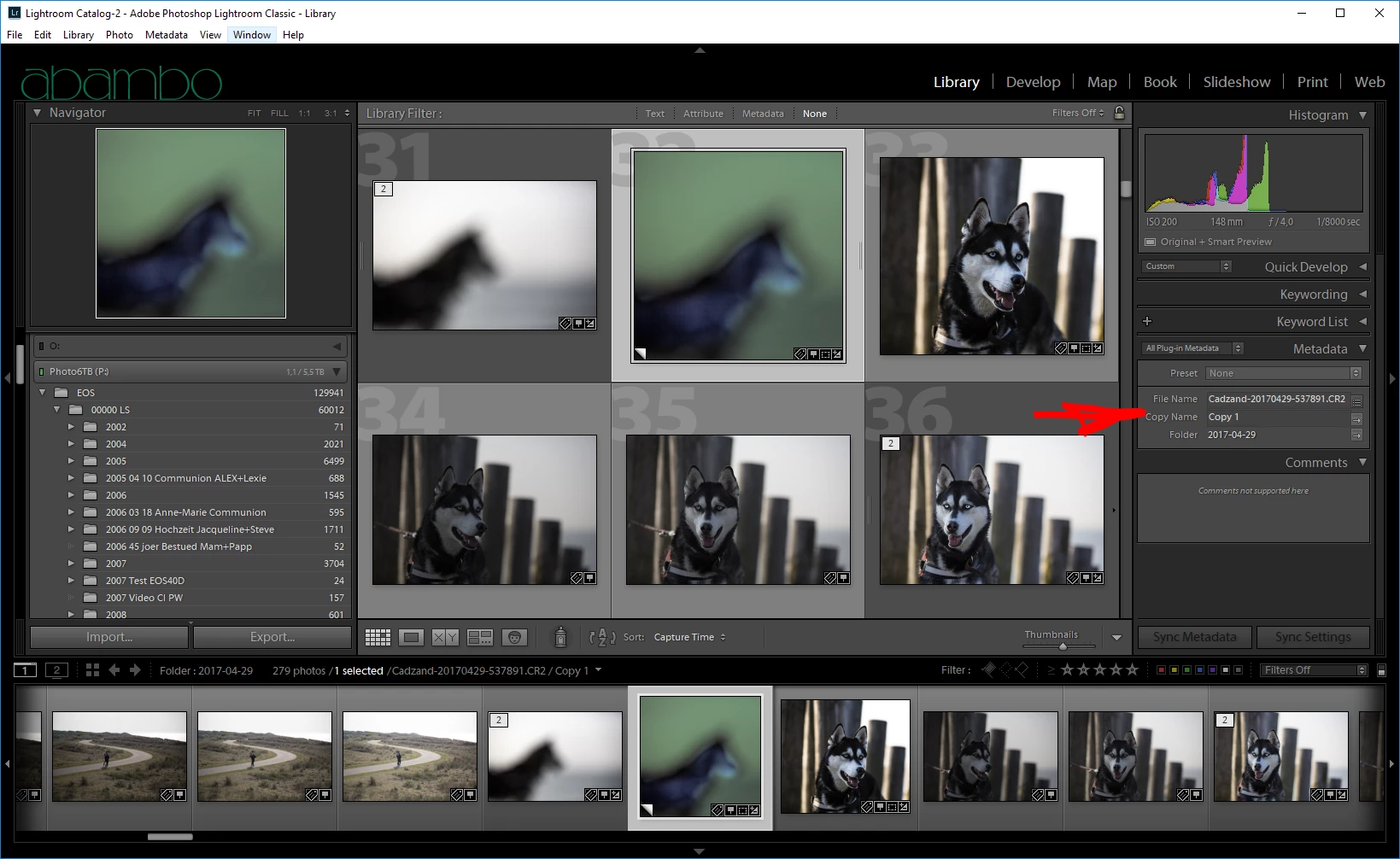
  4. Give your virtual copy a name:

2 replies

dj_paige
Legend
September 23, 2017

Agreeing with Abambo, and stating furthermore that your request is for the opposite of what Lightroom does. I think you DO want a virtual copy. And you can rename the virtual copy. It's certainly the easiest thing to do.

If you must make an actual COPY of the photo, then please know that there is no function or capability in Lightroom to make actual copies of photos.

kentmcpherson
Inspiring
September 24, 2017

OK I'll use the copy name field. Thanks.

Abambo
Community Expert
Community Expert
September 23, 2017

This is a strange request, as Lr does everything to awoid this. You have for virtual copies a field, called copy name, that is used for this purpose. By default, Lr writes "copy" in this field for virtual copies.

ABAMBO | Hard- and Software Engineer | Photographer
tomash20714083
Participant
November 27, 2017

It is not a strange question at all, I for instance can have a photo which I like to with square composition and for prints I print the rectangle composition so I want to have two copies to work with

Participant
August 3, 2018

You’re welcome. The virtual copy is like a new file. It’s cheap (in terms of disk space) the way Lr works and handles this. A VC inherits the edits of the source, but after the VC has been created, they are independent. I’m doing first my standard corrections: dust removal, lens corrections etc. Then I do the VC and continue my edits independently on each copy.


No longer true. I have Lightroom 6.14 (no subscription) and my files from the Canon 5DIV can not be exported to Photoshop unless they are converted to DNG. Alas, virtual copies can not be converted to DNG.

There you have it. Virtual Copies are NO LONGER equivalent to the real picture. There are now things you can't do with them.