Answered
eject memory card
After editing images imported from camera memory card, when is it safe, and how do I eject the card?
TY

After editing images imported from camera memory card, when is it safe, and how do I eject the card?
TY
During import, look in the Identity Plate status display in the top left corner. After the importing progress bars are complete and disappear, it’s safe to eject the card.
You unmount the card using any normal way that you would use in Microsoft Windows, such as switching to Windows Explorer and unmounting it there.
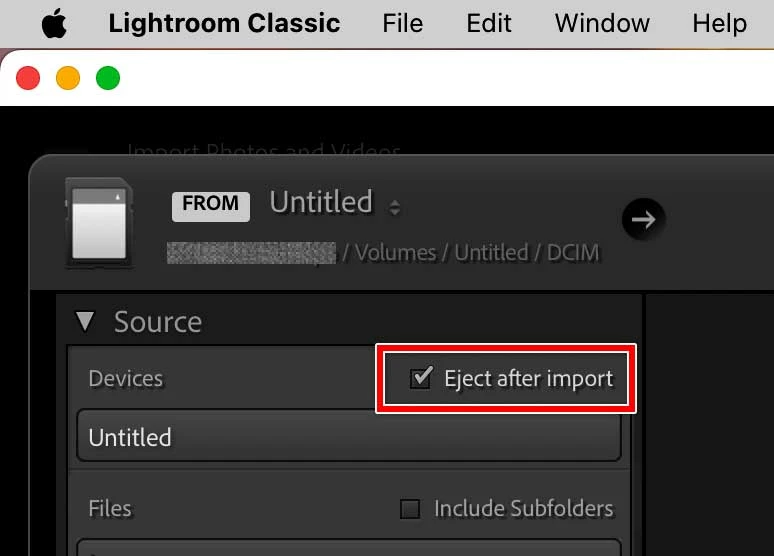
You can also have Lightroom Classic automatically unmount the card when it’s finished importing, using the Import option shown in the picture below. This is what I do, so that when all importing progress bars complete, Lightroom Classic automatically ejects the card and notifies me of that, so I can pull it out.
Already have an account? Login
Enter your E-mail address. We'll send you an e-mail with instructions to reset your password.
 AdChoices