Known Participant
February 8, 2021
Question

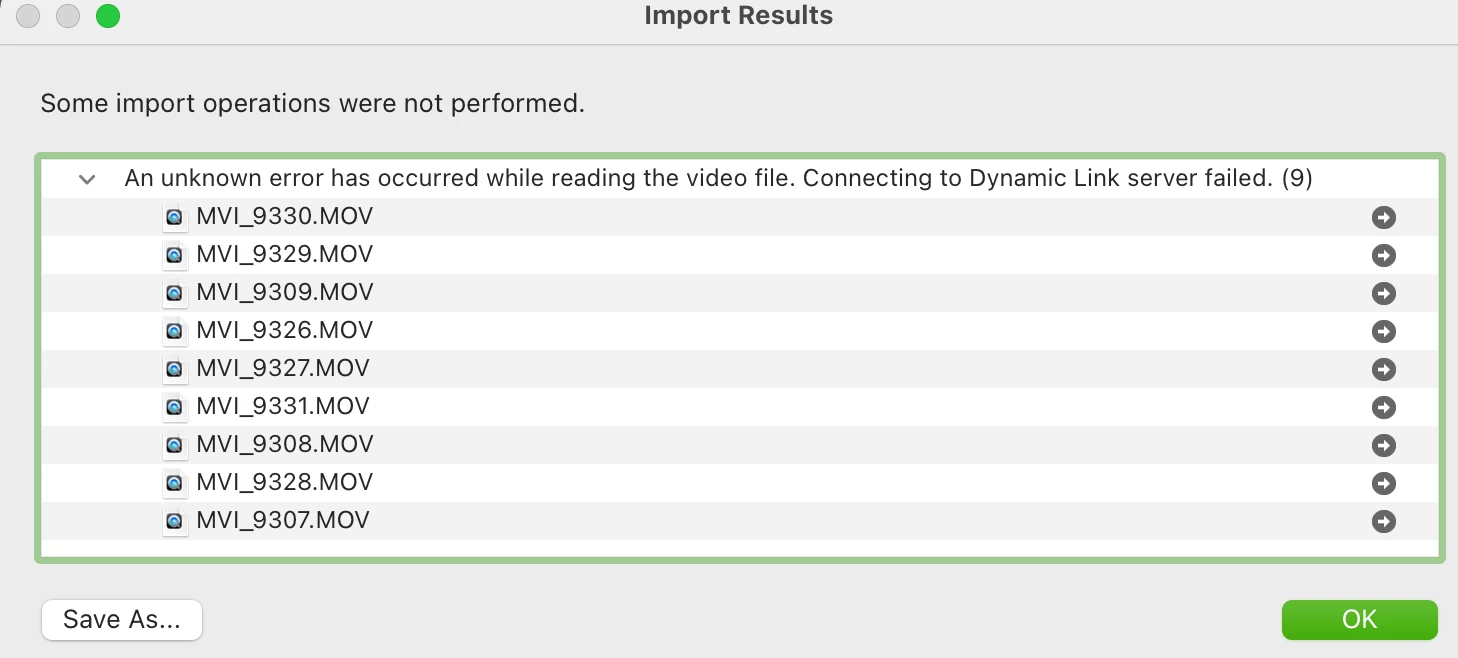
Error: "Connecting to Dynamic Link Server Failed"

  • February 8, 2021
  • 1 reply
  • 305 views

Lightroom Classic 10.11, macOS 11.2


I'm so frustrated with import errors that I'm about to give up on Lightroom.  It's something else every few months.  The latest is the error below when trying to import from a SD card.  Even when I copy from the SD card to my SSD and try the import, the same error occurs.
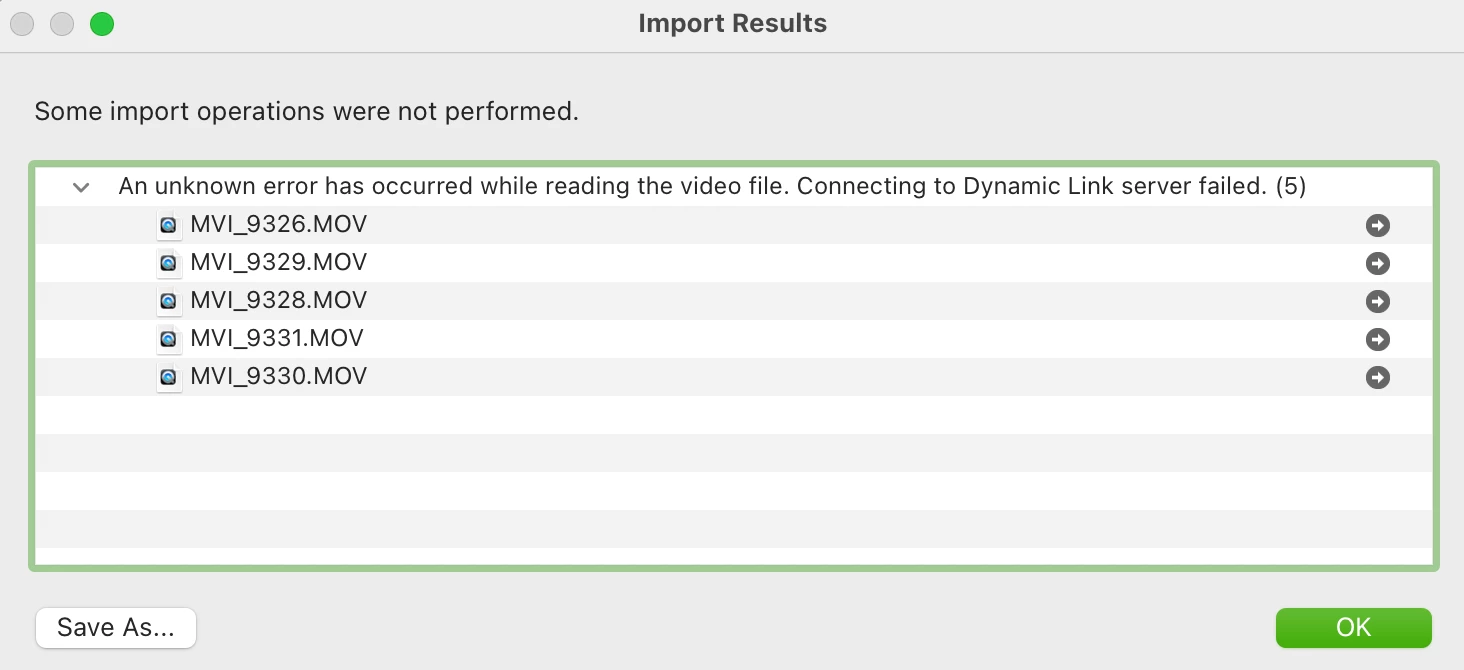
 

I tried the answer here but it didn't help.

This topic has been closed for replies.

1 reply

kentdesign
Community Expert
Community Expert
February 19, 2021

I do not often import video files but I did research a bit and found this possible solution.

  1. Quit Lightroom Classic.
  2. Open Activity Monitor.
  3. Search for dynamiclinkmediaserver and dynamiclinkmediamanager.
  4. If these processes are still running, force quit them from Activity Monitor.
  5. Launch Lightroom Classic and try to import the video file.
  6. If you still get the same error, delete the following on your system:
    • /Users/<UserName>/Library/Application Support/Adobe/dynamiclinkmediaserver
    • /Users/<UserName>/Library/Application Support/Adobe/dynamiclinkmanager (if exists)

      Delete the following to clear Video Cache:
    • /Users/<UserName>/Library/Caches/Adobe/Lightroom/Video/Media Cache
    • /Users/<UserName>/Library/Caches/Adobe/Lightroom/Video/Media Cache Files
  7. Restart your system

worth a try.