


Known Participant
June 7, 2019
Question

Export Error: Photo previews cannot be found Lightroom macOS

  • June 7, 2019
  • 1 reply
  • 1668 views

After a crash of our Lacie backup drive containing our Lightroom catalog, we attemped to export a new catalog to another drive. The export worked, however we received an alert that basically none of our previews exported with the LRcat.  the export previews option was checked.   Any clues?

Please advise.
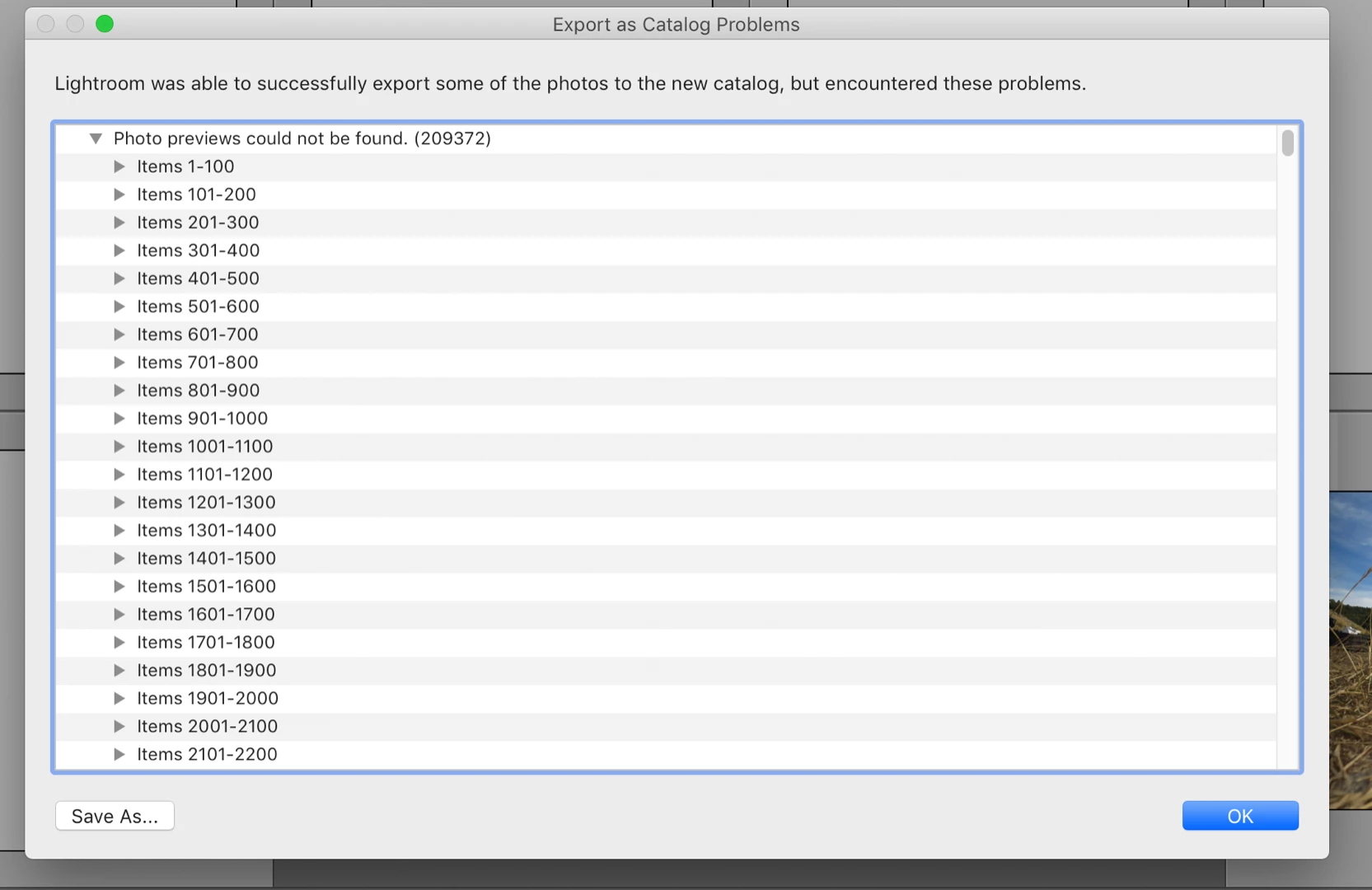
{Thread renamed by moderator}

    This topic has been closed for replies.

    1 reply

    Sahil.Chawla
    Adobe Employee
    Adobe Employee
    June 7, 2019

    Hi Robert,

    That's what definitely shouldn't be happening. Let's make it right!

    If you export images as a new catalog, Lightroom needs to save a catalog file and a previews.lrdata folder. It uses the existing previews for that, so if there is some reason why it can't find certain previews (perhaps some have not been generated yet) it could give you this warning. Previews can always be rendered again, it shouldn't be a problem.

    Lightroom will generate these as needed, it should be a transparent process. It is possible that the original image has been moved or deleted outside of Lightroom, these cataloged but missing images will show with a [!] symbol in the upper right hand corner of the grid box. If the images are not missing, you can create new previews from the menu bar Library > Previews > Build Standard Previews

    Let us know if it helps.
    Regards,
    Sahil