
Export of a RAW image from a camera looks darker
Hi!
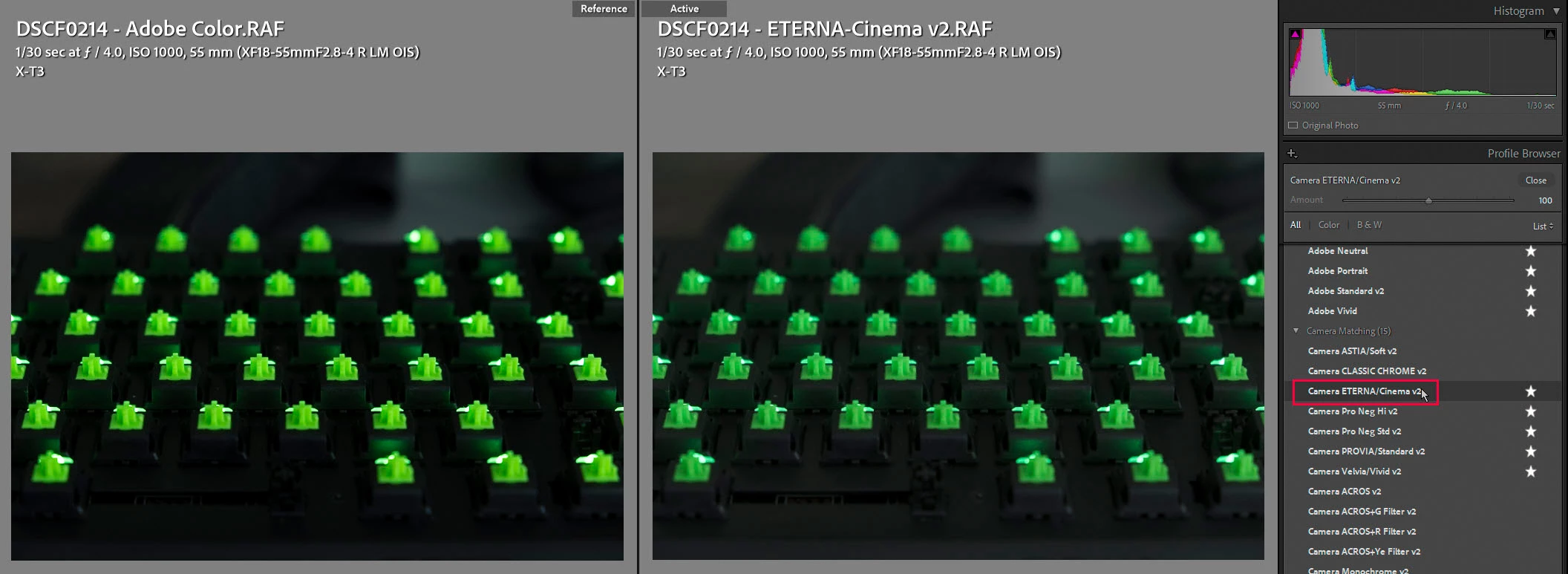
I have the problem with export colors that look much darker then original images have. It's very confusing to edit with lighter colors in Lightroom comparing to the export. Note, that imported images from export into Lightroom looks also darker. Original images are RAW files from Fujifilm XT-3 camera with .RAF extension and export is JPEG sRGB 99% quality. Also note, that original images look the same in Lightroom and all other viewers including Windows Photos, so the problem is only with export that makes the images darker.
.JPG and .RAF file:
https://fex.net/s/ovny7cy (64.5 Mb, the link will expire in 7 days)
Original image .RAF - looks the same in Lightroom, ImageGlass, Windows Photos.
Exported image .JPG - looks the same in Lightroom, ImageGlass, Windows Photos but darker then the orinal image and preview.
Do you have some suggestions?
Thank you in advance!

 AdChoices