
Participant
March 14, 2024
Question

Export photo from Smart Review

  • March 14, 2024
  • 2 replies
  • 254 views

I would like to use Smart Review as an additional small backup. That's why I created Smart Review.

When exporting the Smart Preview, it doesn't create 2560 pixels for any RAW photo except when I export a jpg file in the Smart Review, it then has 2560 pixels
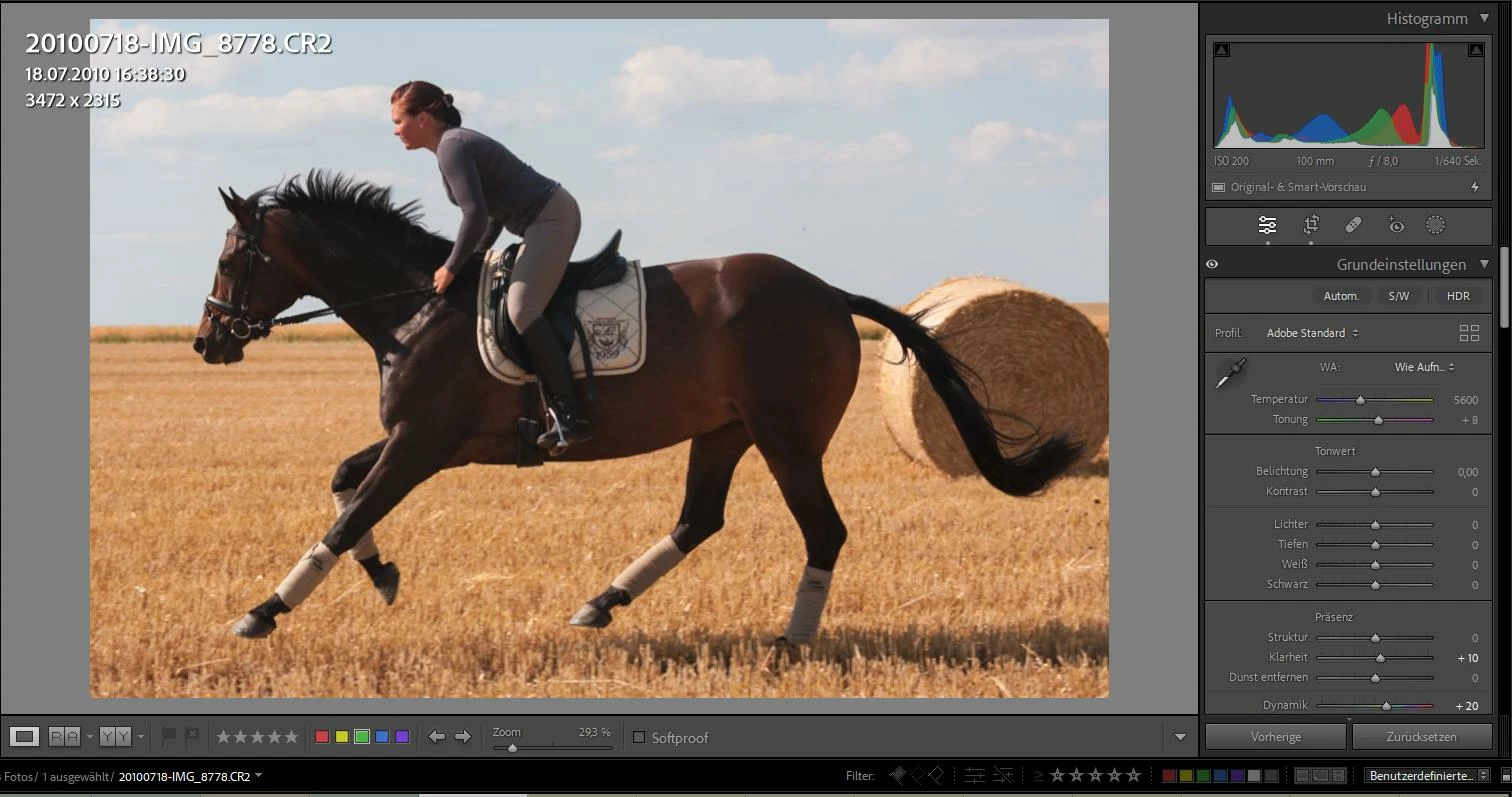
 

Without original file:
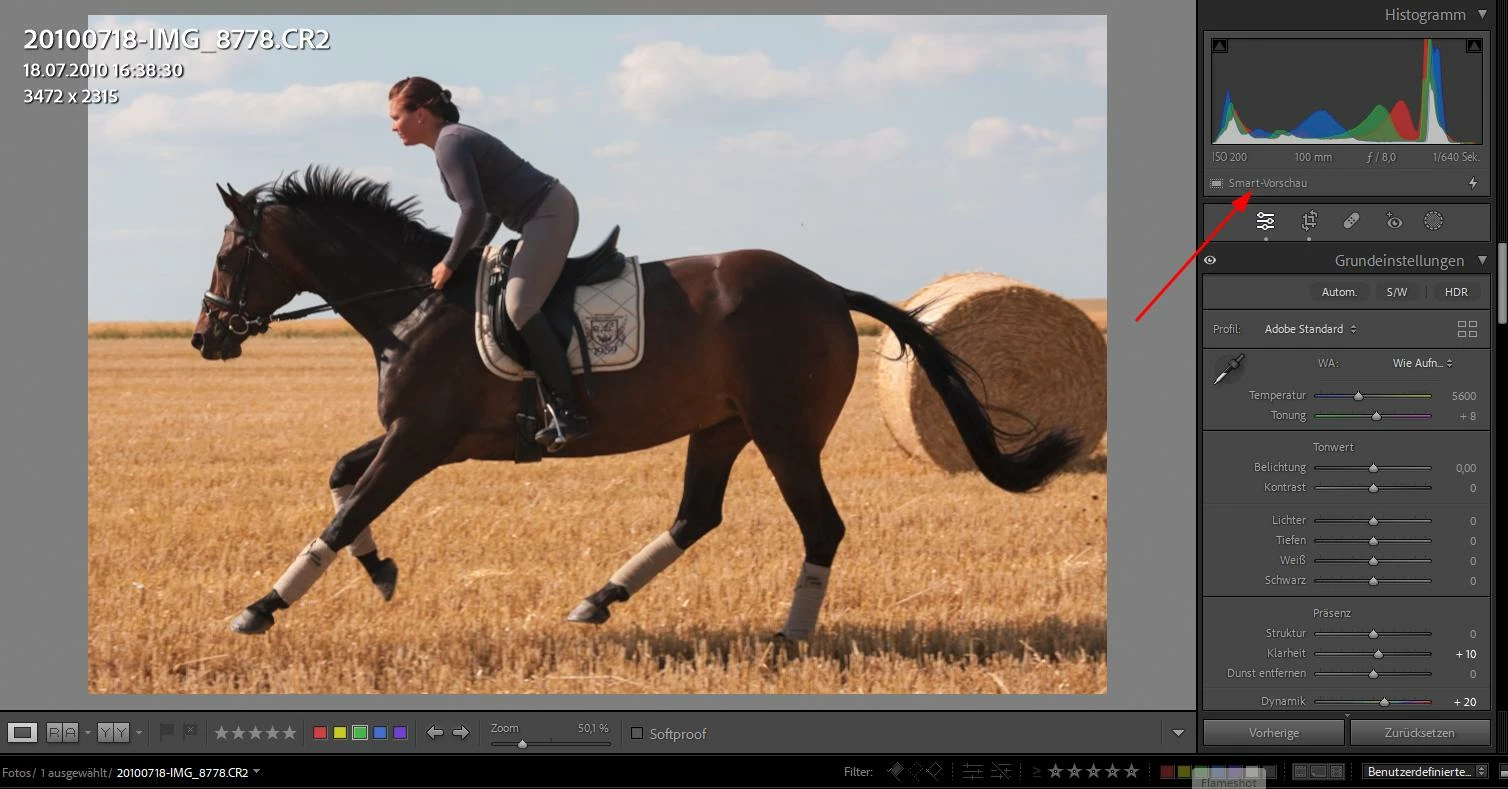


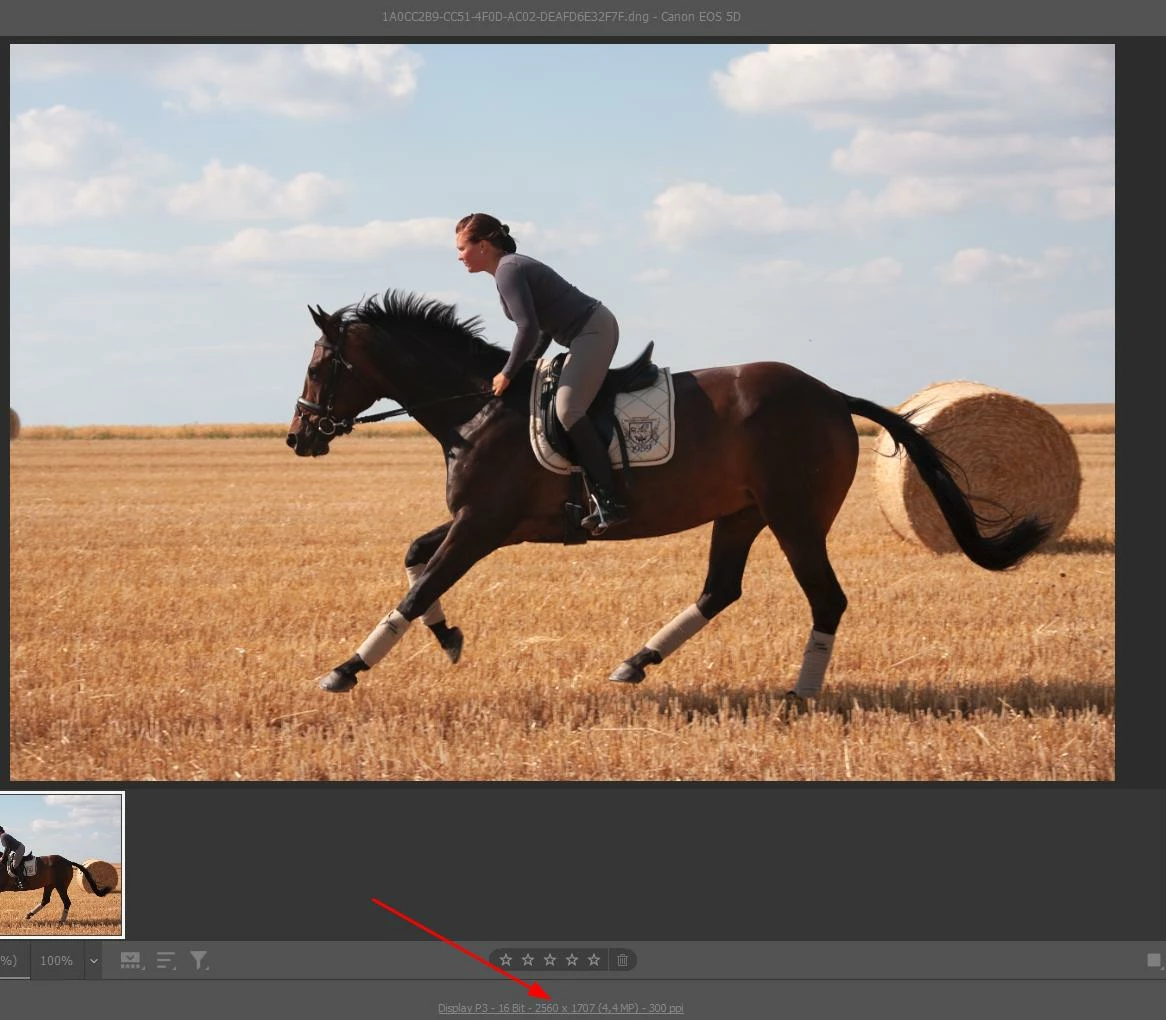
The .dng image in the file    "Lightroom Catalog-v13 Smart Previews.lrdata"    then looks like this and has 2560 pixels


Then I export the photo with these settings:
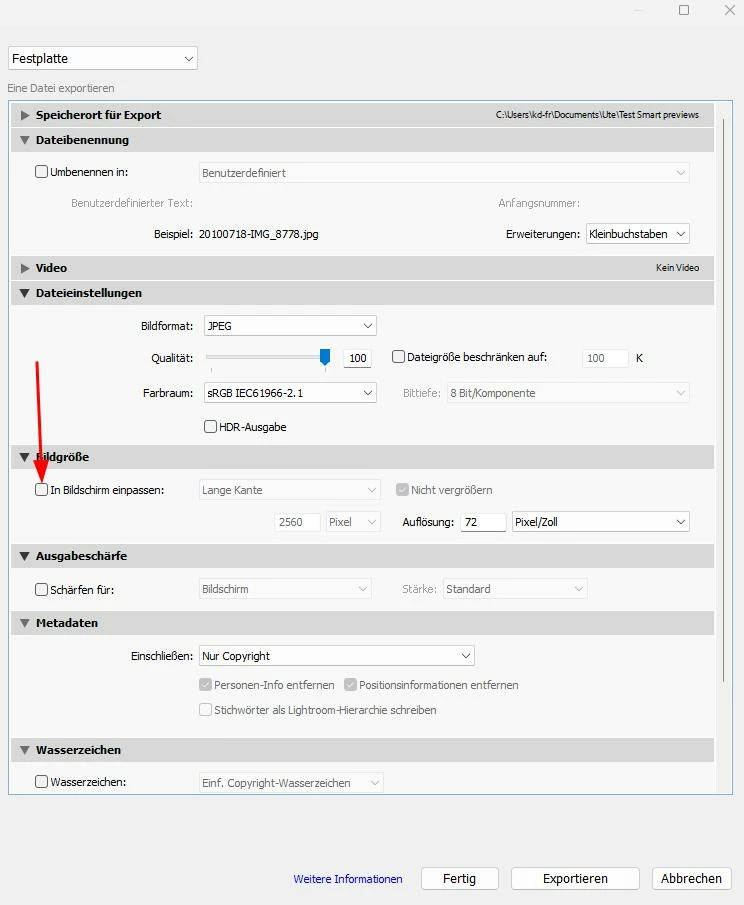
Unda's photo doesn't have 2560 pixels:
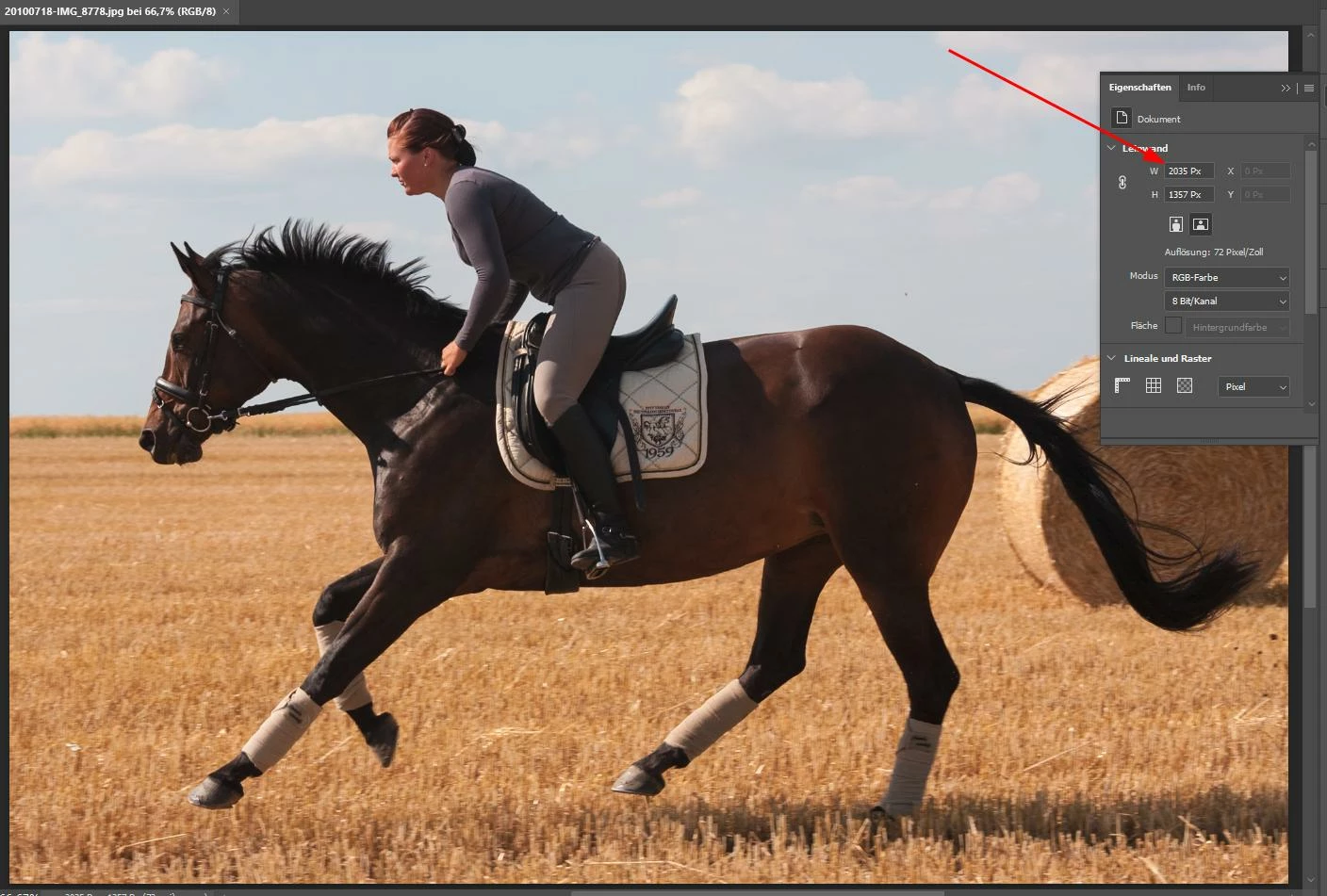
What is my mistake?
Thank you for your help in advance!


This topic has been closed for replies.

2 replies

dj_paige
Legend
March 14, 2024

I would not consider Smart Previews to be a legitimate backup. The only legitimate backups are the unedited original photos.

Participant
March 14, 2024

 Hallo dj_paige,

Thank you for your correct advice. I became wise from bad experiences. That's why I have a complete backup on 2 hard disk and selected ones (green and red) in the cloud.
In addition, I also take the Smart Preview in the cloud for the worst case scenario, which hopefully never occurs.
 Best regards

JohanElzenga
Community Expert
Community Expert
March 14, 2024

You cropped the image in Lightroom. When you export from a smart preview, that smart preview is taken instead of the original, and then the edits (including the crop) are applied. That means that your exported image will be smaller than 2560 pixels wide if you cropped it.


-- Johan W. Elzenga
Participant
March 14, 2024

  Hallo Johan W. Elzenga,

thank you very much! I did not expect that. However, the slightly wider dng image in the file “Lightroom Catalog-v13 Smart Previews.lrdata” made me suspicious.
Now my ambiguities have been resolved.

Best regards