
File cannot be found in Develop Module - Photo NOT missing from Library Module
I had a number photos on an external hard drive that worked fine until fairly recently. Without having moved the photos or made any major changes (with perhaps the possible exception of upgrading to the latest version of LR Classic) I started getting the error message "The file cannot be found" in the Develop Module. However the photo does not appear to be missing in the Library module. I therefore can't fix the issue as the Library module doesn't appear to recognise that there is an issue. Interestingly the Library module doesn't show a histogram for the affected photos. 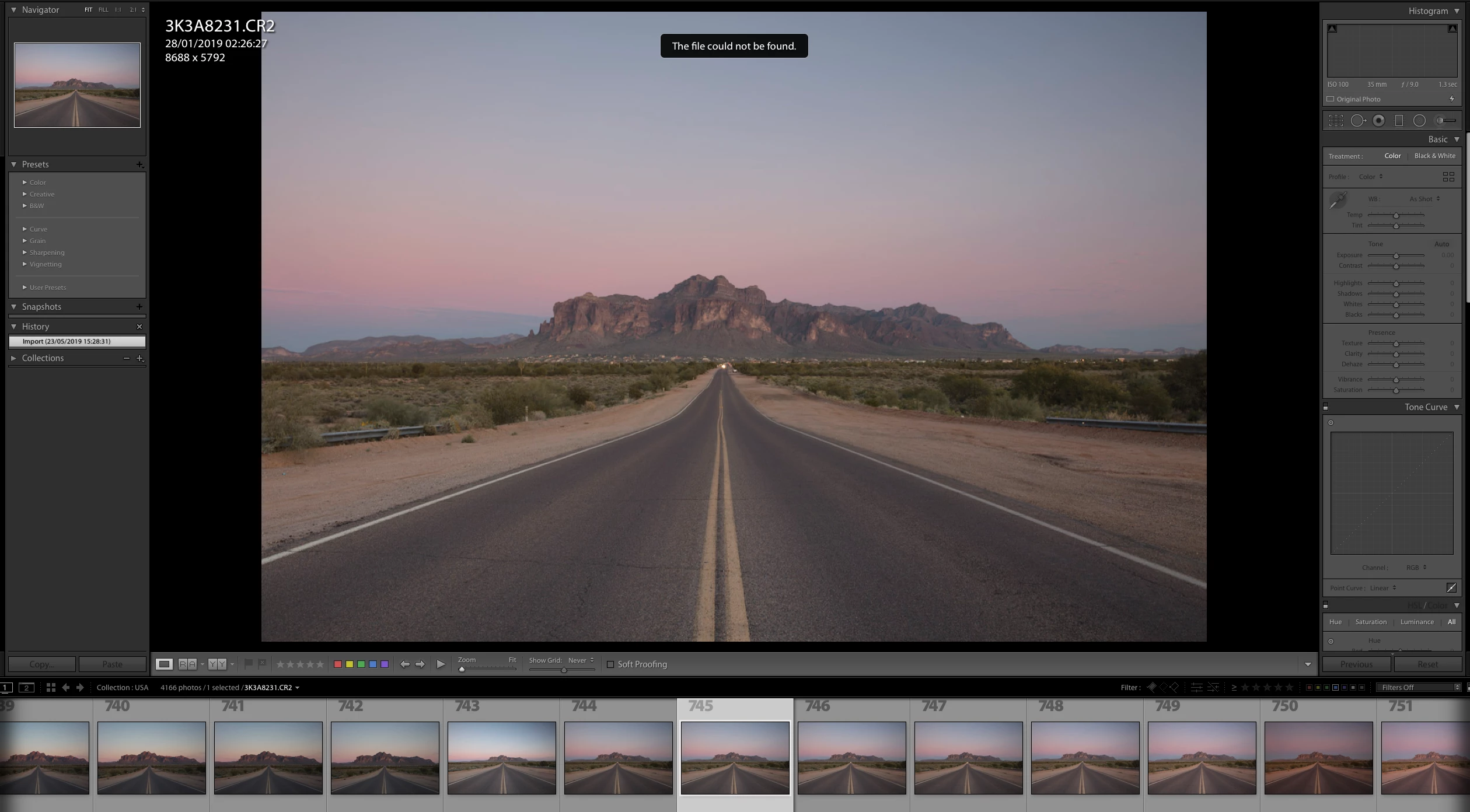
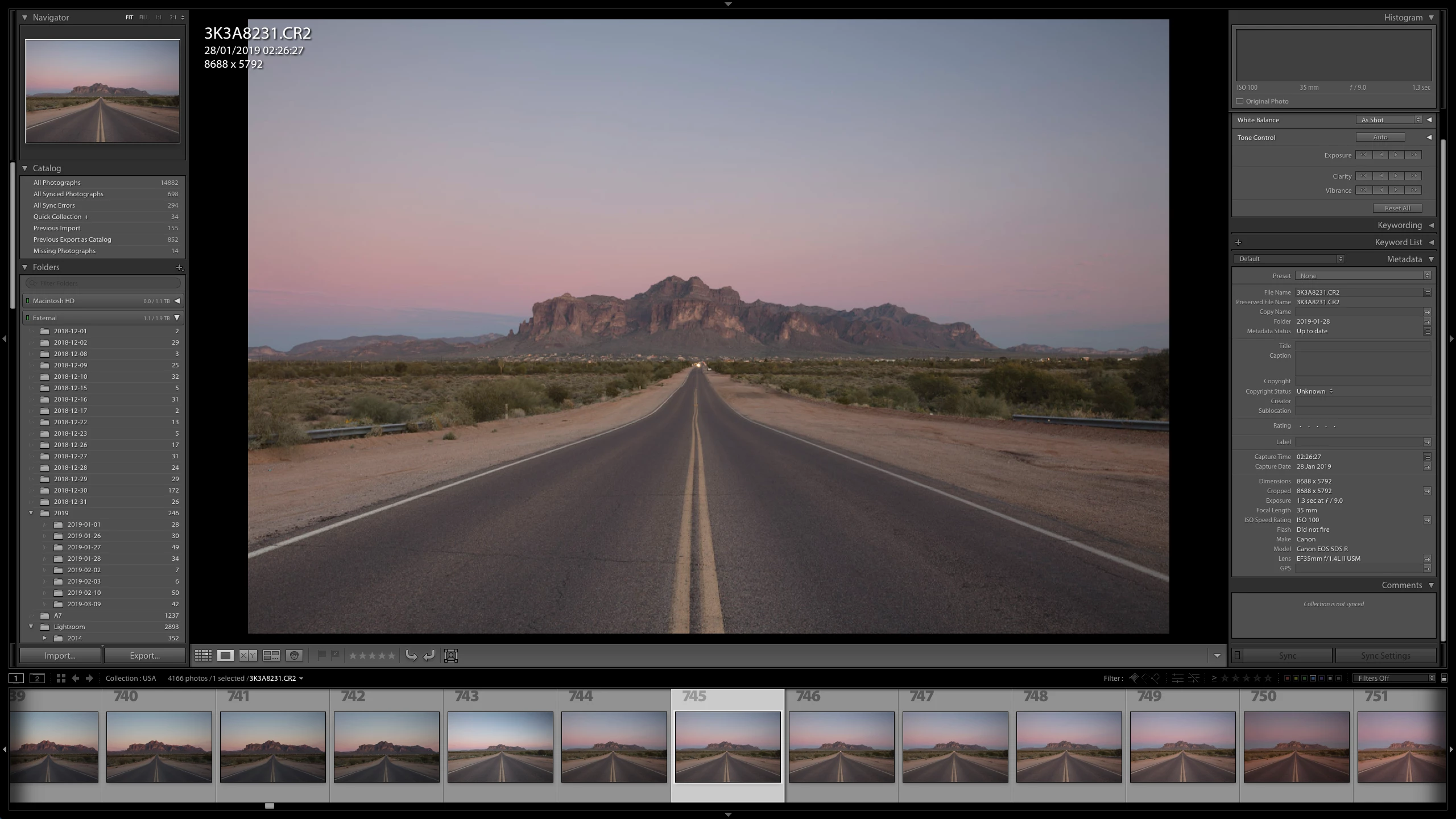
I don't know what to do other than start a new catalogue from scratch and lose all my edits. Please help.
[Moving from generic Start/Help forum to the specific Program forum... Mod]
[To find a forum for your program please start at https://community.adobe.com/]
 AdChoices