

Filing Quandary
Running Windows 11 and with the latest Lightroom updates installed.
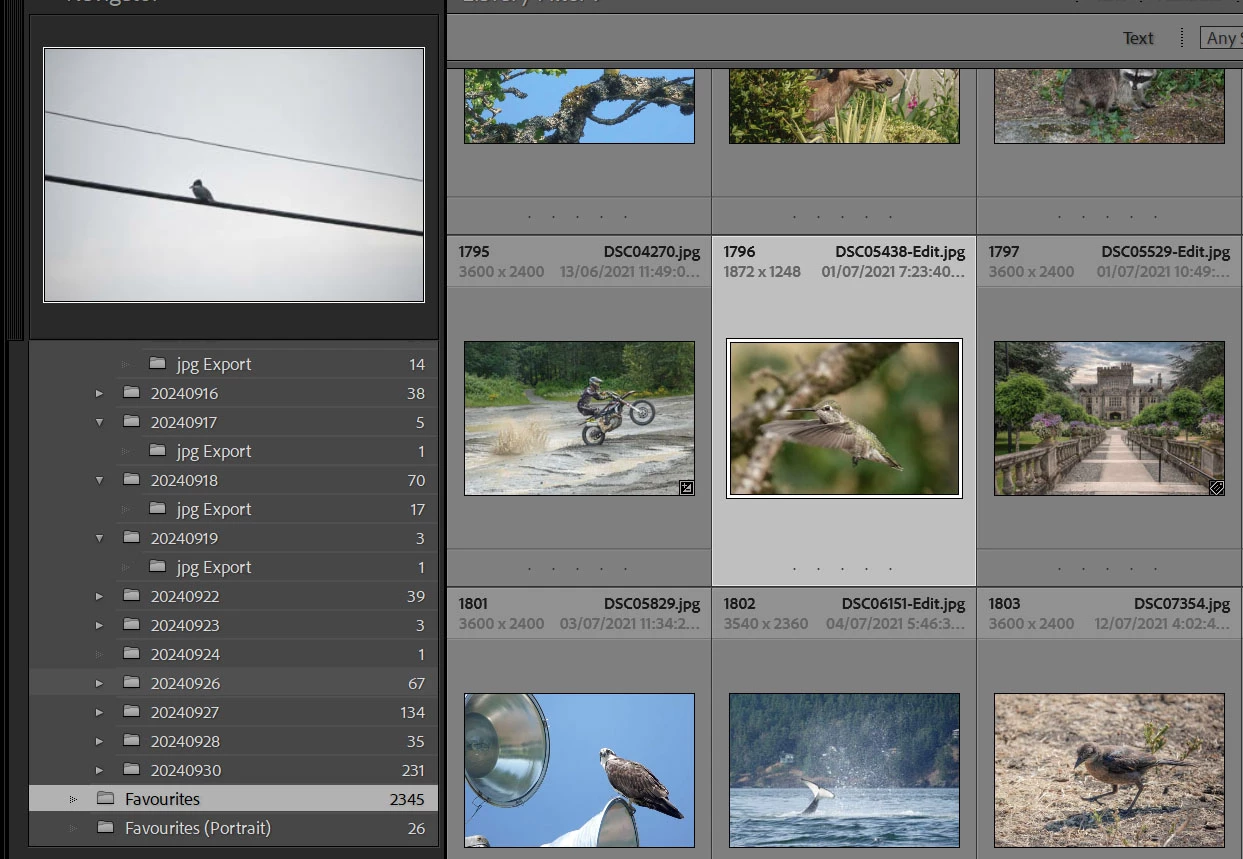
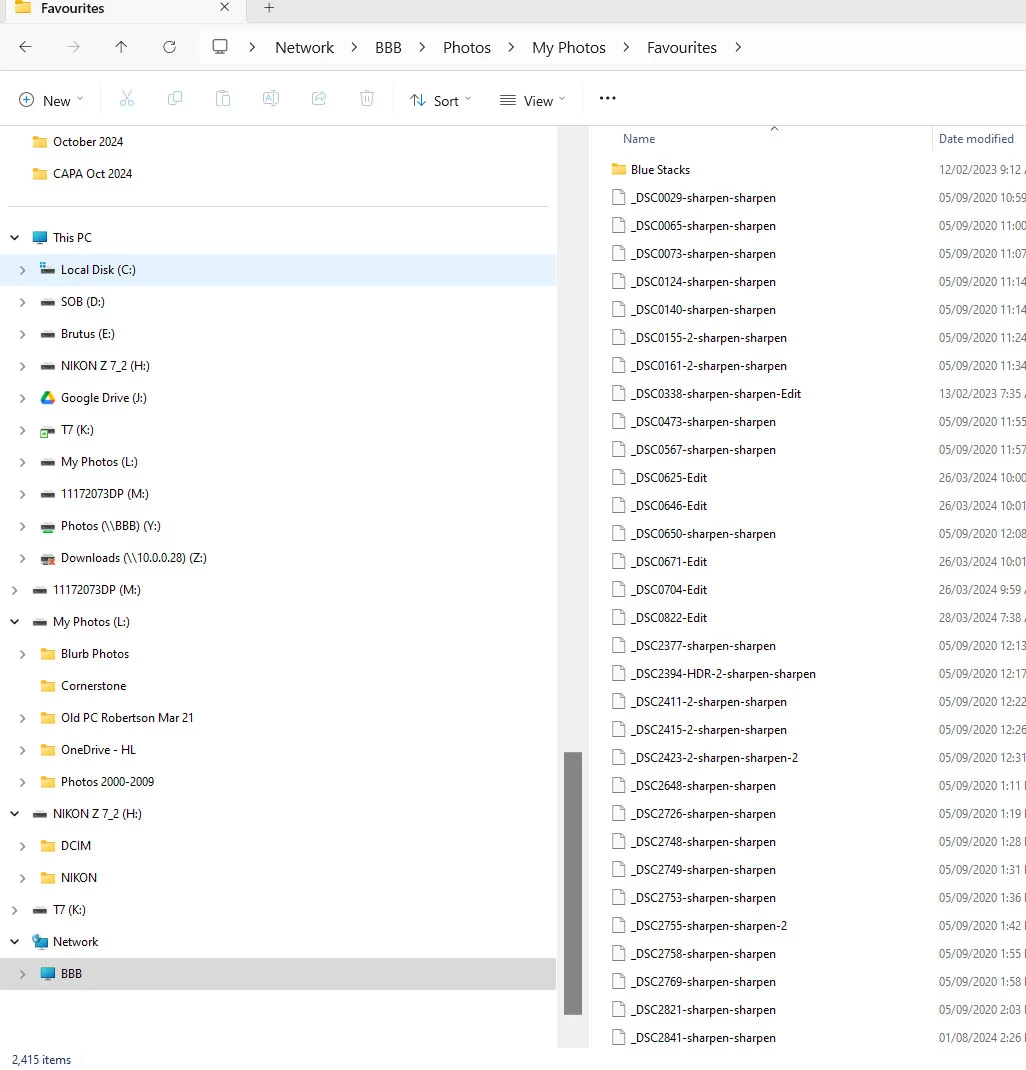
I have a folder on an external drive called Favourites. When viewed from Lightroom, it shows around 2345 images. Just for giggles, I viewed the same Favourites folder, this time from Explorer and it showed 2415 images.
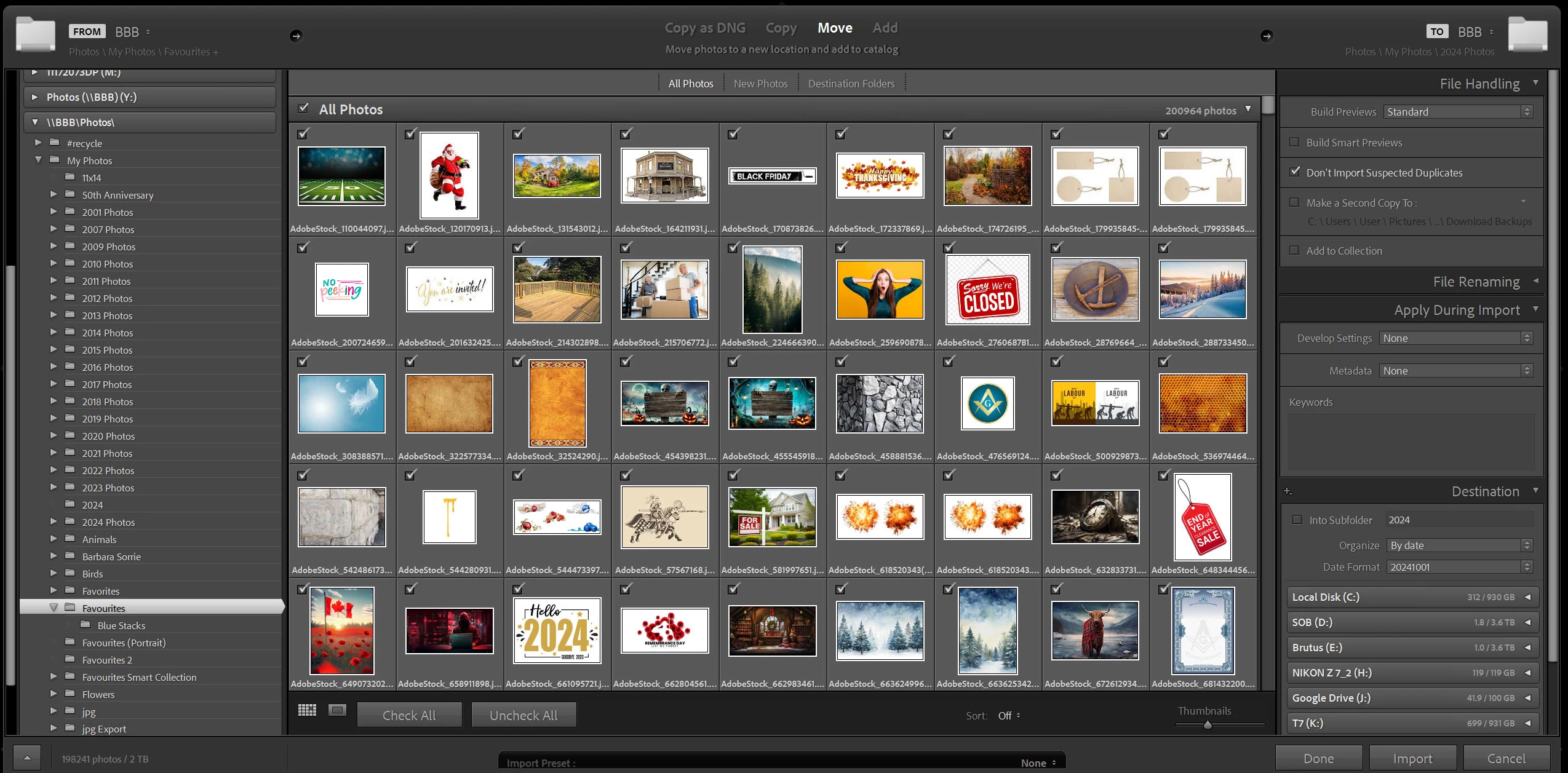
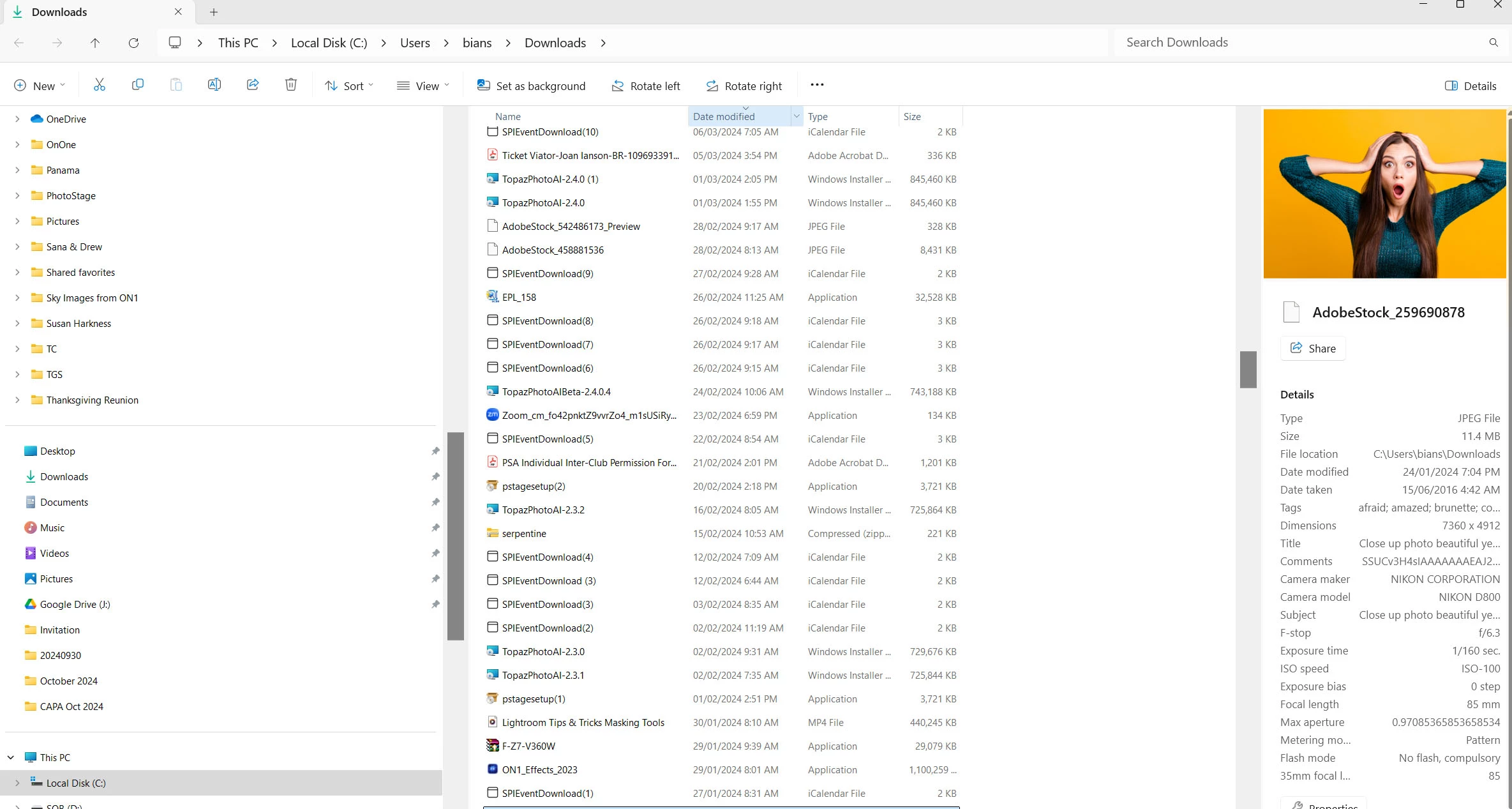
I went back to LR and Import and selected the same Favourites folder and was suddenly faced with 198241 images to import (this is with "Don't Import Selected Duplicates" selected) If I right click an image from this import window and select show in Explorer, it shows the image as being on another drive altogether.
Any thoughts on why this is happening?
Here's my Favourites from Lightroom
Here's my Favourites folder when viewed in Explorer
Here's the Favourites Folder from the Import Window
Here's what I see if I right click an image from the import windows and say Show in Explorer
 AdChoices