Bob - It's the 2nd link that I'm talking about when I ask for assistance with removing Flash from Microsoft.
The first link you provided I have followed several times. Here is what happens:
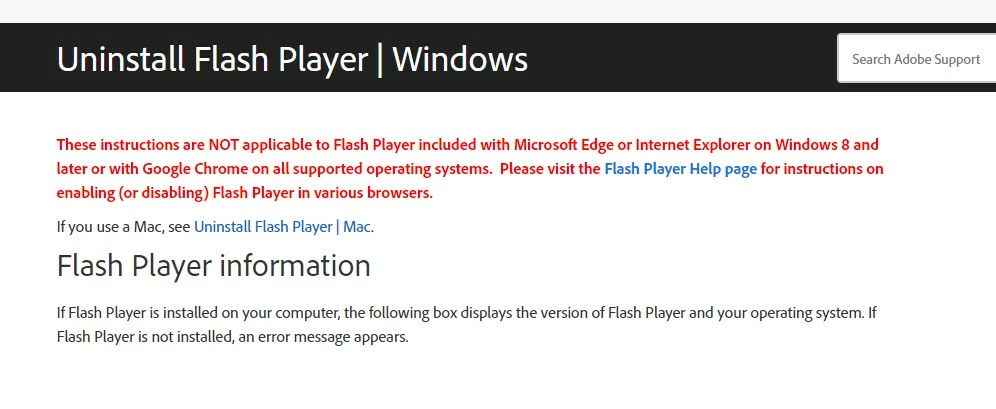
Since I have Windows 10 and Google Chrome, I clicked on the link for Flash Player Help page:
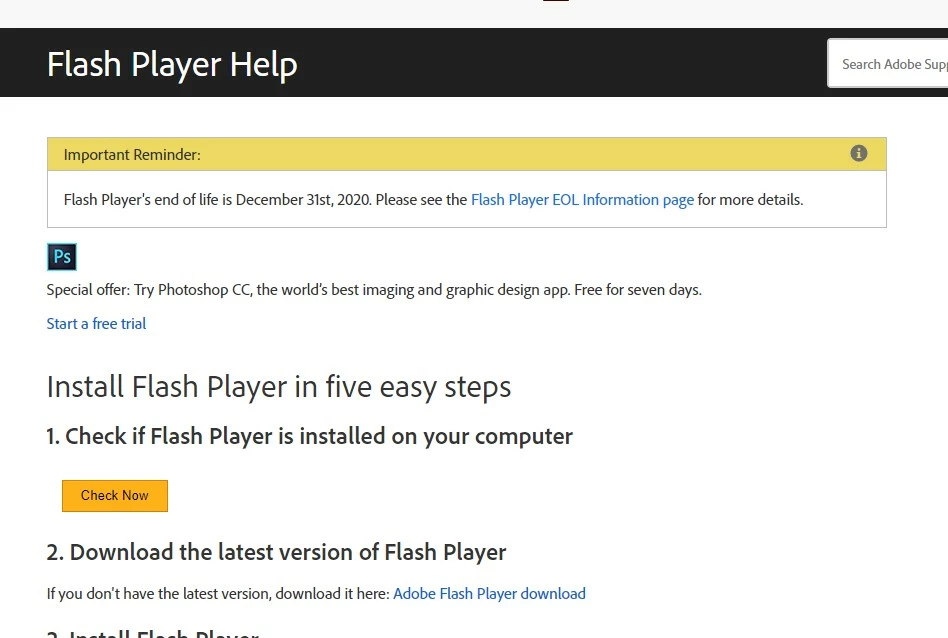
This just informs me that Flash is discontinued and provides NO option to disable in Chrome - only to Enable.
Here is the bottom of the screen.
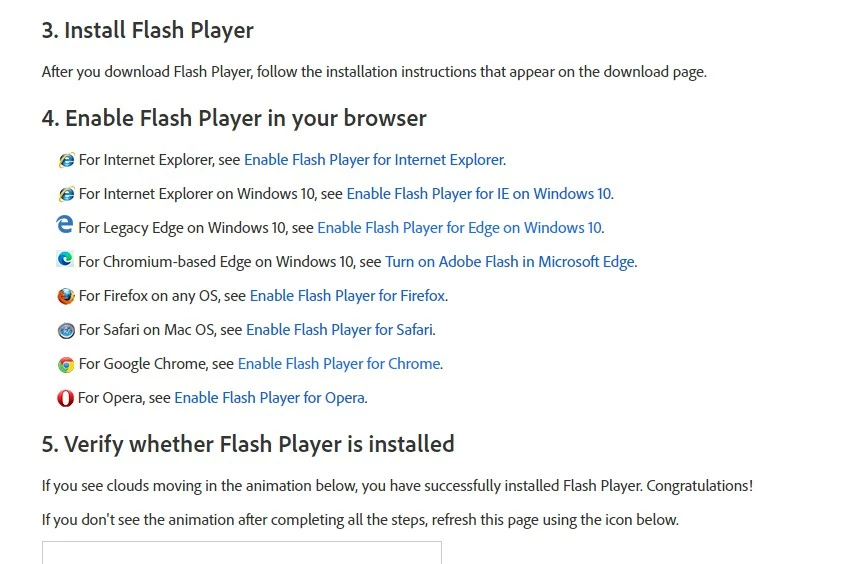
Just to see what happens, I clicked on Enable Flash for Chrome and I get this:
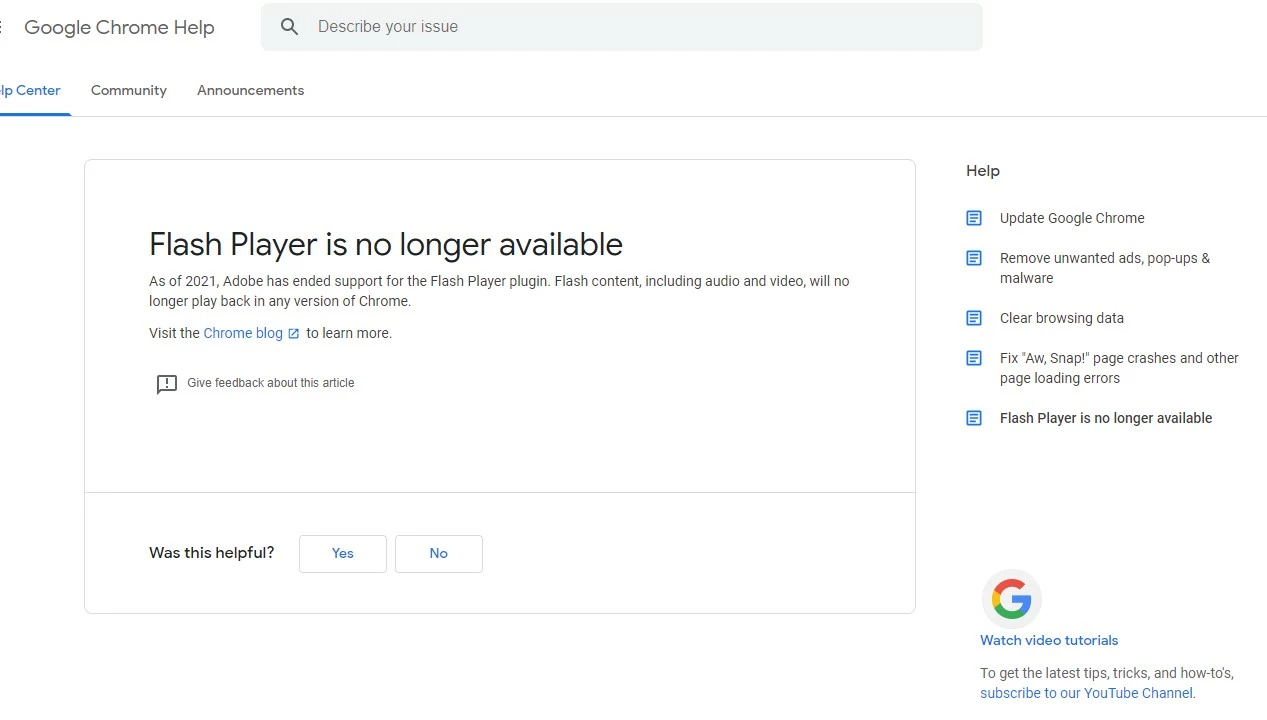
So then I click on Flash Player EOL Info Page and get this:
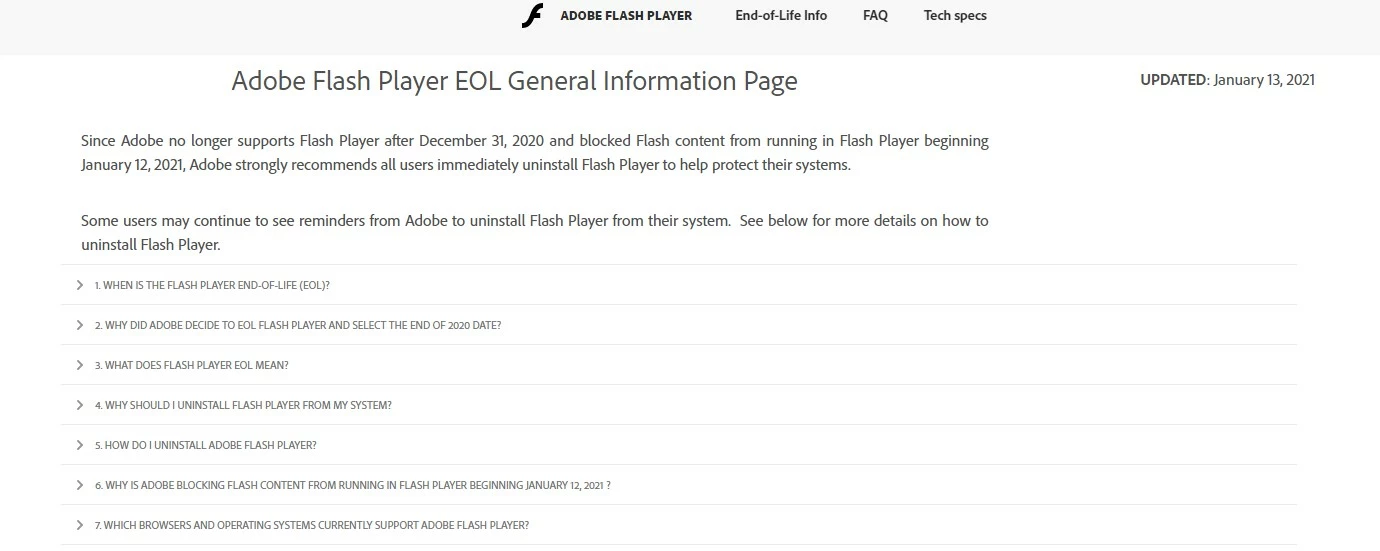
So I see a question about how to uninstall Flash player and click on that:
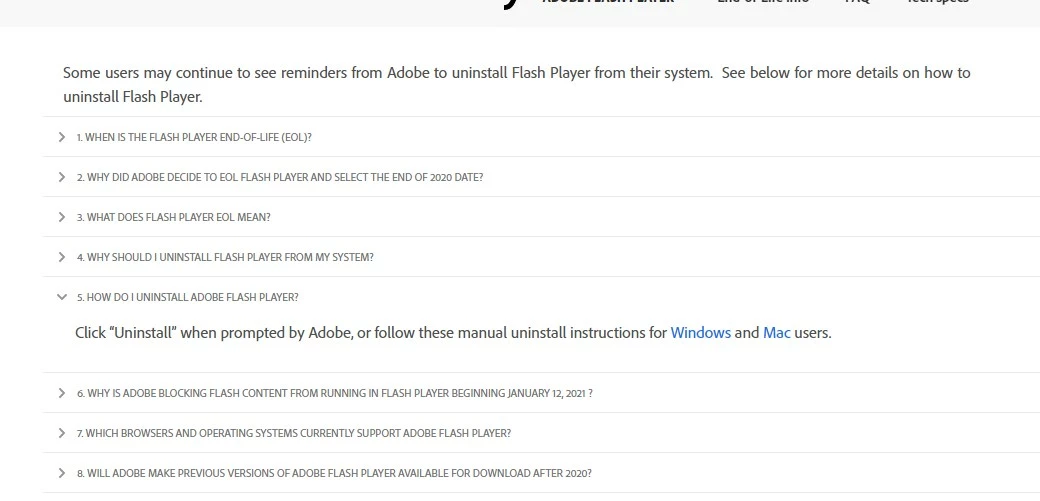
Well, not sure how I'm supposed to be "prompted by Adobe", so I had no option but to click on instructions for Windows and I get this:
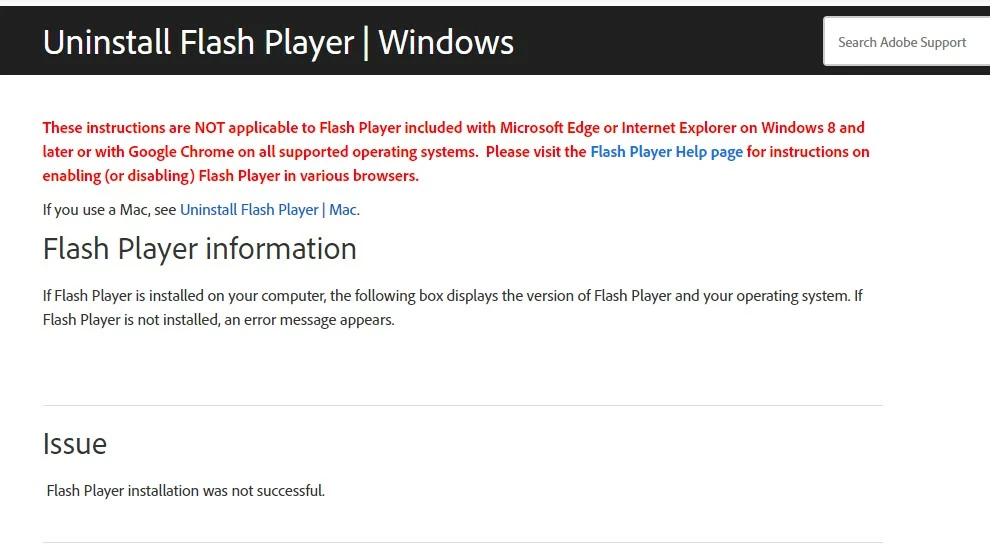
So, right back to where I started. This is what I mean by dead ends.
Furthermore, I decided to try the Windows uninstall option that it says won't work for Windows 10 and Chrome, so I download the Windows uninstaller and follow the instructions:
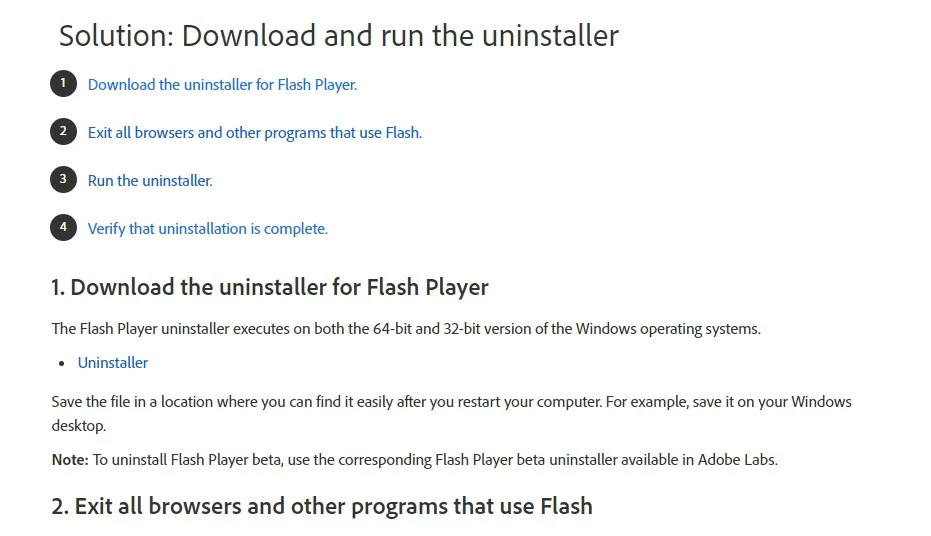
I restart my computer and then go to back to the site for Step 4 to verify the uninstallation is complete and get this:
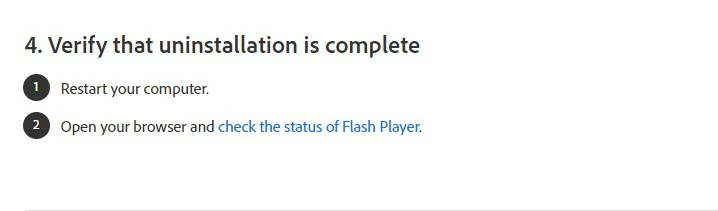
I've already restarted my computer since running the uninstaller, and opened my browser to get back to this page....So I click on Check the status of Flash Player:
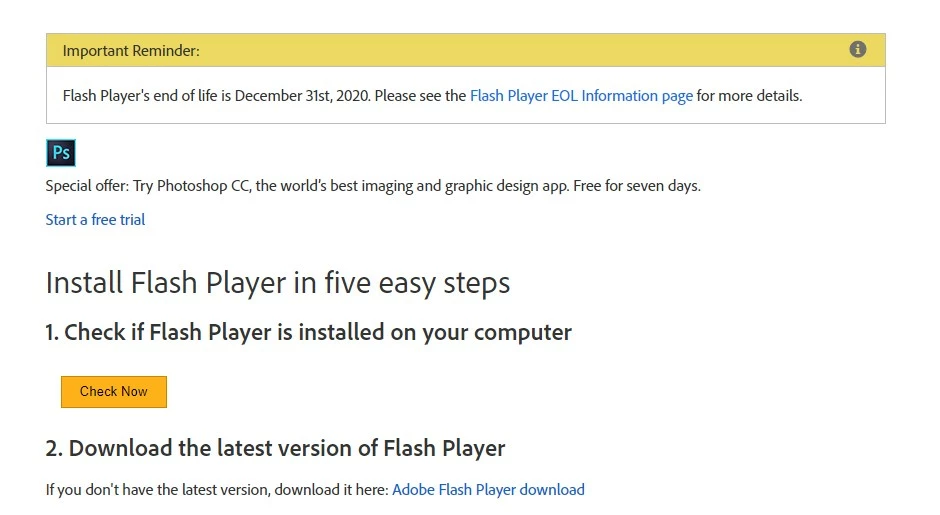
Another click to CHECK NOW:
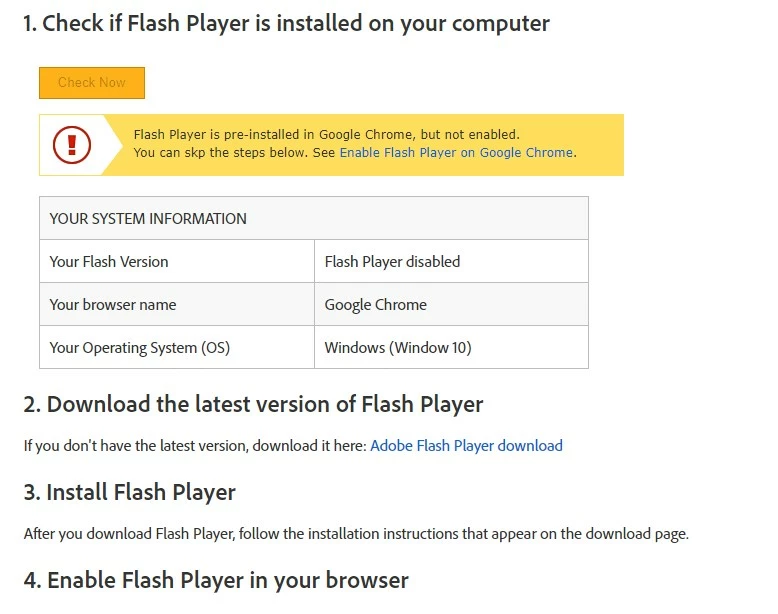
So this doesn't tell me if Flash is still elsewhere on my computer, just indicates it's disabled in Chrome (which is not even where I'm having the issue), and there is nothing further I can do at this point.
So now do you see what I mean about dead ends??
I'm hoping the 2nd link you posted can help, but like I said, it just takes me to a Windows page for me to pick an update and I don't know which one(s) to download.
Smilebox app was causing my issues. Trying to utilize adobe flash and it is no longer there.

 AdChoices