
Font Size in Lightroom problems using a QHD (2560x1440) monitor and people with vision problems
Before you continue reading, this article is as I stated in the subject is for people with vision problems. I have nearsightedness (myopia) and astigmatism and I'm wearing glasses or contacts.
I just don't get it. After upgrading from an 1080p monitor to my new QHD monitor I have problems fine tuning it.
First I hated how all the window fonts became smaller. I fixed that going to scale and 125%
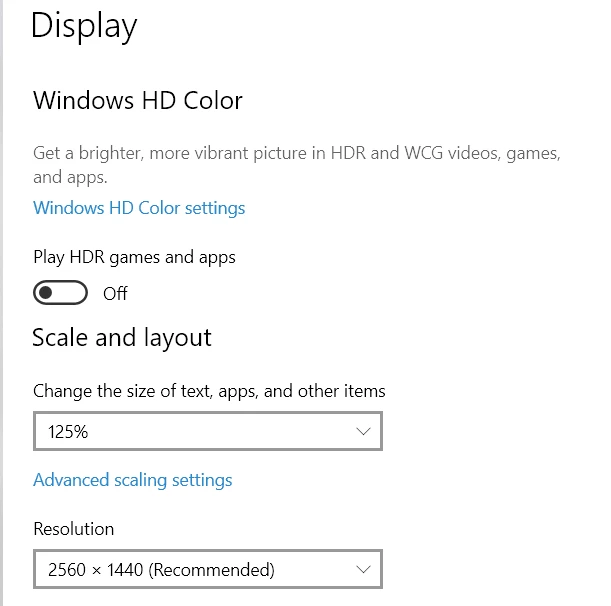
Now everything looks like my old 1080p monitor.
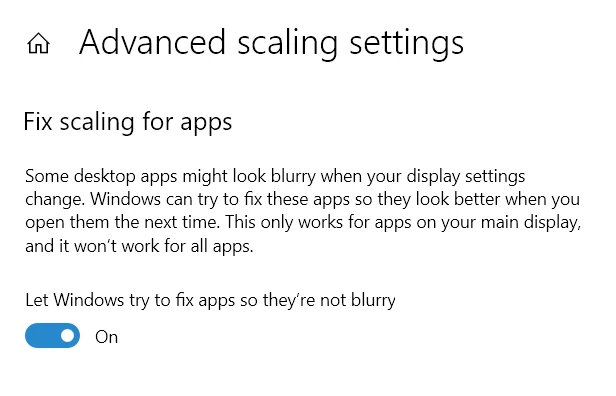
The problem is that MOST of programs look either with tiny letters or blurry. I have also checked the fix apps tab.
Lightroom fonts by default now is too small.
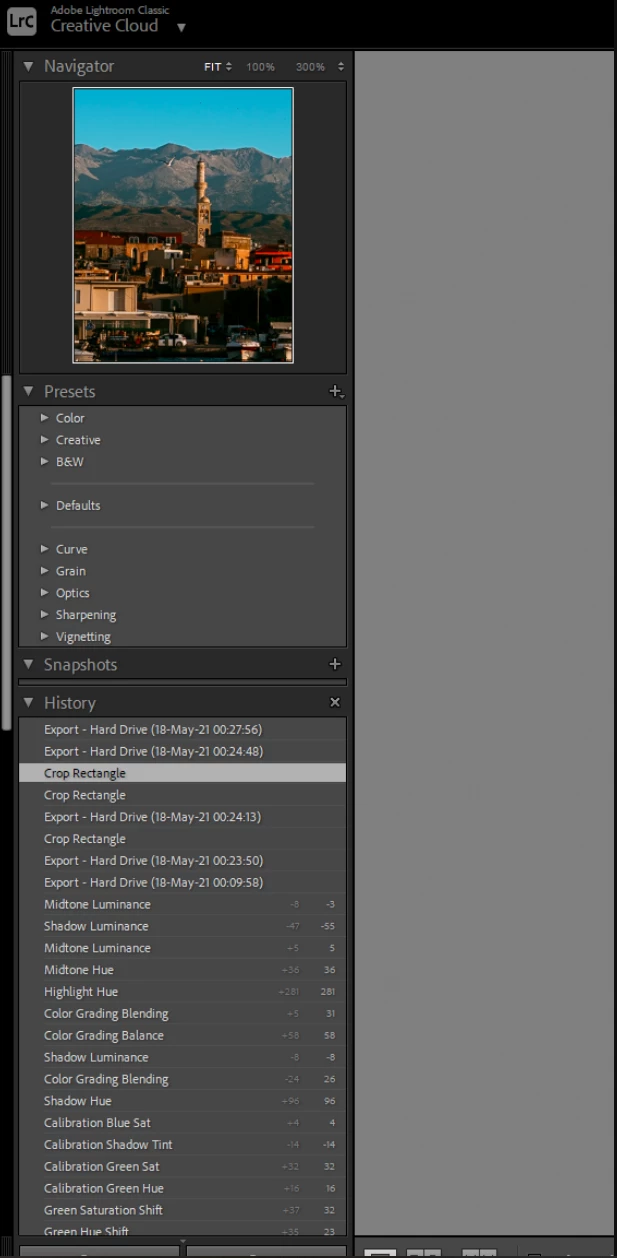
So I changed it to LARGE
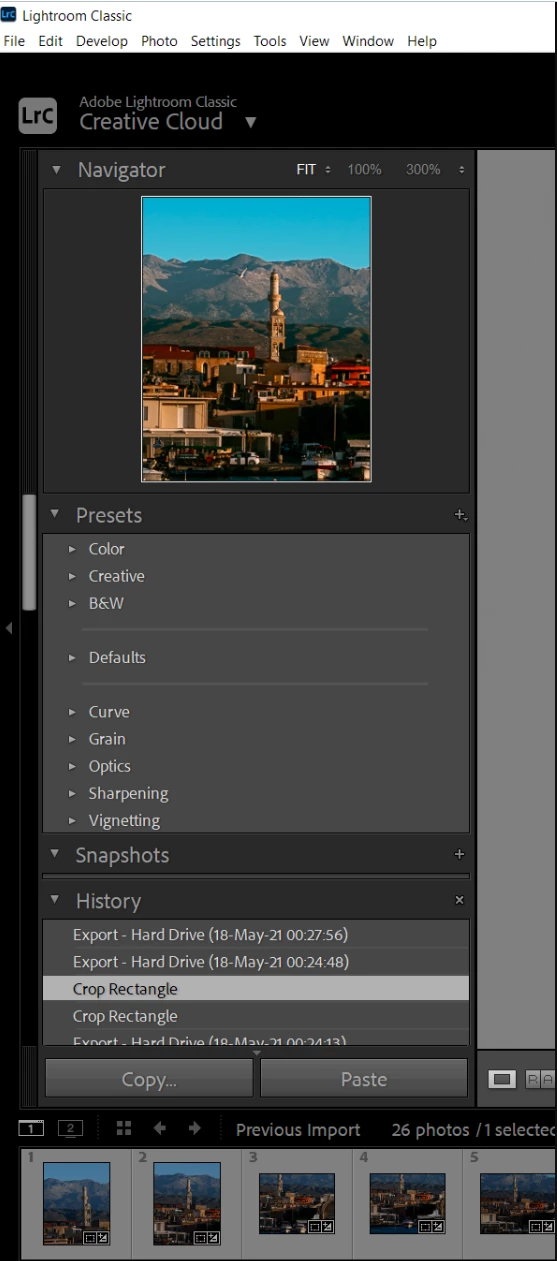
I do not understand why there is not a slider to choose a custom % percentage of size. It looks that it went from tiny to huge. Look at the proportions of this, there is no middle ground. Thoughts?
 AdChoices