
Freezes when trying to import folders with more than ~600 images (Win10/11)
Hi everyone,
as mentioned in subjectline when I try to import folders containing more than roghly 600 images LR freezes and becomes unuseable - have to shut down w task manager
I had this issue on my old laptop (Win 10, ASUS ROG i7-7th Gen, 16GB RAM, 1TB internal SSD Nvidia 1050TI) and I am also having this issue now on my new PS (Dell Alienware R13, i9-12th Gen, 64Gb RAM, 2TB, RTX 3080).
The images/folders are stored on external Samsung T7 SSD, tho I have to say I had this issue in the past with internal SSD storage, external SSD, external HDD and accessing from QNAP NAS.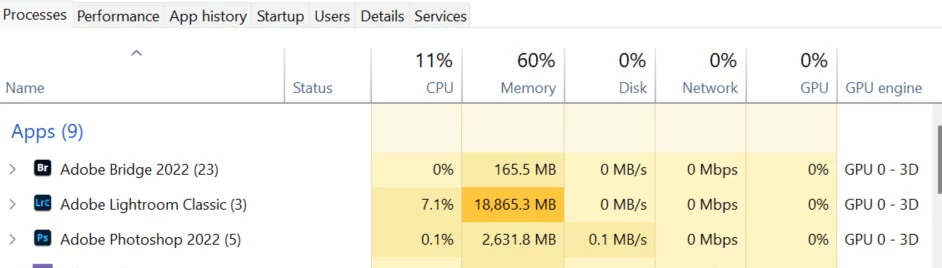
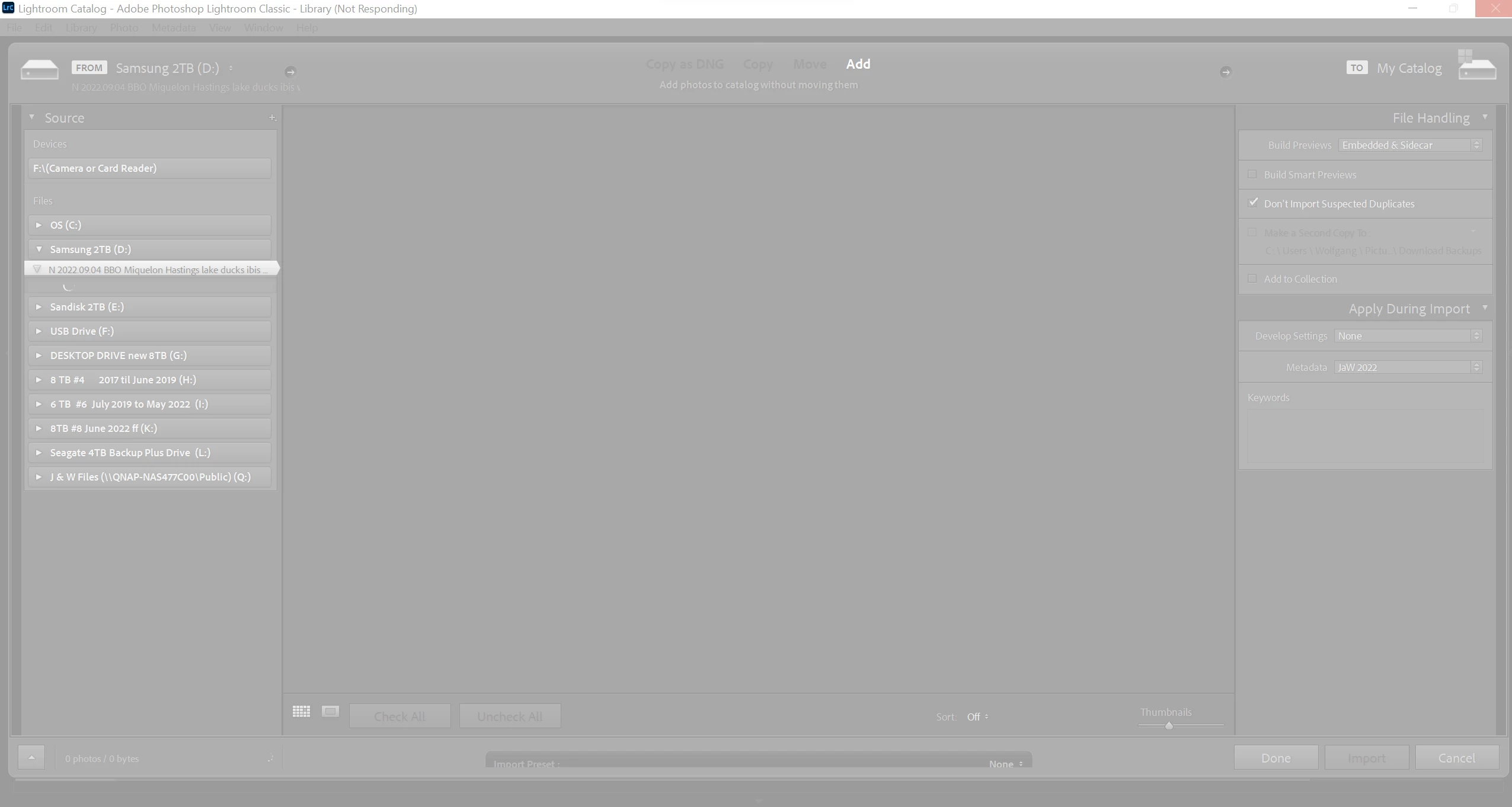
Opening up LR is fine hit import/add folder in Library mod> LR becomes unresponsive for a few seconds> opens up import dialog, 'idle' -symbol (lil circle) idles for a few seconds and then frezzes together with the rest of LR. (not that it should matters the files to be imported are RAW files from Nikon D750/500 and Z6ii/Z7ii/Z9)
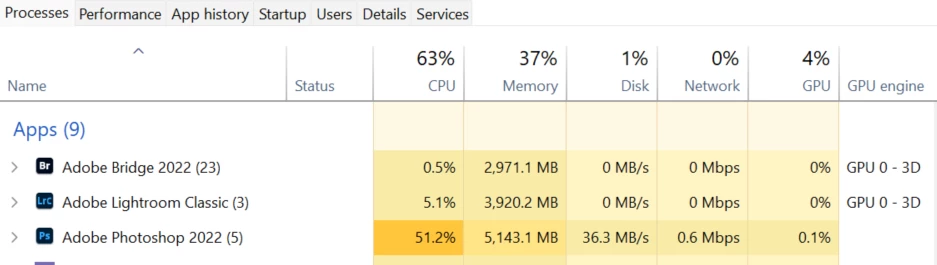
Screenshots attached 1) LR idling after ~ 5 mins (PS activity showing is batch converting RAWs to JPEGs via Bridge, LR behaves the same whether its the only program running on PC or with others , 2) LR screen unsresponsive/greyed out after ~35-40 mins, 3) task manager after ~40 minutes
LR activity on task manager shows always between 4-7% but no other progress -it stays frozen and inaccessible to me, force-shut it down after ~50 mins. This is exact the same behaviour on laptop and PS.
My workaround so far was to split larger folders up into smaller ones containg 500-600 pic/folder and work that way but more time consuming (and sometimes confusing)
Any help would be greatly appreciated
thanks
Wolfgang
 AdChoices