
Participant
October 21, 2022
Question

Fujifilm GFX Plugin won't install

  • October 21, 2022
  • 2 replies
  • 910 views

I previously installed version 1.12 of this plug in, and it still shows in the plugin manager.
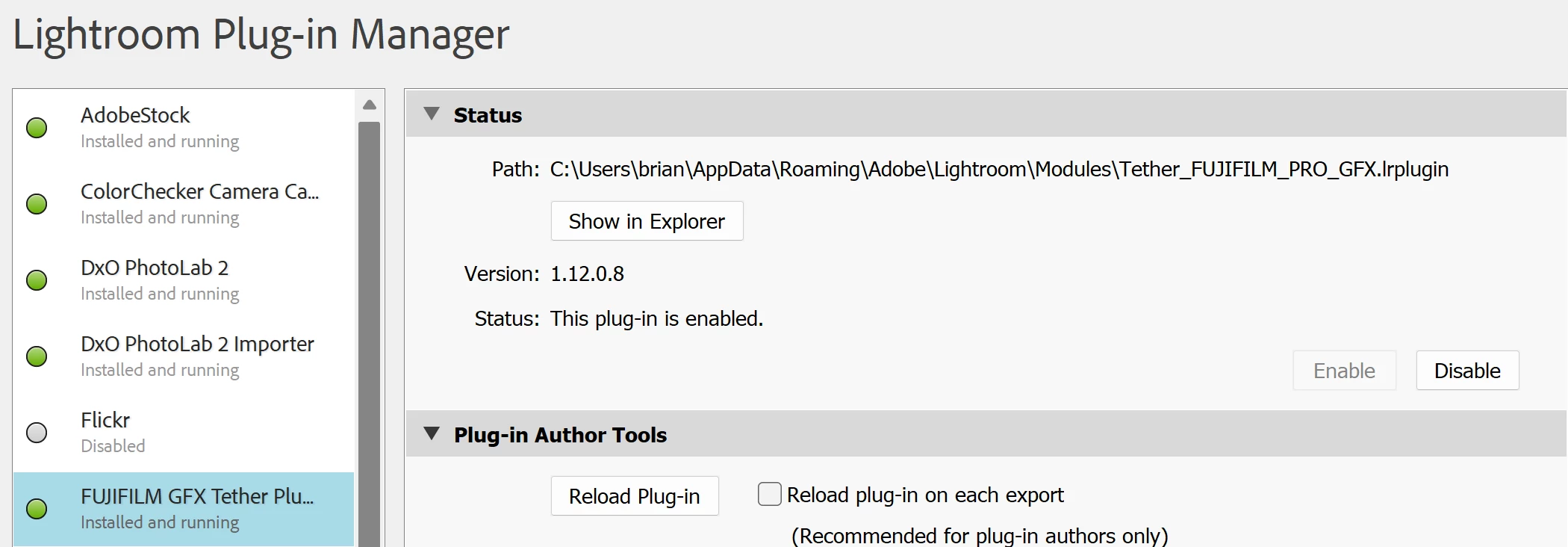
But today I purchased and attempted to install version 1.20.3 because the old one is not compatible.

Creative Cloud says it's installed but it doesn't show in the plugin manager or in the modules folder.
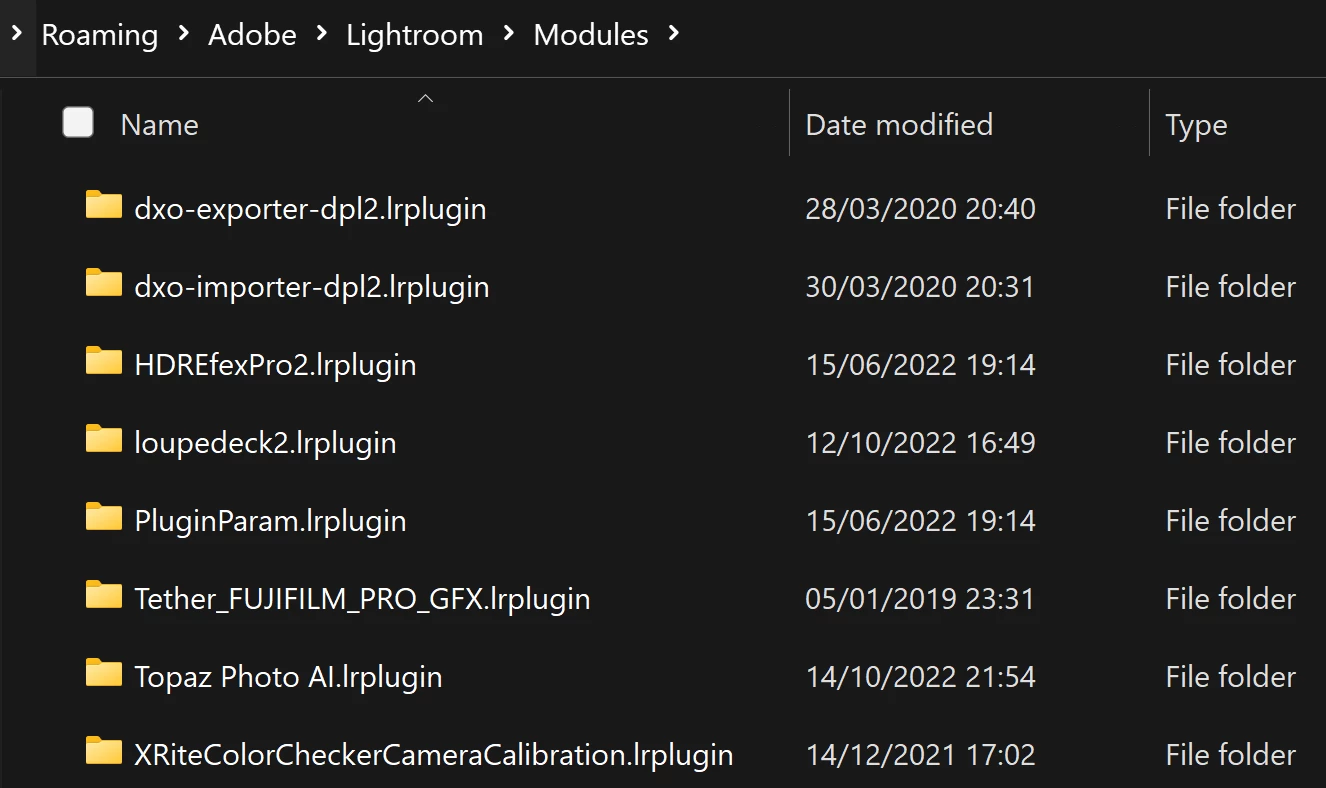
I tried to manually install the zxp file using the command line installer and it failed with a -160! error.

It shouldn't be this hard! Any suggestions on what to o on my windows laptop?

This topic has been closed for replies.

2 replies

johnrellis
Legend
October 21, 2022

See these sections of the plugin's page in Adobe Exchange for troubleshooting the installation:

https://exchange.adobe.com/apps/cc/16759/fujifilm-tether-shooting-plug-in-pro-mac


INFO

IMPORTANT NOTICE ... Sometimes, the purchased plug-in is not listed in the plugin manager...

...

WHERE TO FIND IT


Participant
October 21, 2022

I'm on Windows, not Mac - so not clear if this fully applies.

GoldingD
Legend
October 21, 2022

Completly remove the old one first, 


  • In the Plug-in manager, disable it
  • In the Plugin-manager, click on that button to show it in Explorer
  • Close LrC
  • Delete the file.
  • Restart LrC
  • Try your install.


Participant
October 21, 2022

Followed the steps, and no luck. The old one is gone, but the new one hasn't appeared in spite of the message in Creative cloud.


For some reason, the folder is not getting created in the Modules folder.

GoldingD
Legend
October 21, 2022

Do you know what folder it is in?

What happens if you move it?

Dies Fujifilm have any documentation?