Participant
January 14, 2025
Question

Generative remove leaves transparent artifact

  • January 14, 2025
  • 2 replies
  • 332 views

Hi,

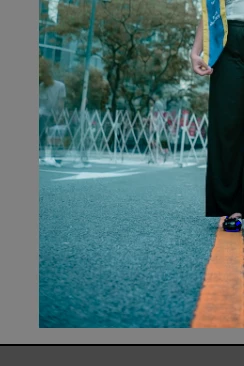
I am using Lightroom Classic to Edit my photos and everytime I am using GENERATIVE REMOVE it is not removing or changing the one I wanted instead it is just making it more transparent please see the picture below.


[Moved from ‘Bugs’ to ‘Discussions’ by moderator, according to forum rules.]

2 replies

Ricky336
Community Expert
Community Expert
January 14, 2025

Another thing to be aware of is that if you have a red dot under the masking symbol when using AI masking, the mask needs to be updated.

So, if you have a transparent area, and the opacity slider is 100%, updating the AI mask will fix that problem.


Ricky336
Community Expert
Community Expert
January 14, 2025

This video by Julianne Kost might also be useful for you.

Generative Remove (Early Access) in Lightroom Classic v13.3!


JohanElzenga
Community Expert
Community Expert
January 14, 2025

Check the Opacity setting after you have removed. It should be 100%.


-- Johan W. Elzenga