AGMillhouse
Known Participant
June 8, 2022
Question

GPS Data

  • June 8, 2022
  • 1 reply
  • 626 views

Hi all,

I have a strange question here. I wonder if anybody can answer it.

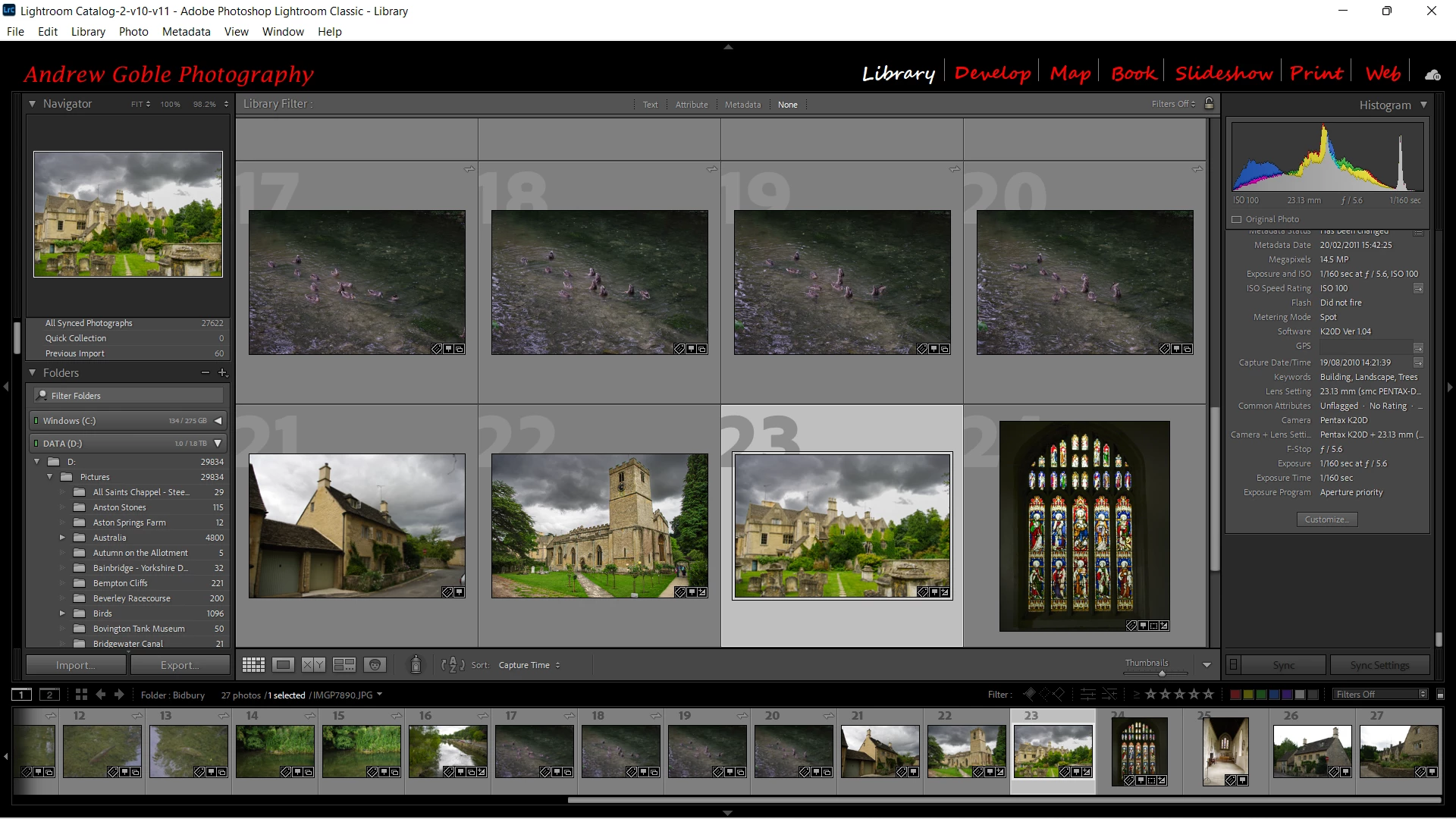
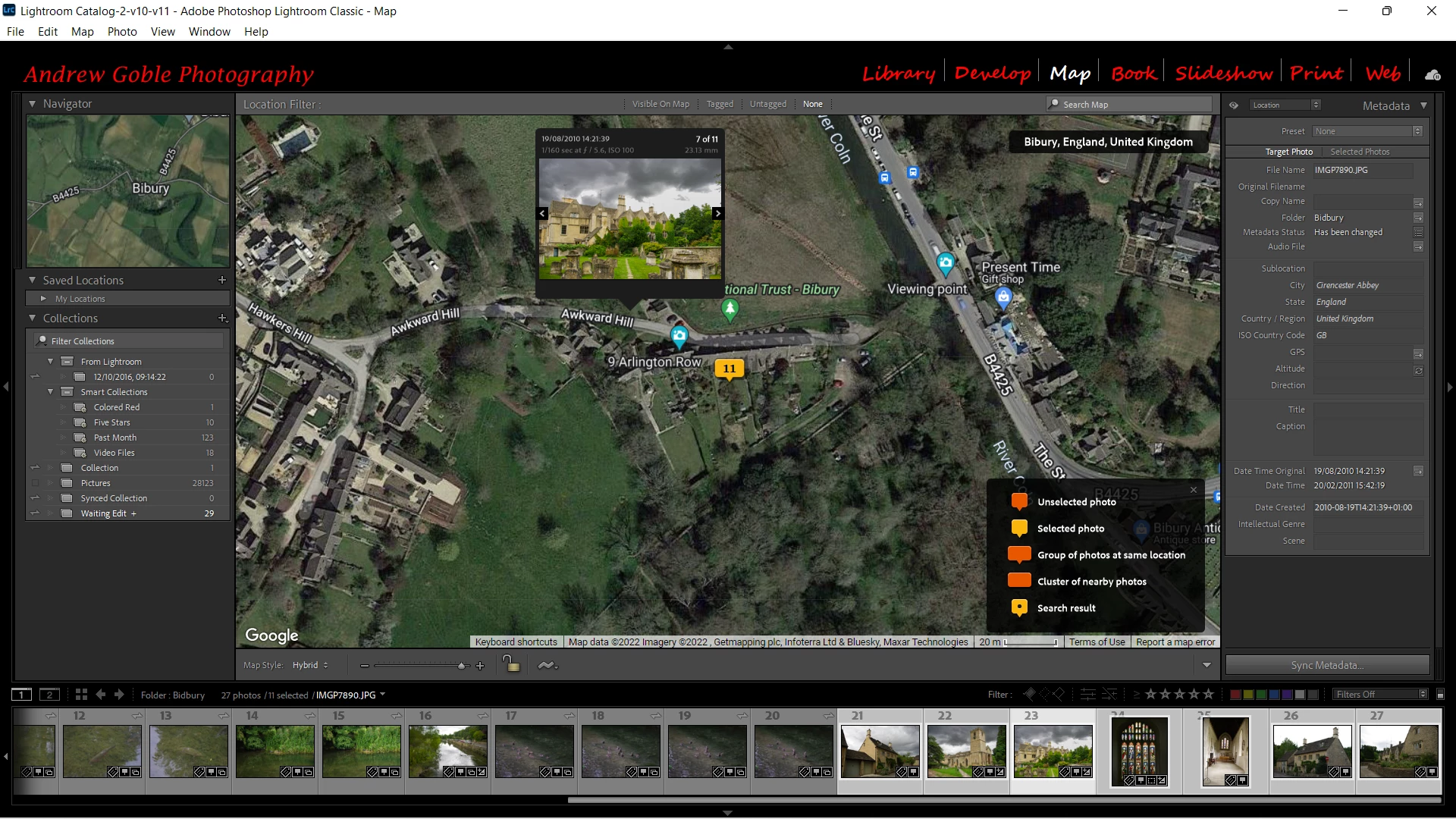
I am looking at some 12 year old pictures in my LR catalogue and see that whilst in the LIBRARY module the pics have the GPS sumbol in the bottom right corner of the thumbnail. When I move to the MAP module the picture is showing in the correct locaion on the map. However there are no GPS coordinates in the EXIF data. Screen grabs below, if you can see them. Will see if I can post them as seperate files if needed.

Any idea why this is so?

Andrew 


This topic has been closed for replies.

1 reply

AGMillhouse
Known Participant
June 8, 2022

Footnote.....the camera used to take the pictures did not have GPS so no idea where the coordinates (wherever they are) have come from.


johnrellis
Legend
June 9, 2022

That's curious.


"the camera used to take the pictures did not have GPS so no idea where the coordinates (wherever they are) have come from"


Did you drag the photos to the map sometime long ago? 


Did you convert your catalog from Photoshop Elements a long time ago?


Select one of the mystery JPEGs in Library and do the menu command Metadata > Save Metadata To File. Then attach it using the attachment box at the bottom of the new-post box:


AGMillhouse
Known Participant
June 9, 2022

Hi John,

I selected a photo in library then went to METADATA - SAVE METADATA TO FILE.

The GPS co-orinates were missing from the GPS box immediately before applying the above but straight away appeared in the GPS box on the right of the screen below the Keyword List as soon as I clicked SAVE METADATA TO FILE. 

Curiouser and curiouser.

Regards

Andrew