
Participating Frequently
December 13, 2020
Question

Green/violet colors appear when changing from 4k screen to 1920x1980 monitor

  • December 13, 2020
  • 2 replies
  • 837 views

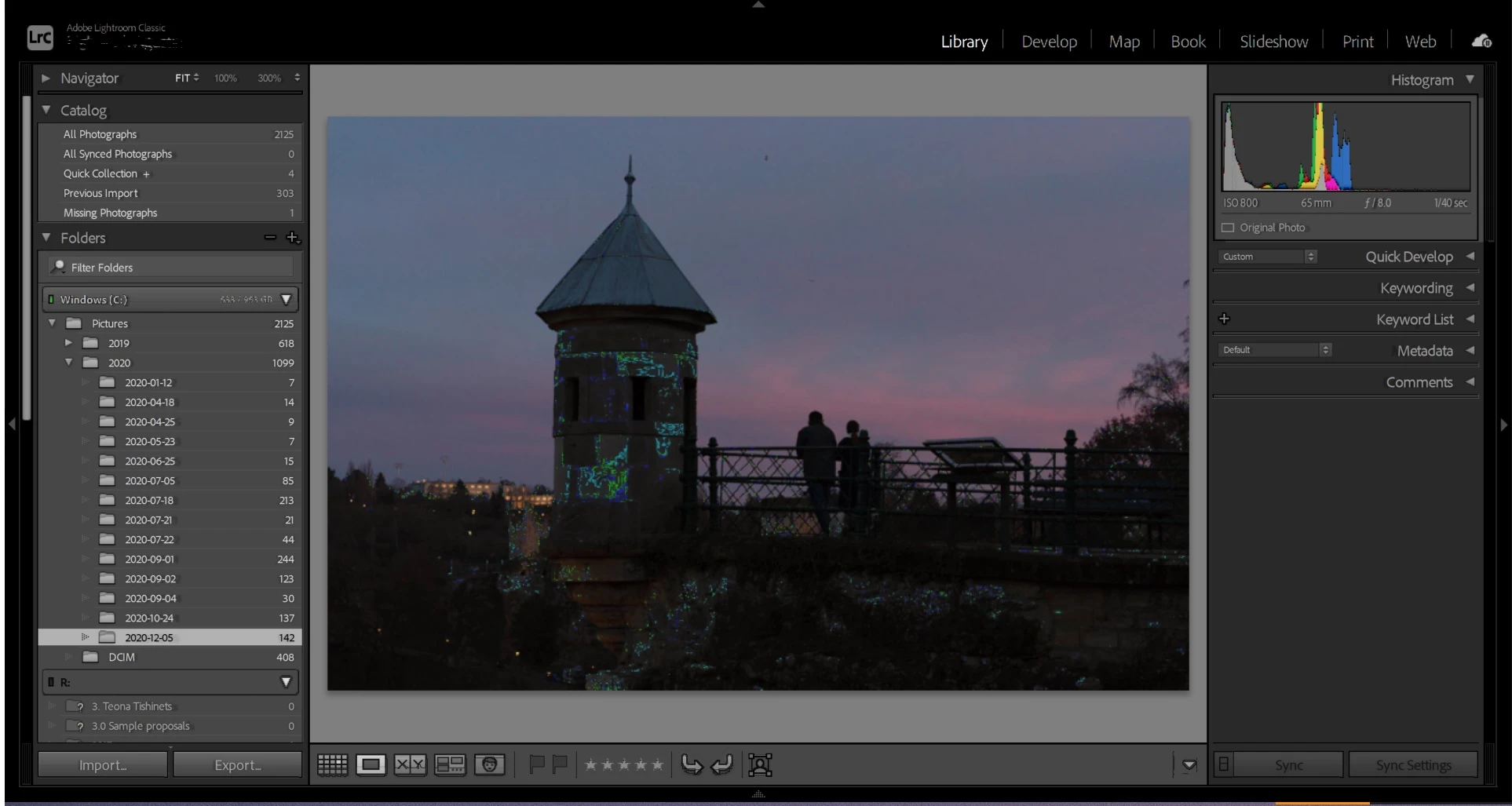
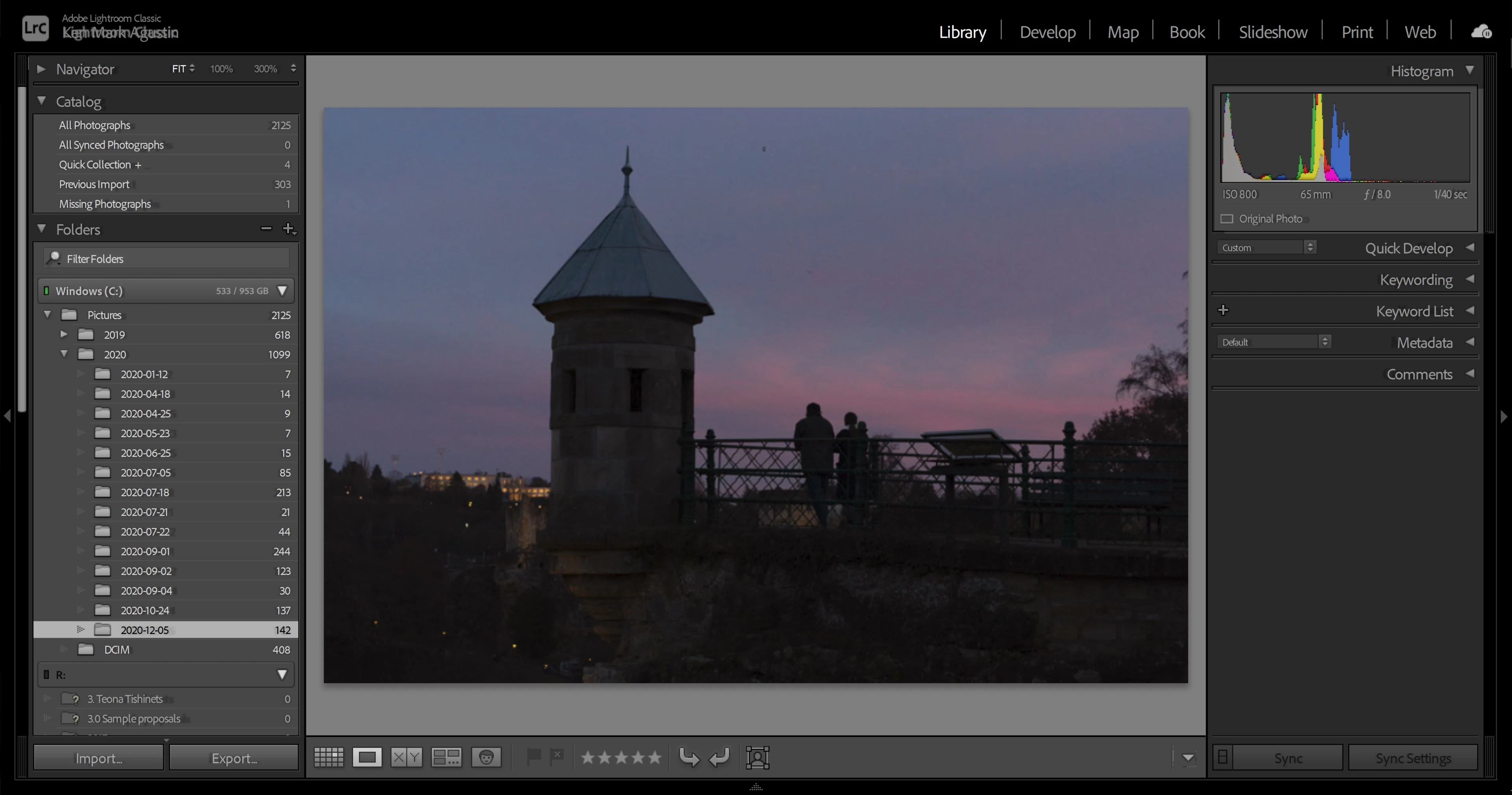
Hello, I am using HP spectre laptop (4k screen) and HP 27fw (FHD screen) as my 2nd monitor. When Im using LrC 10.1 in my laptop, the photo looks normal. But whenever i use my 2nd screen, green/blue/violets are showing in the screen especially on dark areas. see photos below for boht screens. Anybody has this problem and knows how to fix this? Thanks in advance.


This topic has been closed for replies.

2 replies

GoldingD
Legend
December 14, 2020

Please post your System Information as Lightroom Classic (LrC) reports it. In LrC click on Help, then System Info, then Copy. Paste that information into a reply. Please present all information from first line down to and including Plug-in Info. Info after Plug-in info can be cut as that is just so much dead space to us non-Techs.


Participating Frequently
December 14, 2020

Thank you for reminding me. Here is the system information:


Lightroom Classic version: 10.1 [ 202012012023-e92d50bb ]
License: Creative Cloud
Language setting: en
Operating system: Windows 10 - Home Premium Edition
Version: 10.0.19042
Application architecture: x64
System architecture: x64
Logical processor count: 8
Processor speed: 2.3 GHz
SqLite Version: 3.30.1
Built-in memory: 16087.3 MB
Real memory available to Lightroom: 16087.3 MB
Real memory used by Lightroom: 2315.3 MB (14.3%)
Virtual memory used by Lightroom: 4149.7 MB
GDI objects count: 646
USER objects count: 2085
Process handles count: 2020
Memory cache size: 100.0MB
Internal Camera Raw version: 13.1 [ 658 ]
Maximum thread count used by Camera Raw: 5
Camera Raw SIMD optimization: SSE2,AVX,AVX2
Camera Raw virtual memory: 740MB / 8043MB (9%)
Camera Raw real memory: 843MB / 16087MB (5%)
System DPI setting: 240 DPI (high DPI mode)
Desktop composition enabled: Yes
Displays: 1) 3840x2160, 2) 1920x1080
Input types: Multitouch: Yes, Integrated touch: Yes, Integrated pen: Yes, External touch: No, External pen: No, Keyboard: Yes

Graphics Processor Info:
DirectX: NVIDIA GeForce MX330 (27.21.14.5167)

D Fosse
Community Expert
Community Expert
December 13, 2020

That's either a buggy video driver, or a defective monitor profile. Are you using a calibrator to make your profiles?

Participating Frequently
December 13, 2020

Yes, i used a calibrator before. and the 2nd monitor is a low-end one. Although, the original photos are loading fine outside LrC. It's only inside LrC when this happens. I will try to remove the icc profile and see what will happen. then i will update this thread. Thank you very much.

Participating Frequently
December 14, 2020

"changing back to the original color profile solved the issue (but defeats the purpose of calibrating teh screen for photo editing)"


No, it actually confirms the need to use a calibrator. You just got confirmation that your current monitor profile is bad, and the solution to that problem is a calibrator.


I don't seem to fully understand this. The reason why the problem was showing is because I calibrated my screen in the first place. Reverting back to the original color profile solves the problem (but i don't like the color of the screen). If I  re-apply the calibrated profile, the problem will show again.