


HDR monitor distorts imges when using "GPU for display"
Hi, I have an issue with HDR monitor. When I disable the GPU for display everything is displayed correctly but when I turn it on the image is washed out in highlights. I've attached two sreenshots presenting this issue. The monitor is philips 27m1n5500za, and GPU is AMD RX7800XT with newest drivers. Also note - I have to use HDR on my display for correct colors, in SDR everyting is super saturated and it's impossible to fix (I'm comparing this images to images on my OLED laptop and phone to be sure colors adre correct and olny HDR is giving my those colors). This issue is present inf Lr and LrC
I'm not sure if it's fixable, I probably can only use CPU for editing but I'm worried it's gonna be slow.
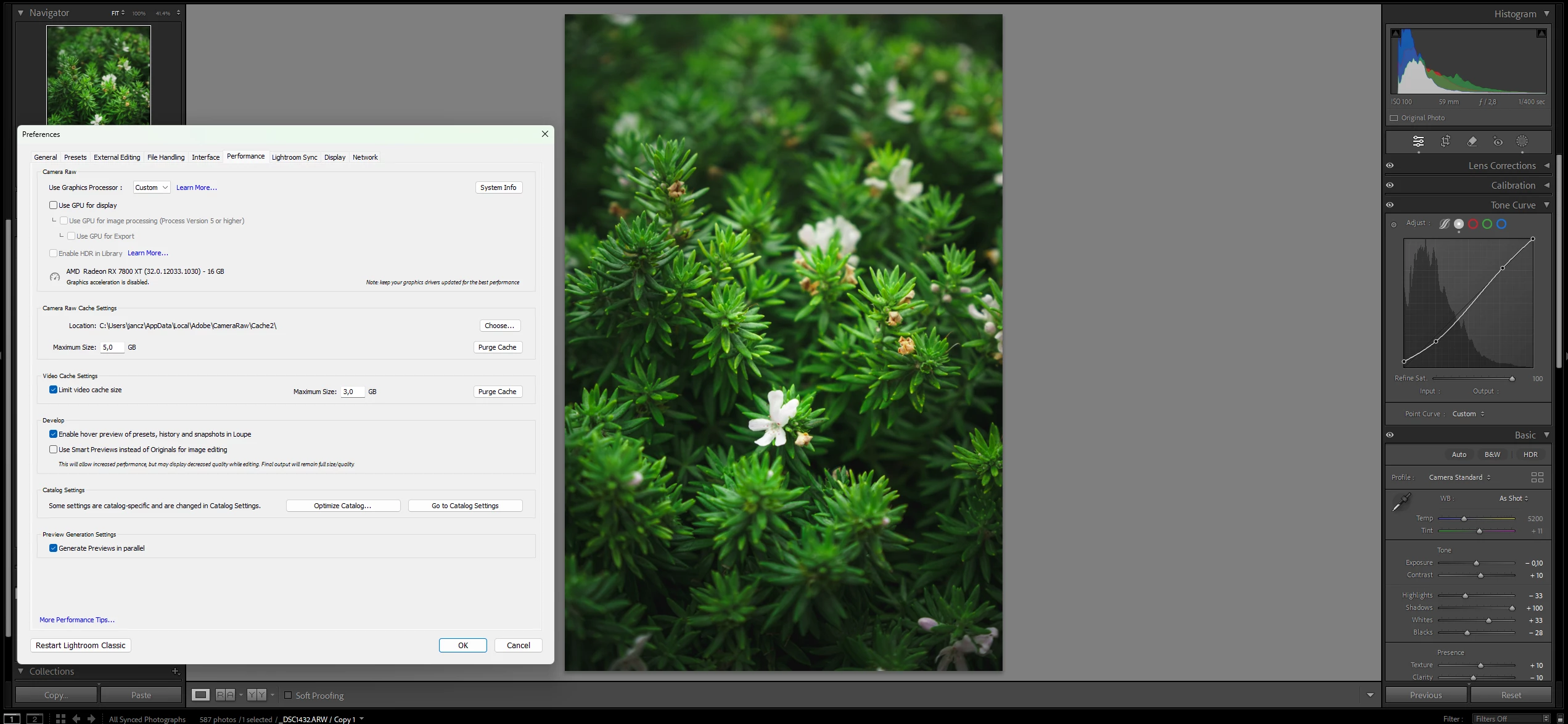
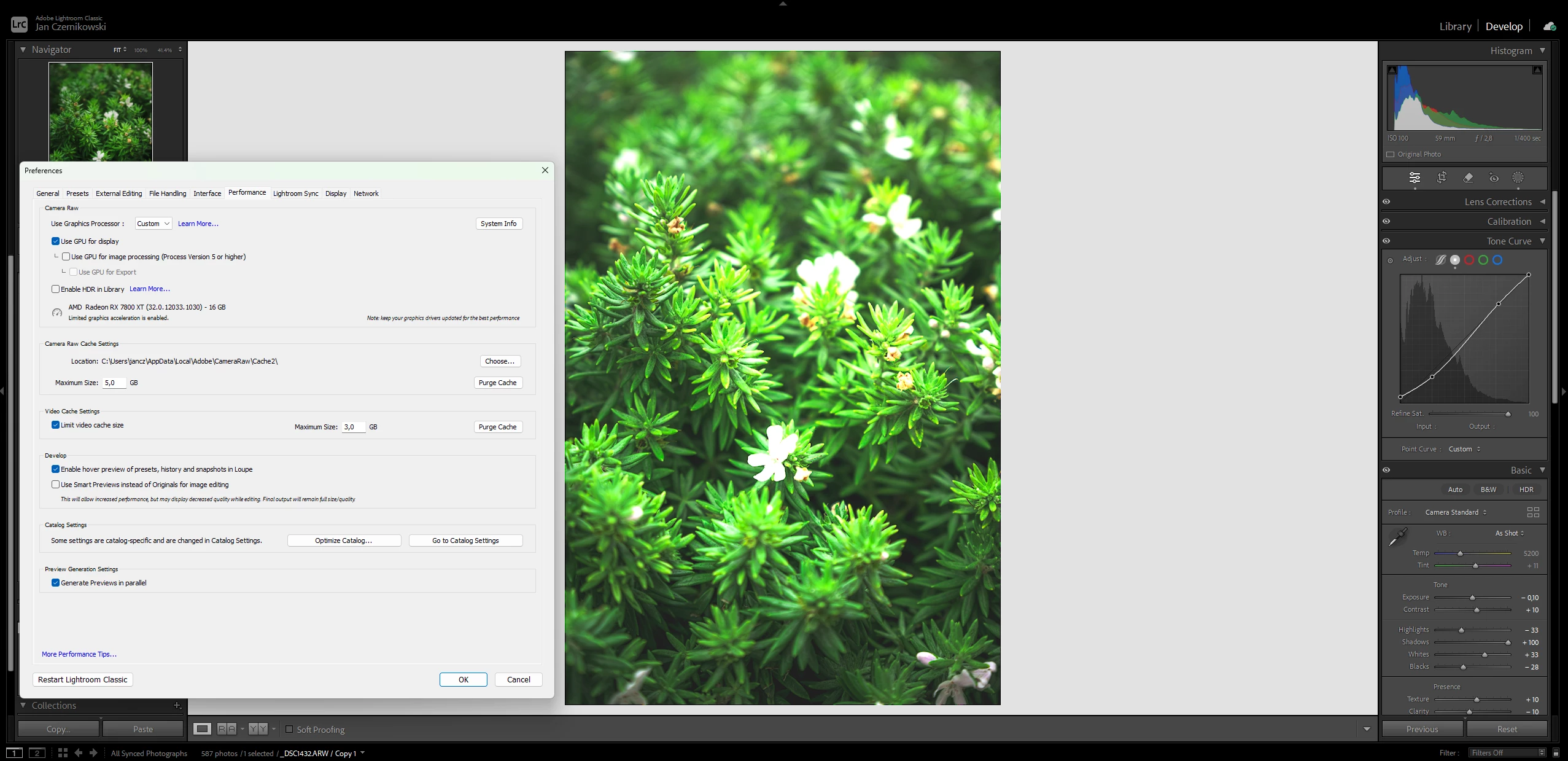
Correction for second screenshot: the image isn't brighter on my screen, just highlights are "squashed". The background is still medium gray.
 AdChoices