Mal.Photography
Participant
March 26, 2022
Answered

How can i fix this weird halo
  • March 26, 2022
  • 5 replies
  • 1468 views


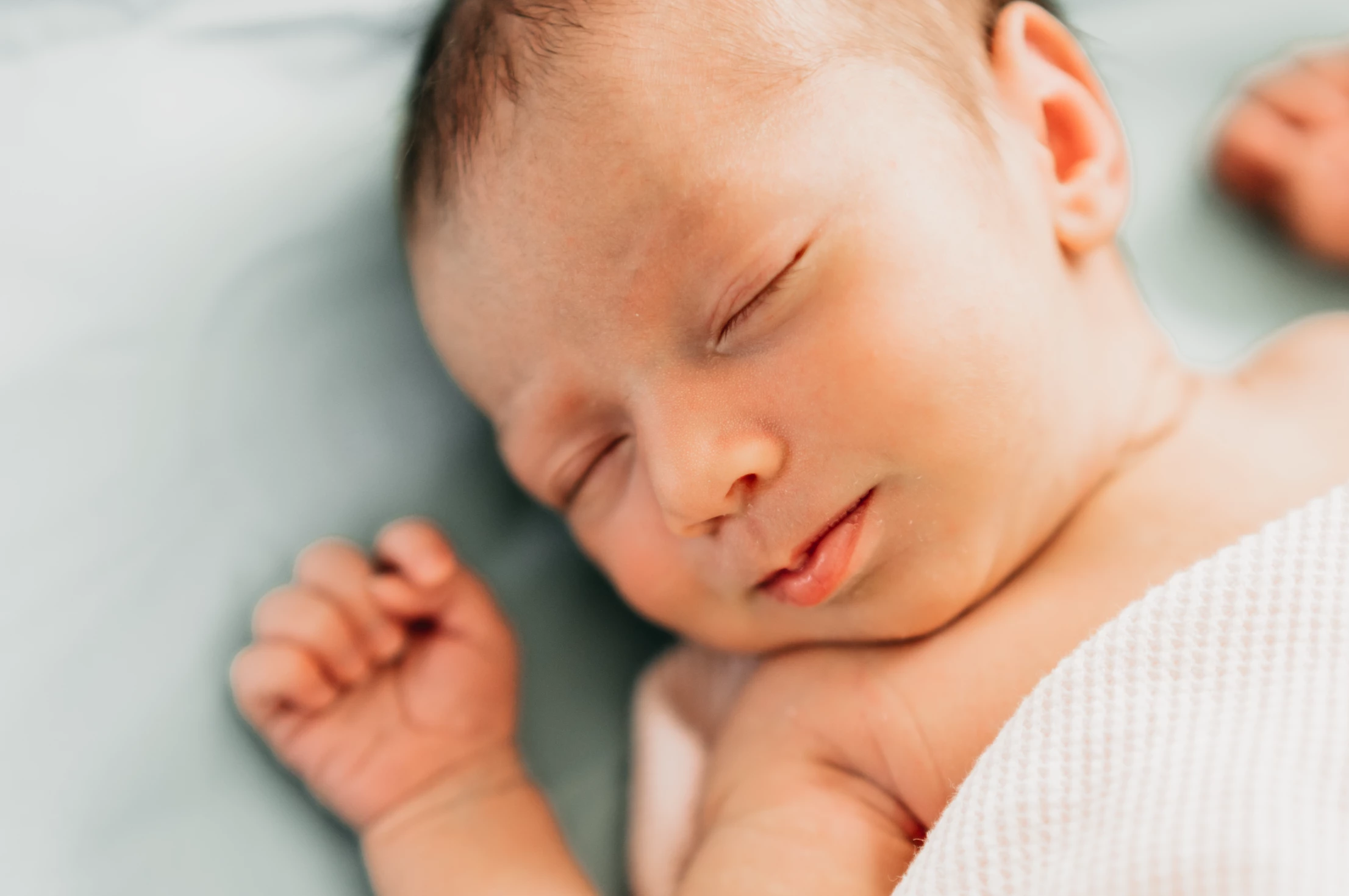
I'm using a free preset called Seasons and on some photos there's a weird halo. How can I fix this? TIA 

This topic has been closed for replies.
Correct answer Jao vdL

Looking at the screenshots, this is likely due to the pretty extensive HSL slider settings. There is an extreme desaturation of aqua combined with a huge hue shift that probably affects the background around the baby. Try disabling the HSL section in Develop (the little checkbox in the left top of the HSL panel) and see if the halo disappears. If so, I would experiment a bit with the sliders around the colors that are affected and see if some subtle movement of the sliders can get rid of this. This is pretty common for strong edits in the HSL panel.

5 replies

Jao vdLCommunity ExpertCorrect answer
Community Expert
March 27, 2022

Looking at the screenshots, this is likely due to the pretty extensive HSL slider settings. There is an extreme desaturation of aqua combined with a huge hue shift that probably affects the background around the baby. Try disabling the HSL section in Develop (the little checkbox in the left top of the HSL panel) and see if the halo disappears. If so, I would experiment a bit with the sliders around the colors that are affected and see if some subtle movement of the sliders can get rid of this. This is pretty common for strong edits in the HSL panel.

Mal.Photography
Participant
March 27, 2022

This worked! Thank you!

josephlavine
Community Expert
Community Expert
March 27, 2022

Are you able to show a screen capture of what settings the preset is altering? This should help people narrow down this issue.

warmly/j

Mal.Photography
Participant
March 27, 2022

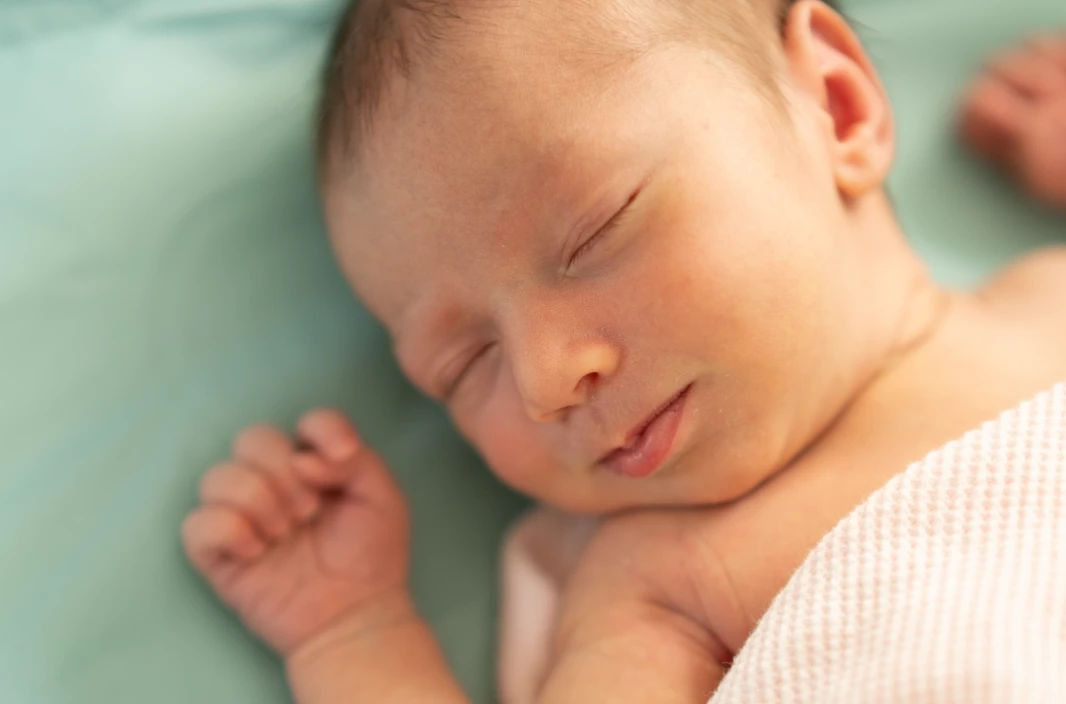
This is with no adjustments from me.  i included this screenshot of a photo with the exact same preset, same session, and there's no halo.

Per Berntsen
Community Expert
Community Expert
March 27, 2022

Please show us the Manual tab of the Lens corrections panel.


Per Berntsen
Community Expert
Community Expert
March 27, 2022

Take a look at the Defringe settings in the Lens corrections panel, they're probably much too high, and targeting wrong colors.

I was able to create a similar effect with the settings below applied to your screenshot.

I never use external presets, and I certainly wouldn't use one that contains defringe settings, which have to be image specific. As far as I can tell, there is no need to use Defringe on this image.


Theresa J
Community Expert
Community Expert
March 27, 2022

Is there a mask of the subject or background? It looks like the background has been darkened down and that is creating the halo.

The other possibility is that the blue/green color luminance is being darkened with color mixer.

Mal.Photography
Participant
March 26, 2022

Edit: There is no clarity/dehaze/texture setting.