Participant
November 18, 2016
Question

How to fix color/ quality loss when exporting raw images from Lightroom to Jpegs?

  • November 18, 2016
  • 3 replies
  • 464 views

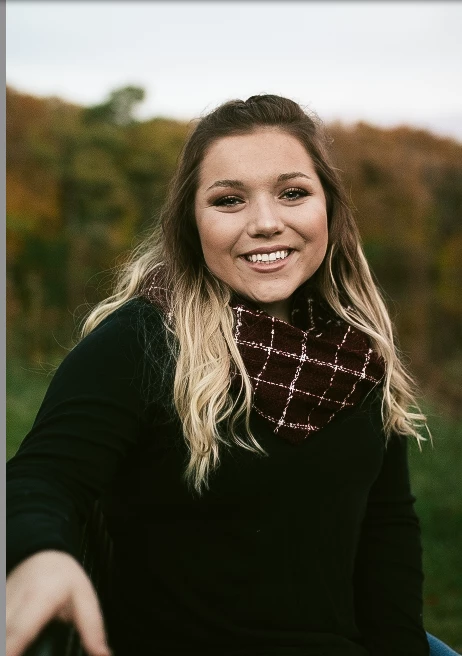
I recently noticed that some of my images started exporting more dull in color and less sharp than they appear on the screen.  i have talked to another photographer who experienced the same thing and they mentioned I need to change something regarding the color. I have tried exporting with other color settings like sRGB and such but I haven't seen a difference. I am wondering what else there is for me to be changing so that this can be fixed.  The image on the left is from my screen, and the image on the right is after being exported.
This topic has been closed for replies.

3 replies

ManiacJoe
Inspiring
December 1, 2016

What are the options you are using in the Export dialog?

ManiacJoe
Inspiring
November 18, 2016

Mac or windows? what version?

What viewer are you using to view the exported image?

Which color space did you export to? (sRGB is the expected web color space.)

Participant
December 1, 2016

I am using a Mac, Lightroom CC 2015, I am viewing them just in the Finder window but even when checking my Lightroom mobile app on my iPhone it shows up not the same quality as well. sRGB is what I have been using and tried the other color spaces, ending up with the same result.

Captiv8r
Legend
November 18, 2016

Moved here from Adobe Captivate forum