
vibhu000
Participant
May 13, 2019
Question

How to Organize Presets?

  • May 13, 2019
  • 3 replies
  • 3012 views

I need to organize my Lightroom presets like placing different presets to different folders in Lightroom. Can anybody tell me how to put presets inside a folder in Lightroom?

I don't see any "New Folder" option in the Lightroom.
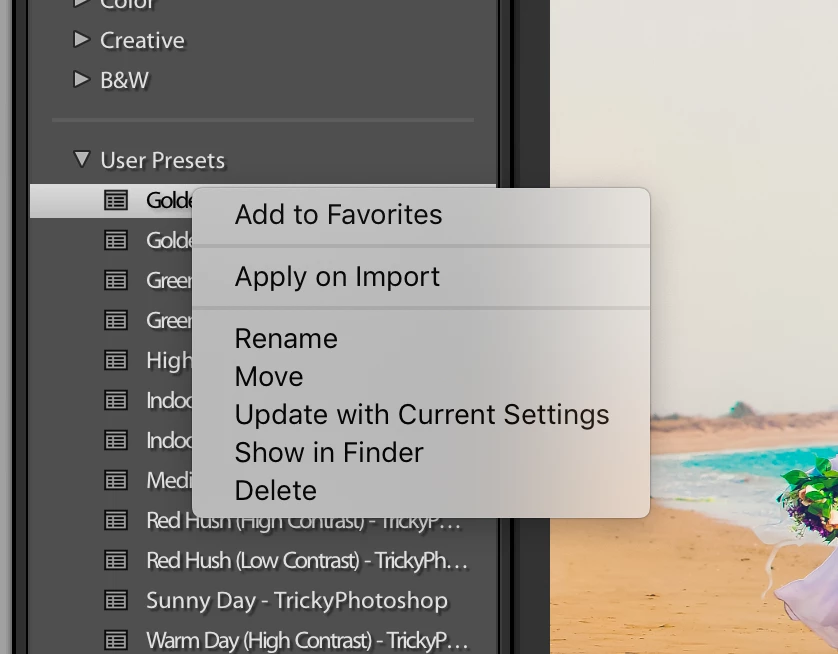
Also, I have already organized it in my Finder but still it's not organized in my Lightroom.
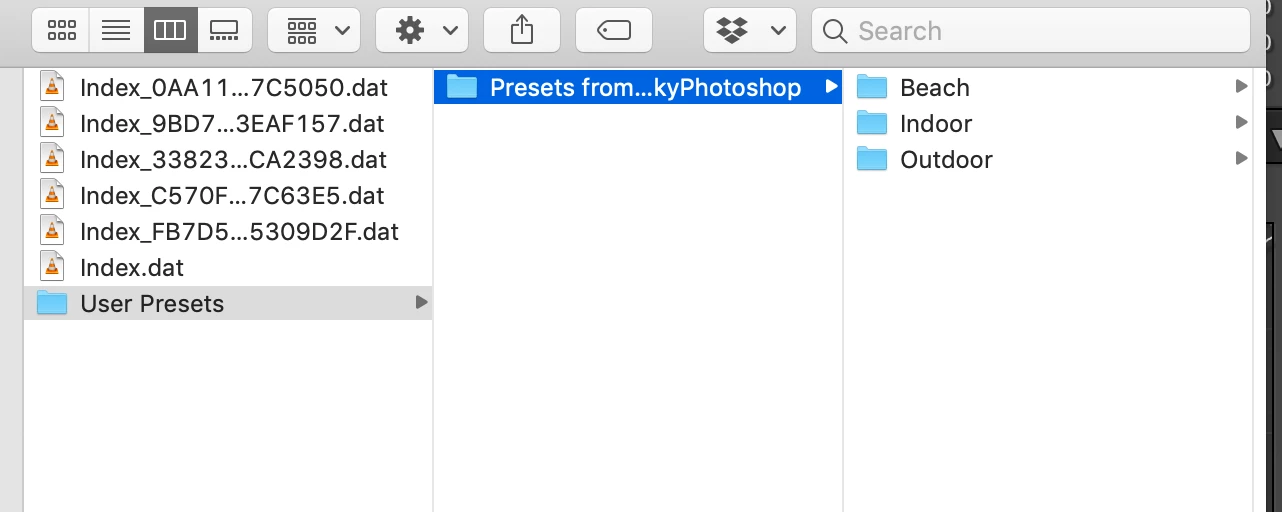
Version: Lightroom CC 8.2.1

This topic has been closed for replies.

3 replies

Participant
June 2, 2021

I am furious i've been using white room since he came out and they always do this I have a literally hundreds of recess and now they are a f-ing mess. I am livid.

johnrellis
Legend
March 22, 2020

"Why in the world is it impossible to simply to into the file structure and organize the presets as you like and have Lightroom pick it up? Just maddening."


Indeed. Please add your constructive opinion to this bug report in the official Adobe feedback forum, where Adobe wants all product feedback:

https://feedback.photoshop.com/photoshop_family/topics/presets-are-messed-up-buggy-and-a-nightmare-to-organise-please-fix-these-major-flaws


and be sure to click Me Too and Follow in the upper-right corner. That will make it a little more likely that Adobe might pay attention.


[Use the reply button under the first post to ensure replies sort properly.]


dank56002318
Participant
March 22, 2020

Thank you, John, for pointing me to a more productive avenue. This is my first interaction with the community, so that's a big help. I'll do exactly what you have suggested.

johnrellis
Legend
May 14, 2019

You can only create a new group (what Adobe calls a preset folder) when creating a preset. So create a dummy preset and click the Gorup drop-down:

Then click New Group:

Once you have the new group created, you can drag and drop presets (one at a time) into the group.

Yup, this is from the company that prides itself on user interfaces.

Participant
June 16, 2019

Do we have to drag 'n' drop one by one ffs???

johnrellis
Legend
June 16, 2019

Do we have to drag 'n' drop one by one ffs???

Yup, as stated in my previous post. You can organize presets into folders using Finder / Explorer and then run the free Fix Presets plugin to mirror that organization in LR's groups, but that's a fussy workaround at best.