
oliver0541
Inspiring
April 8, 2019
Answered

How to set a date to a selection of photos ?

  • April 8, 2019
  • 1 reply
  • 810 views

Is there a way to assign a specific date to a selection of photos, regardless of what the current date in these photos is ?  It looks like, that the date is automatically shiftet according to the current date (which is often very helpful), however, sometimes you don't want this.
    This topic has been closed for replies.
    Correct answer johnrellis

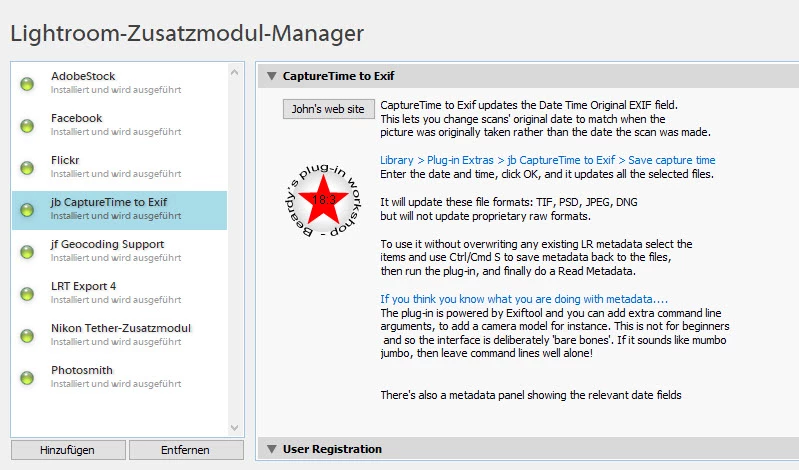
    Sounds like the right tool. However, after I installed it, it will not show in the list of available plugins:

    Do I have to register first ?


    The plugin appears under Library > Plug-In Extras, not File > Plug-in Extras: https://www.photographers-toolbox.com/products/jbeardsworth/jbcapturetimetoexif/index.php?sec=use

    1 reply

    dj_paige
    Legend
    April 8, 2019

    Select the desired photos, then menu command Edit Capture Time.

    oliver0541
    Inspiring
    April 8, 2019

    You mean "Meta data / Edit Capture time" ? That changes only the first picture of the selection to the new time. All other pictures will change according to the offset resulting from the first picture.

    dj_paige
    Legend
    April 8, 2019

    Change An Image’s Capture Time In Adobe Lightroom | Lightroom Fanatic

    You can change all selected photos to the desired date.