Participant
September 15, 2022
Question

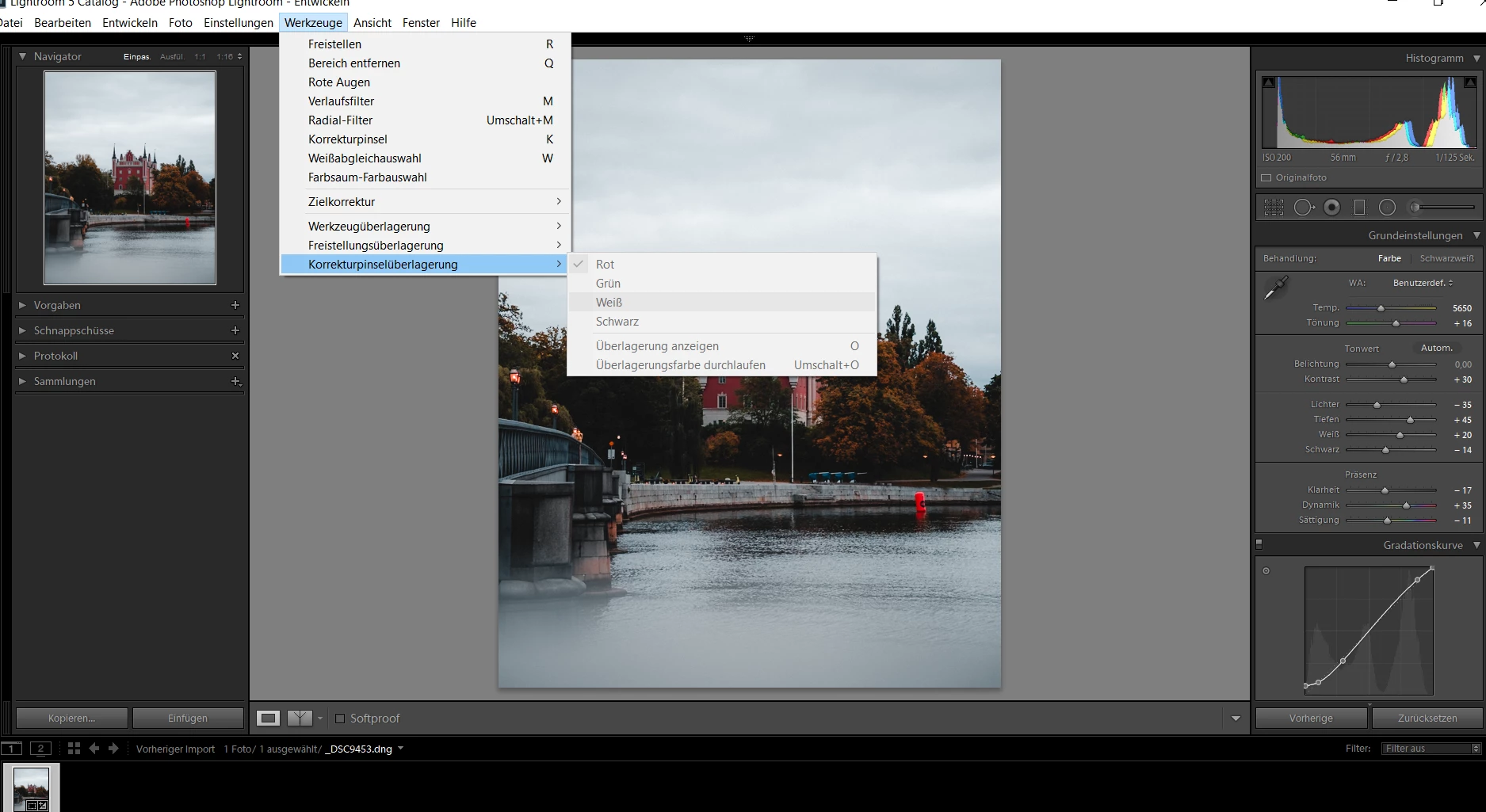
How to: Show mask overlay in Lightroom ?

  • September 15, 2022
  • 4 replies
  • 435 views

Hey guys,

I can't choose anything here.. Why?

I just want my overlays to be color marked.


Thx for any support! 


This topic has been closed for replies.

4 replies

GoldingD
Legend
September 15, 2022

My bad. I failed to notice that you are using a old version of LrC.

In v11 this works differently.

I will modify my replies to reflect my error.

Participant
September 15, 2022

I wish it would look more like that:

But maybe my version is too old. 😕😕

GoldingD
Legend
September 15, 2022

/Edit/My bad, Author is using earlier version of LrC, this was plainly obvious. Apparently I am oblivious this morning/


Following does not apply to LrC in use by Author


And, while you can accomplish that where you are trying, it is simpler to accomplish the mask overlay selection in the mask control panel:


Participant
September 15, 2022

*for Radial Filter! Brush works well.

 
GoldingD
Legend
September 15, 2022


/EDIT/ I failed to notice authors LrC version in use

Because you do not have a mask selected.

Participant
September 15, 2022

Hm.. I guess that is not the problem.

Or maybe I don't understand what you meen by 'mask'.

I selected the Radial Filter.

Participant
September 15, 2022

*mean
