Participant
May 22, 2022
Question

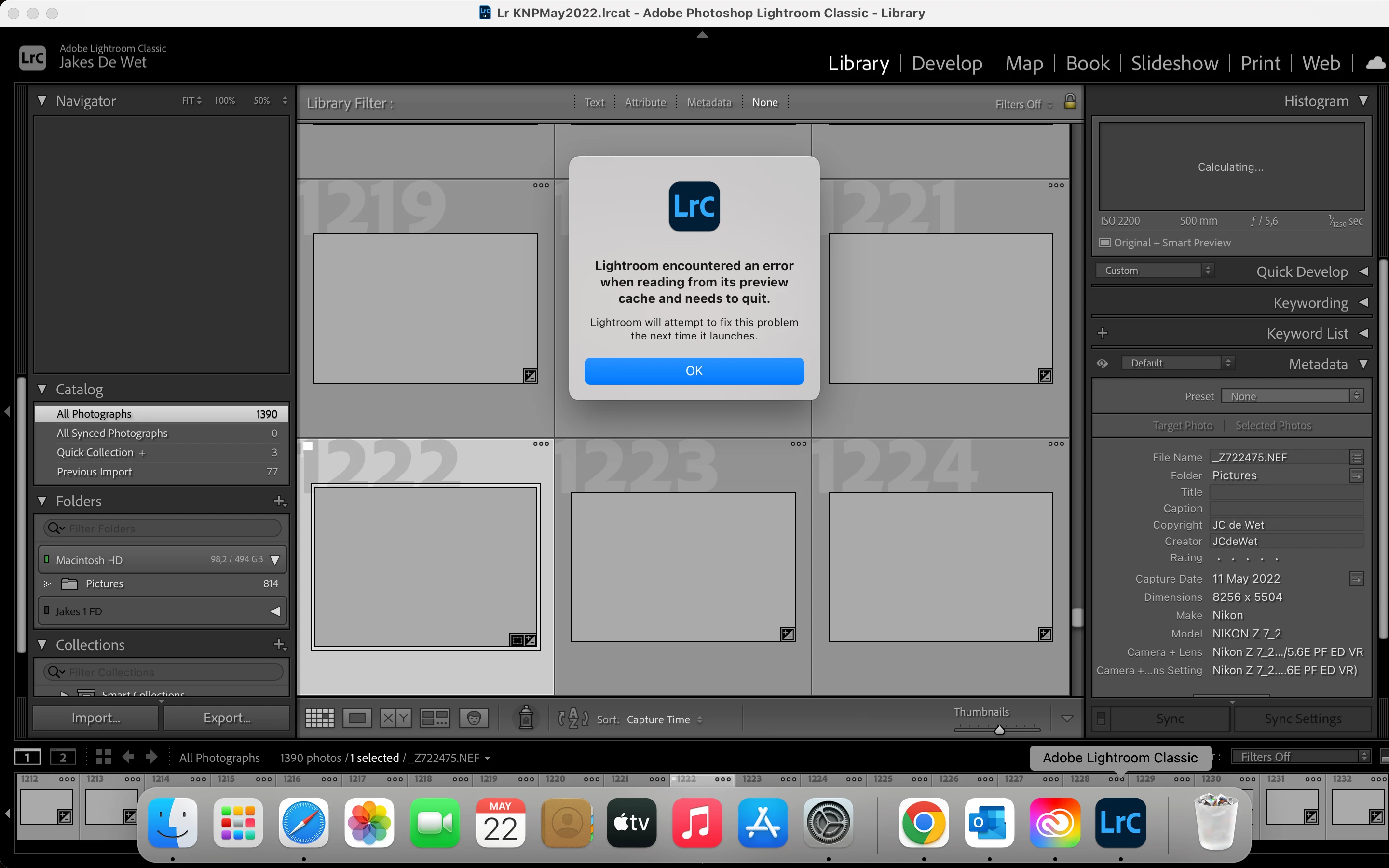
I get this message when I open LrC 12.4 on my MacBook Air M1
  • May 22, 2022
  • 1 reply
  • 246 views

 I have reinstalled LrC and restarted the computer several times. Please assist.

[Moved to discussions, Mod.]

This topic has been closed for replies.

1 reply

Jim Wilde
Community Expert
Community Expert
May 22, 2022

As the message implies, your Preview cache is likely corrupt. The simplest course of action is to delete it, after which LrC will rebuild it automatically as images are brought into view on the screen....or you can maually rebuild previews for all images by using the Library>Previews>Build Standard-Sized Previews, which shouldn't take very long with only 1390 previews to build.


Just be careful when deleting the existing previews cache to ensure you ONLY delete the Previews cache....you will find it inside the folder which contains the catalog file (which ends with .lrcat), the previews cache will have the same name as the catalog but will end with ".....Previews.lrdata", i.e. "your catalog name Previews.lrdata". So delete ONLY the ".lrdata" package.

johnrellis
Legend
May 22, 2022

To build on Jim's response, here's a Help article about how to delete the cache:

https://helpx.adobe.com/lightroom-classic/kb/lightroom-gives-error-preview-cache.html 

johnrellis
Legend
May 22, 2022

There's been a rash of corrupted preview caches just in the last few days!  Another issue with LR 11.3 / 11.3.1?