

Question
Image look varies from Lightroom & Finder to Dropbox & Drive
Hi all,
I'm not sure where I should be asking this, as it doesn't seem to be specific to a single product. Do you know why the following happens?
1. Process photos in Lightroom
2. Export them as jpg, which still look good in Finder
3. Upload to Dropbox or Google Drive
Result: Images in Dropbox ands Drive look dull, not at all like the jpg in Finder.
Where can I upload my images and make sure that they'll look as I wanted them to look? Do you have any experience with iCloud?
My goal today is to share these images with other people. (And I also want to be able to upload my processed images just to store them in the cloud, so I must ensure they are what I want them to be)
Thanks so much in advance!
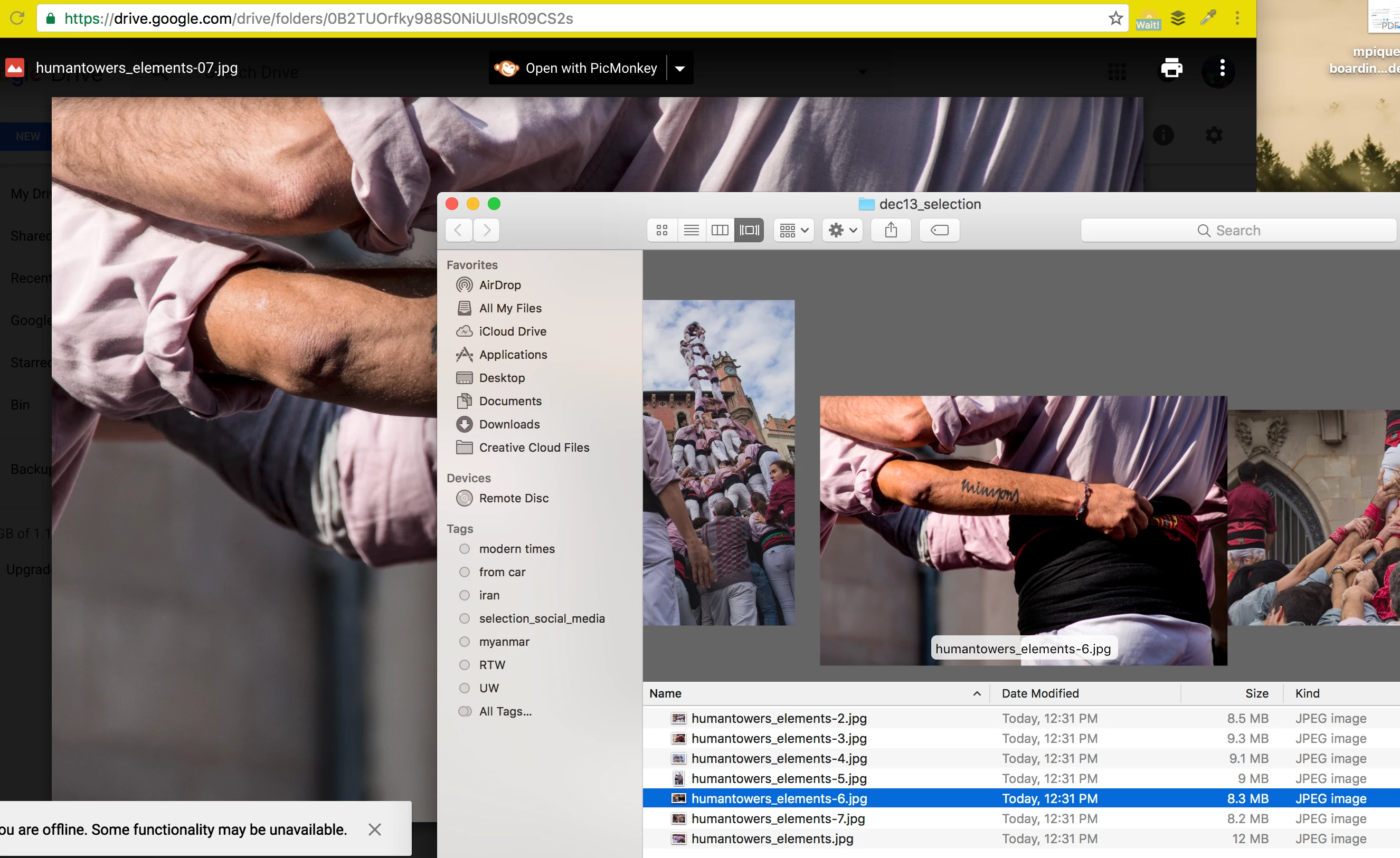
Note the difference in color, tone, vibrance...
 AdChoices