

Question
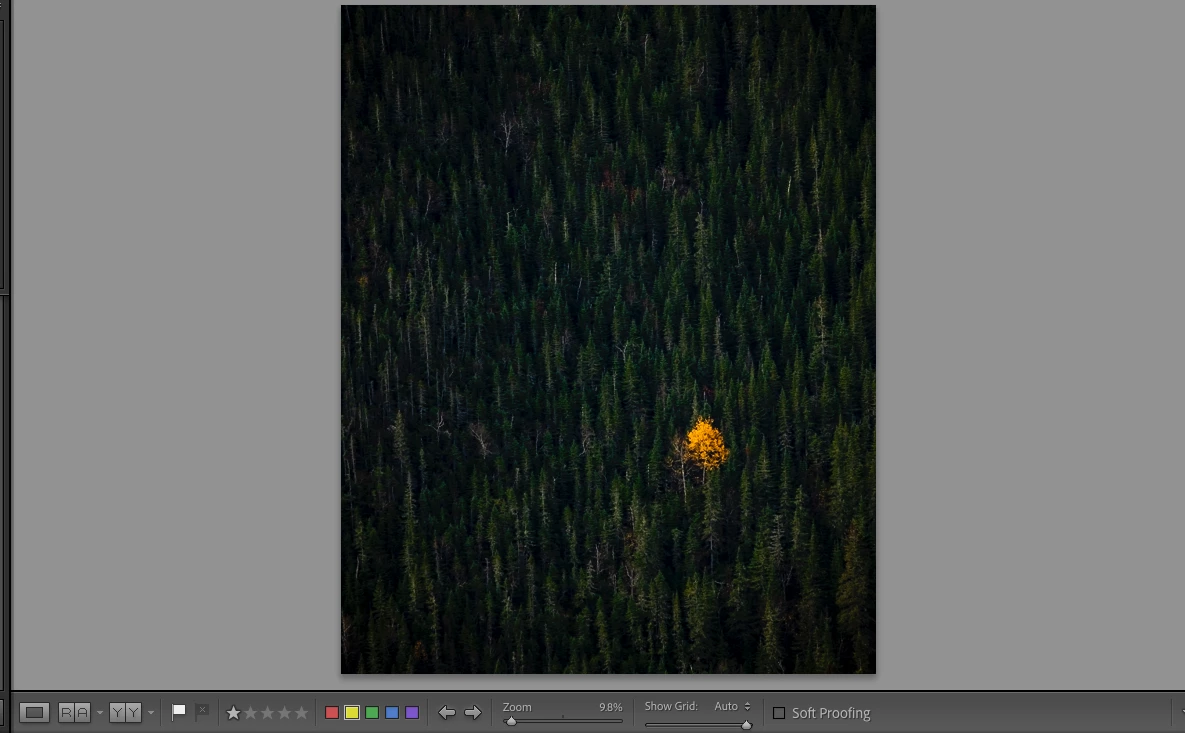
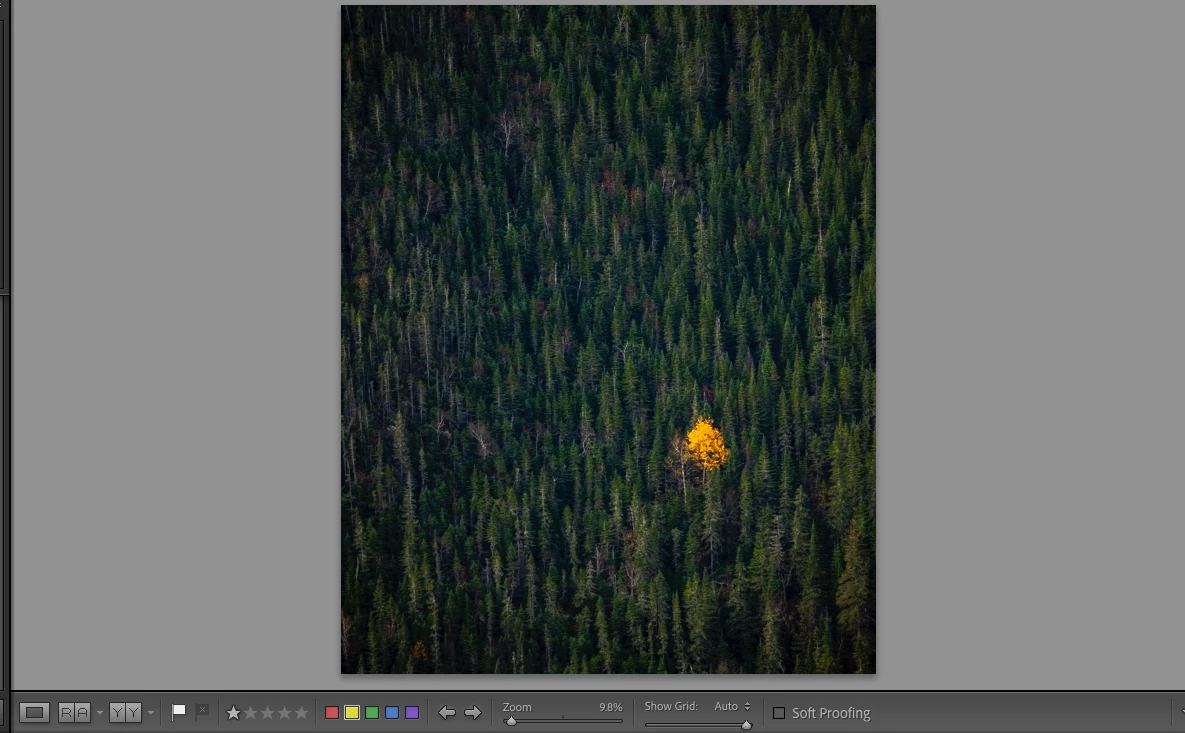
Image preview showing too dark/too much contrast until loaded at 100%
I am having an issue where some images are showing much more contrast than the actual edit until I zoom to 100%, let it load, and zoom back out. Image also appears dark in thumbnail and navigator until "fixed". After "fix" the photo shows up properly in the library tab, but needs to be re-done in the develop tab every time I move to another tab or image and back.
Canon EOS R5 RAW files with Lightroom Classic Version 10.0
Photo 1 is how the image is previewed originally. Photo 2 is how the image is previewed after zooming to 100% waiting for it to load, and then zooming back out. (photo 2 is accurate to how the image looks after export)
 AdChoices