
Images are small when trying to edit in Dev (LRC)
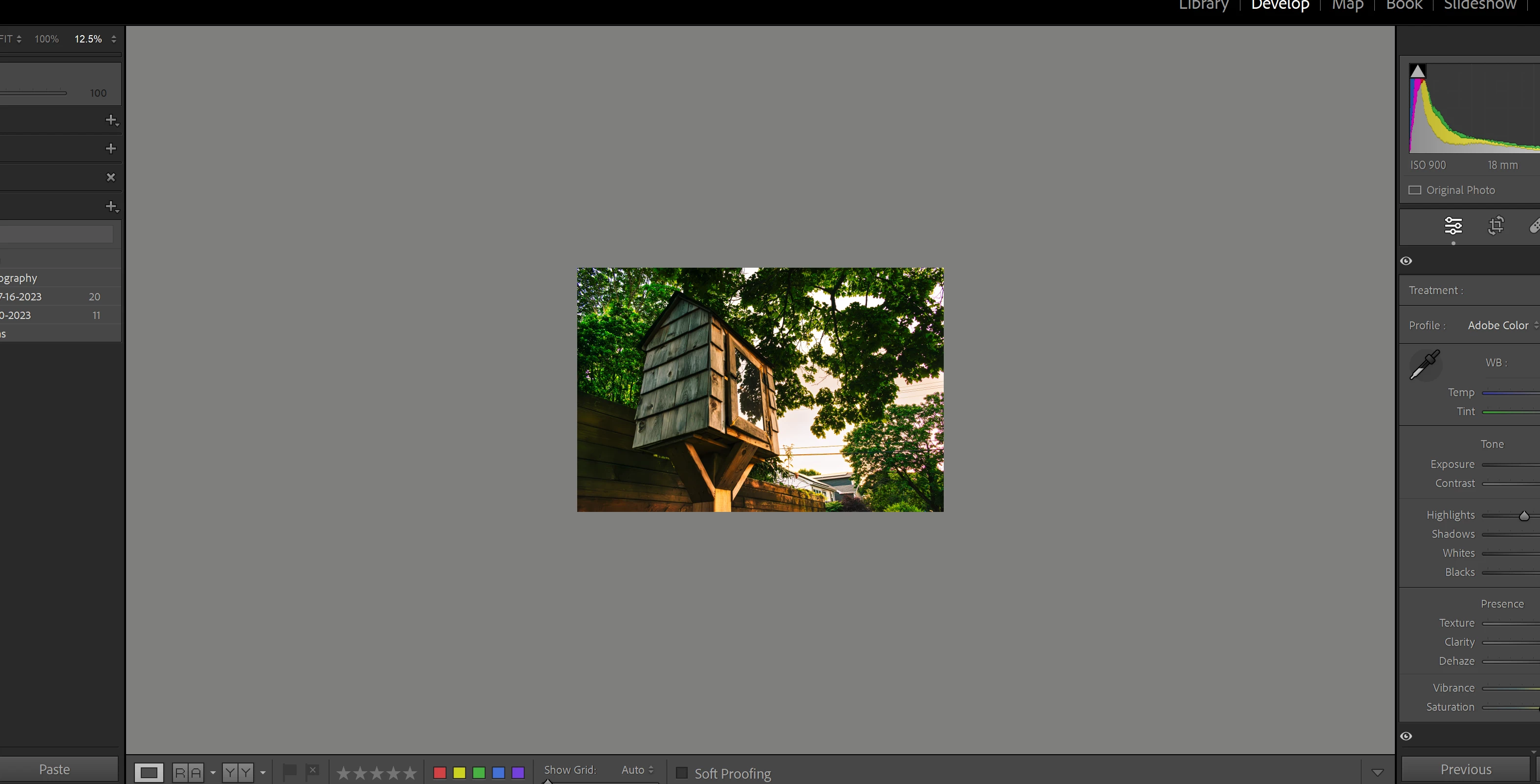
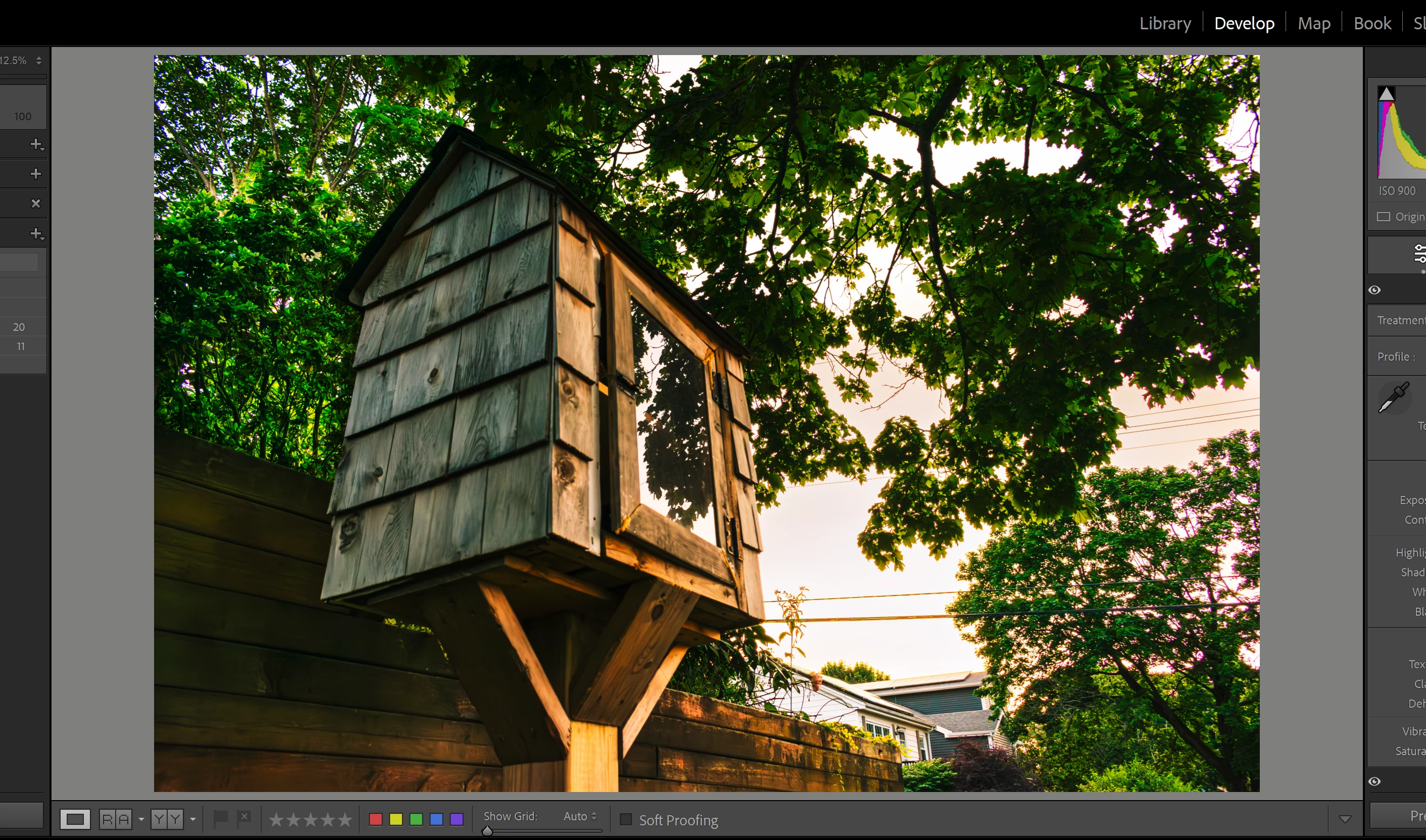
I am having an issue where I was clicking on my aspect and when I finished adjusting it, the images that would usually open to a large image when I edit and allow me to zoom in a lot closer are now appearing as a small image, even when I export. I have reset my aspect to the original but it has not helped. Here is an image that I hope helps explain my issue. Usually, my image is larger like in the 2nd image (but in this image, it is zoomed in and won't allow me to zoom in more as when I click to zoom in with my mouse it will now zoom out, not in). Sorry, I am new and I did browse the forums but couldn't find this specific issue. I appreciate any help.
1. How my image appears zoomed out after adjusting aspect.
2. How the image used to appear zoomed out before I adjusted the aspect.
 AdChoices